

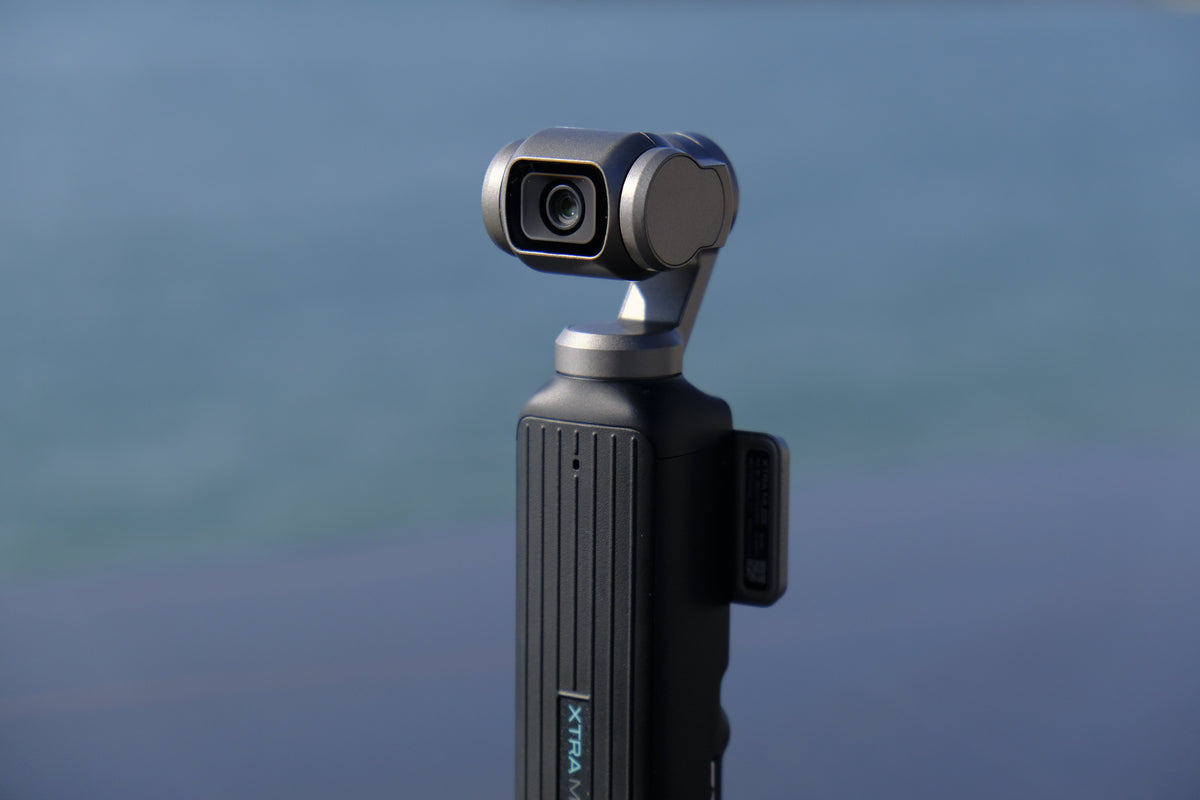
What Is a Gimbal Camera?
A gimbal camera is a camera with a built-in mechanical stabilization system that uses motorized axes to keep the lens steady during movement. Unlike electronic image stabilization (EIS) which crops and digitally processes your footage, a gimbal physically moves the camera to compensate for shake — preserving full resolution and delivering genuinely smooth video.
Think of it as having a tiny robot cameraman inside your camera that constantly adjusts to keep your shot steady, no matter how much you're moving.
How Does a Gimbal Camera Work?
A gimbal camera uses a system of three motorized axes — pan, tilt, and roll — mounted inside the camera body. Sensors detect movement hundreds of times per second, and the motors make micro-adjustments to keep the camera level and steady. This mechanical stabilization is fundamentally different from the digital stabilization used in smartphones and most action cameras.
3-Axis Stabilization Explained:
- Pan (Yaw): Controls left-right rotation. Prevents wobbly horizontal movement when walking or turning.
- Tilt (Pitch): Controls up-down rotation. Keeps your horizon level when walking up or down hills.
- Roll: Controls side-to-side tilt. Prevents the dutch-angle effect that makes footage look tilted.
When all three axes work together, the camera effectively "floats" inside the device, isolated from your hand movements. The result is footage that looks like it was shot with a camera on rails, even when you're walking, running, or climbing stairs.
Mechanical Gimbal vs Electronic Stabilization: The Difference That Matters
This is the most important distinction in camera stabilization, and it directly affects your footage quality.
| Aspect | Mechanical Gimbal | Electronic (EIS) |
|---|---|---|
| How it works | Physically moves the camera | Digitally crops and shifts frames |
| Resolution impact | Full resolution preserved | Crops 10-20% of frame |
| Artifact risk | None | Jello effect, warping |
| Smoothness | Cinema-quality | Good but noticeably less smooth |
| Low-light performance | Excellent | Introduces noise in low light |
The bottom line: if you care about smooth, professional-looking footage, a mechanical gimbal is in a different league than electronic stabilization.
5 Use Cases Where a Gimbal Camera Beats Every Other Option
1. Travel Vlogging
Walking through narrow European streets, bustling Asian markets, or rugged hiking trails — a gimbal camera delivers smooth, professional walking shots that make your travel content look like a documentary. The Xtra Muse with its 1-inch sensor and mechanical gimbal is specifically designed for this.
2. Solo Content Creation
If you create content alone, a gimbal camera with smart tracking is a game-changer. Mount it on a tripod, activate tracking, and step into the frame. The camera follows you automatically, keeping you perfectly centered. No camera operator needed.
3. Wedding and Event Videography
Wedding videographers use gimbal cameras for smooth ceremony footage, reception dancing, and intimate behind-the-scenes moments. The compact size allows angles that would be impossible with a full cinema rig.
4. Social Media Content (TikTok, Reels, Shorts)
Gimbal cameras with vertical shooting mode capture natively in 9:16 format for social media, with smooth stabilization that makes your content stand out from the shaky smartphone footage that dominates these platforms.
5. Live Streaming
Gimbal-stabilized live streaming delivers a noticeably higher production value than webcam or smartphone streams. The smooth, steady footage looks professional even when you're moving around.
Gimbal Camera vs Action Camera vs Smartphone: Which Is Right for You?
- Choose a gimbal camera if: You shoot a lot of handheld video, create vlogs or social content, need smooth footage, and want professional-looking results without post-production stabilization.
- Choose an action camera if: You need extreme durability, waterproofing beyond 33ft, mounting on helmets/bikes/surfboards, or shooting in extreme conditions. Consider the Xtra Edge Pro.
- Choose a wearable camera if: You want true hands-free POV capture without holding anything. Consider the Xtra ATTO.
- Stick with your smartphone if: You only shoot occasional clips and don't care about professional smoothness or low-light quality.
Key Specs to Look For in a Gimbal Camera
- Sensor size: 1-inch is the gold standard. Larger sensors capture more light and deliver better image quality. The Xtra Muse uses a 1-inch CMOS sensor.
- Axis count: 3-axis is essential. 2-axis gimbals don't stabilize roll, resulting in tilted footage.
- Video resolution: 4K minimum, ideally 4K/120fps for slow-motion capability.
- Color depth: 10-bit support (like X-Log) gives you professional color grading flexibility.
- Smart tracking: AI-powered subject tracking is invaluable for solo creators.
- Portability: A gimbal camera should fit in your pocket — otherwise you won't carry it.
The Best Gimbal Camera in 2026: Xtra Muse
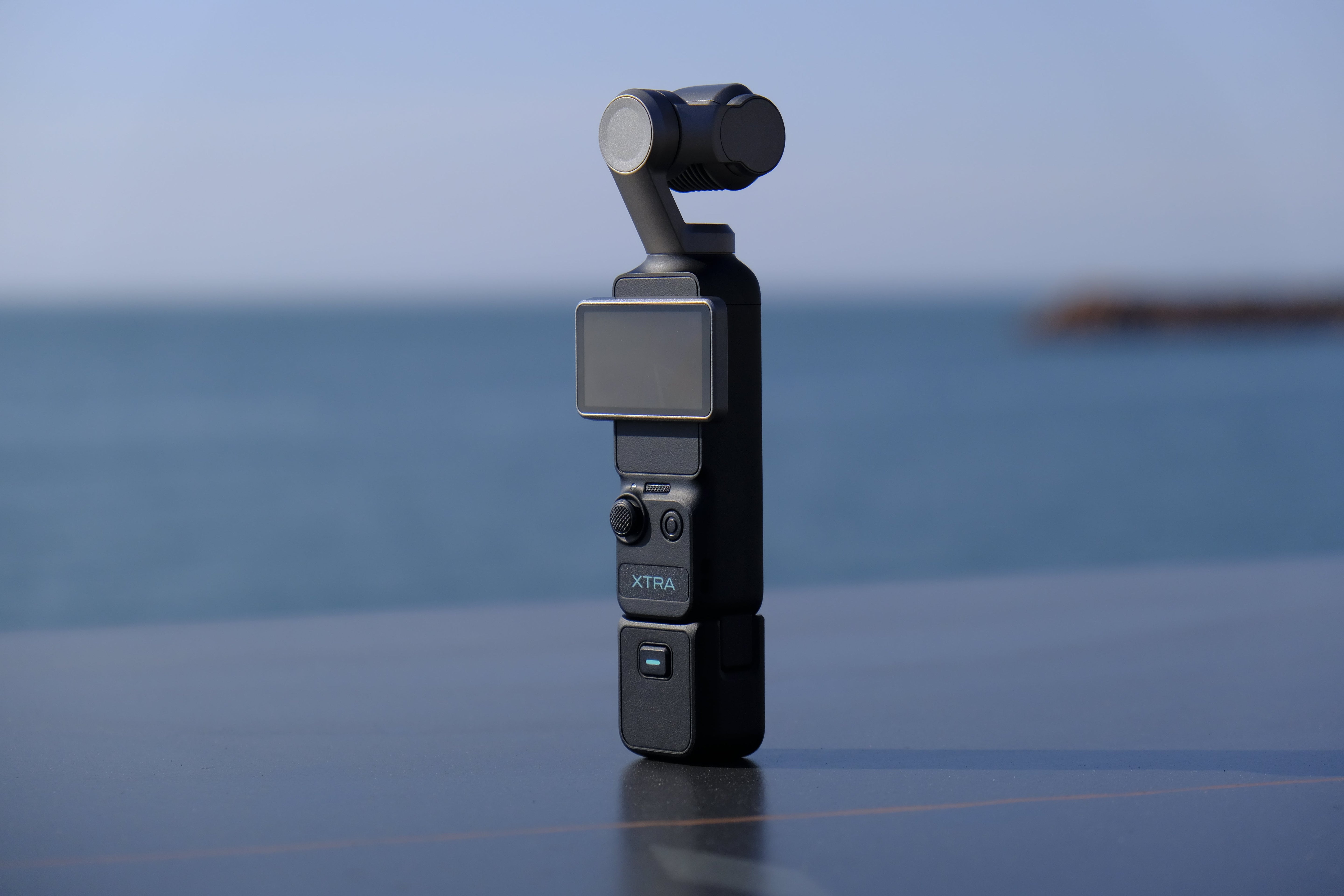
The Xtra Muse combines a 1-inch CMOS sensor, true 3-axis mechanical gimbal, 4K/120fps recording, Master Follow AI tracking, 10-bit X-Log color, and native vertical shooting in a pocket-sized body that's smaller than most smartphones. At $329, it offers comparable specs to the DJI Pocket 3 ($519) for $70 less.
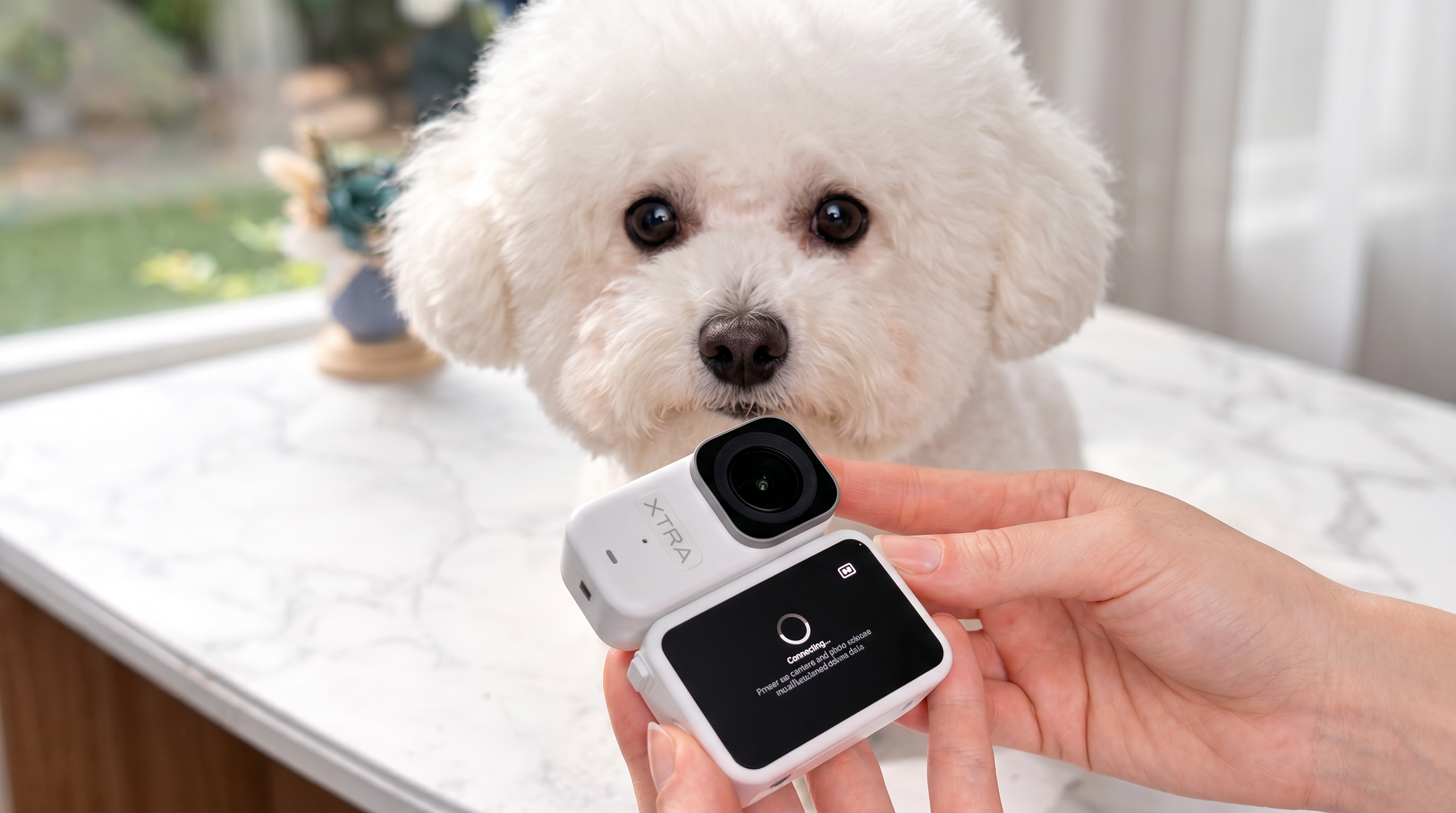
Also consider: Xtra ATTO ($299) — a wearable POV camera for hands-free capture.

Leave a comment
This site is protected by hCaptcha and the hCaptcha Privacy Policy and Terms of Service apply.