
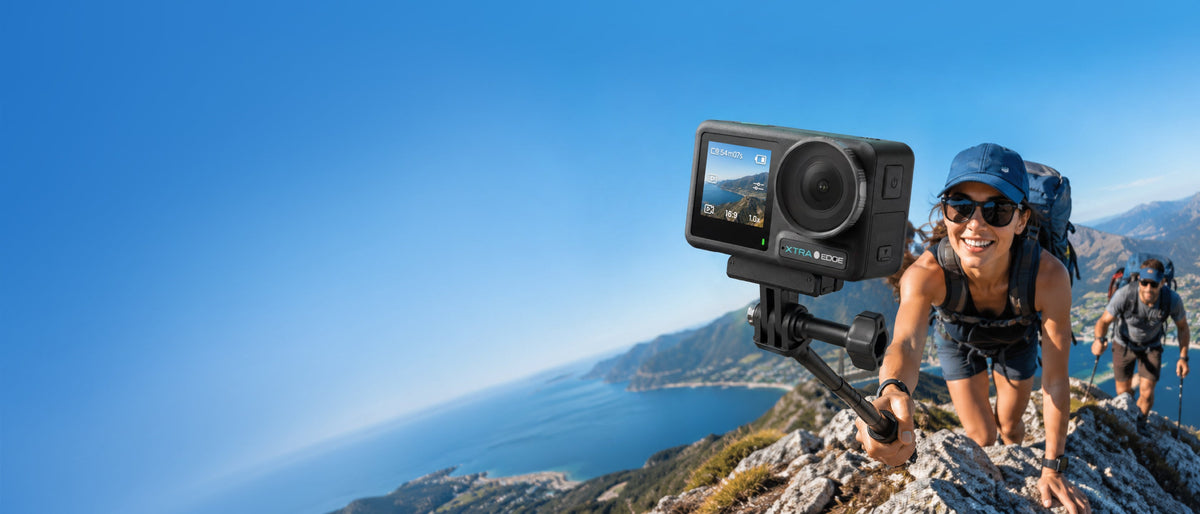
The best action camera is not simply the one with the highest resolution or the longest battery claim. Outdoor creators need a camera that matches the way they shoot: direct POV, handheld travel clips, water, low light, fast motion, short-form vertical video, or multi-camera editing.
Start with the finished video you want to make, then compare the sensor, stabilization modes, low-light behavior, waterproofing, mounts, audio, storage, battery conditions, and editing workflow. XTRA Edge Pro is one option to evaluate in that process, not a universal winner for every creator or every type of outdoor camera.
The Best Camera Depends on the Creator Workflow
A skier, a trail runner, a travel filmmaker, and a creator making daily vertical clips can all ask for the best action camera and need different answers. A direct-framing camera is usually simplest when you know where the lens should point. A 360 camera can be more useful when reframing after capture is the main priority. A wearable camera may win when weight and hands-free capture matter more than a large sensor.
- Choose the subject and movement you need to keep visible, not just the resolution you want to advertise.
- Decide whether you will edit color, stabilize in post, crop for vertical platforms, or publish clips with minimal editing.
- Include mounts, cards, spare batteries, microphones, and a way to back up files in the total kit decision.
Compare the Sensor and the Whole Motion Pipeline
Sensor size affects how much light reaches the image and how much flexibility you have in difficult conditions, but it is not a guarantee of a finished look. Also compare the frame rates, field of view, stabilization, sharpening, exposure behavior, and file format that work together in the mode you will actually use.
Edge Pro uses a 1/1.3-inch CMOS sensor, records standard video up to 4K/60, and lists slow-motion capture up to 4K/120 and 1080p/240. Its 155-degree field of view can help keep a moving subject and surroundings in frame, but a very wide view can make distant subjects appear small. Use the angle that matches the story rather than choosing wide by default.
For creators who grade footage, Edge Pro also lists 10-bit Normal, X-Log, and HLG recording. The useful question is whether your editor and delivery workflow can take advantage of that flexibility. A more demanding file is not automatically better if it slows down the workflow or goes unused.
Stabilization Means More Than a Feature Name
Action-camera stabilization should be compared at the resolution, frame rate, aspect ratio, and field of view you plan to publish. Electronic stabilization may crop the frame. Horizon or tilt correction can make a POV clip easier to watch, but it may be limited to certain modes.
Edge Pro lists MotionMaster, TiltGuard, and 360 Lock. The current product notes specify that 360 Lock works only at 1080p and 2.7K up to 60fps in 16:9, while TiltGuard supports 1080p, 2.7K, and 4K up to 60fps in 16:9. Treat these as mode-specific tools and verify the current manual before writing a settings guide.

Low Light Is a Separate Buying Decision
A camera that looks strong in midday sun may struggle after sunset. Compare the sensor, exposure controls, motion blur, stabilization, and the camera’s low-light mode as separate questions. Night scenes also expose the limits of small screens and wide lenses, so a short test clip is more useful than a marketing adjective.
Edge Pro includes Night View, a dedicated low-light video mode. It is not infrared night vision. The current product notes also limit Night View to 8-bit color and exclude TiltGuard, 360 Lock, the 155-degree field of view, and 4:3 capture. Those limits should be visible in any recommendation involving evening rides, campouts, or night sports.
Water, Weather, and Mounting Change the Real Value
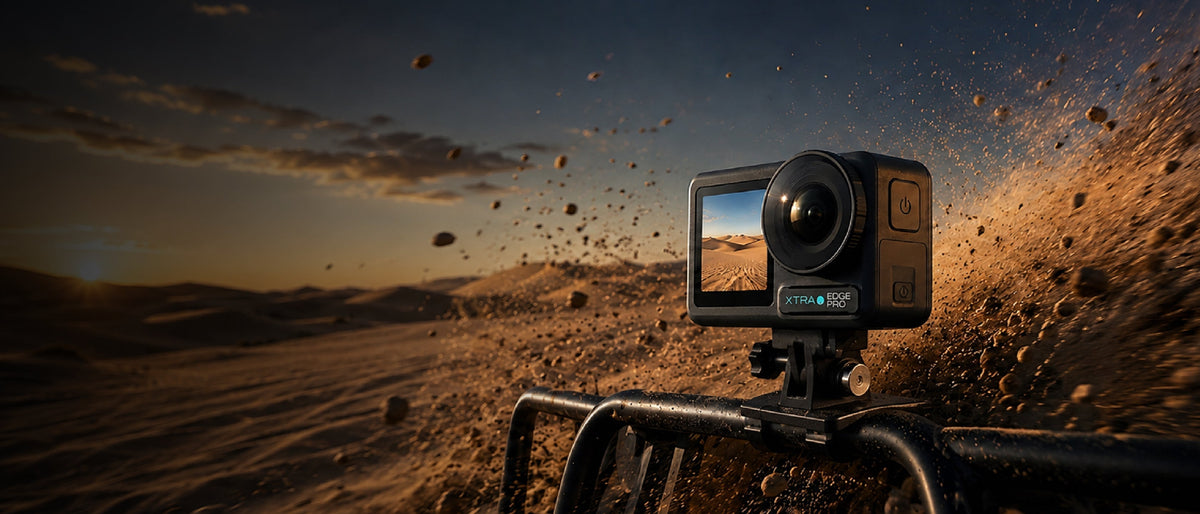
Outdoor creators should compare not only whether a camera is waterproof, but what has to be closed, how it is secured, and what happens after a wet or dusty session. Edge Pro is rated for bare-camera use to 65 feet / 20 meters with the battery door, USB-C cover, and lens protector secured. For prolonged underwater shooting or strong water pressure, the manufacturer recommends a waterproof case.
Mounting can matter more than a small difference in resolution. Look for a low-profile attachment that holds the camera at the angle you need, a quick way to change positions, and a tether or backup plan for activities where a dropped camera could be lost. Edge Pro lists a magnetic quick mount and dual OLED touchscreens, which are useful features to assess for quick framing and angle changes.
Battery, Storage, Audio, and Editing Belong in the Same Comparison
Battery claims need their test condition. The current XTRA store listing advertises up to 240 minutes and documents a 1080p/24 test with MotionMaster, Wi-Fi off, and the screen off; it also notes that battery life varies. Do not use that figure as a 4K/60 guarantee. For cold-weather work, a cold-resistant battery and a warm storage plan are part of the usable system.
Edge Pro lists 45 GB of built-in storage and microSD support up to 1 TB, with U3, A2, V30 or higher cards recommended. It also lists a three-microphone array, wind-noise reduction, third-party microphone support through a 3.5 mm to USB-C cable, app transfer, OTG file transfer, and timecode. These features matter when you are producing, not merely collecting, footage.
| Creator decision | What to compare |
|---|---|
| Image quality | Sensor, exposure, field of view, frame rates, color profiles, and the modes that combine those features. |
| Motion and stability | Stabilization crop, horizon limits, available resolutions, aspect ratio, and the exact settings you will publish. |
| Low light | Noise, motion blur, low-light mode limits, and whether the camera needs a slower or more deliberate shooting style. |
| Outdoor durability | Bare-camera waterproof rating, sealed doors, housing options, mount security, and aftercare. |
| Creator workflow | Screens, audio input, storage, battery conditions, app or file transfer, vertical capture, and editing compatibility. |
Where XTRA Edge Pro Fits
XTRA Edge Pro is an XTRA product. This article uses manufacturer specifications and current store listings and does not present an independent laboratory test.
Edge Pro is worth considering when your outdoor workflow benefits from a larger action-camera sensor, direct framing, 4K/60 capture, high-frame-rate options, color flexibility, built-in storage, dual screens, and fast mounting. It is less suitable to describe it as the automatic best choice when the deciding requirement is a different form factor, extreme low-light performance, or a workflow built around reframing 360 footage.
A useful review should state those boundaries. Compare the complete kit, the modes you can use together, the evidence available, and the time you have to edit. That approach is more reliable than selecting a winner from a specification grid.
A Practical Buying Checklist
- Write down the three scenes you will film most often and the light, weather, and movement in each.
- Select the stabilization and frame-rate combination you will actually use, then confirm its limits in the manual.
- Price the whole kit: mounts, cards, spare batteries, housing, microphone, and charging plan.
- Record a short sample in the hardest condition before buying into a full workflow.
- Choose the camera whose files, controls, and transfer process you will still use after the excitement of the trip.
Choose the Camera That Fits the Work
The best action camera for an outdoor creator is the one that solves the hardest recurring problem in the workflow. Compare the sensor and motion pipeline, stabilization limits, low-light behavior, outdoor protection, mounting, audio, storage, battery conditions, and editing path before you compare brand slogans.
Explore XTRA Edge Pro: https://store.xtra-us.com/products/xtra-edge-pro
Explore cameras and kits
Explore XTRA EDGE. Compare EDGE and EDGE PRO action cameras.

Leave a comment
This site is protected by hCaptcha and the hCaptcha Privacy Policy and Terms of Service apply.