

Quick Answer
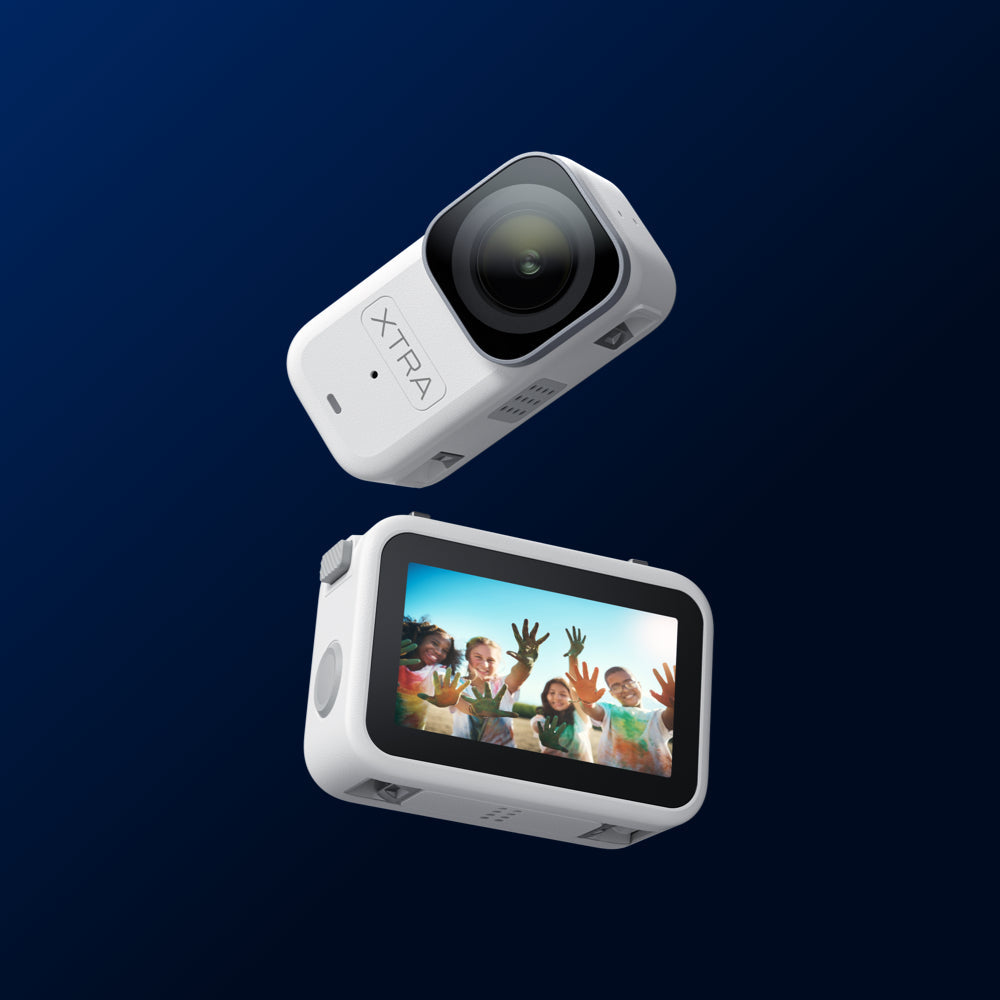
A practical XTRA MUSE vlogging camera kit starts with suitable microSD storage and protection. A tripod and external microphone are optional additions based on your content. Compare bundle contents carefully, and confirm exact microphone compatibility before purchase because official XTRA pages currently differ on direct Bluetooth audio support.
Storage Comes Before Extra Accessories
Do not assume a camera-only box contains everything needed for your first recording.
MUSE uses microSD storage, and the official product page lists support for cards up to 512GB. Choose a high-performance card from the manufacturer’s recommendations, checking the exact model rather than capacity alone.
A large card is not automatically a fast card. Recording reliability also depends on the card’s performance, format, and shooting settings.
Before an important outing, prepare the card according to the camera’s instructions, record a test, and play it back. Back up clips before formatting or reusing storage.
A storage bundle can simplify shopping, but confirm the card brand, model, capacity, and recording suitability.
Which Microphones Connect Directly via Bluetooth?
According to the XTRA Products Microphone Compatibility Chart, XTRA MUSE supports direct Bluetooth microphone connection with DJI Mic 2, DJI Mic Mini and DJI Mic 3. These models are also listed as supporting USB-C connection.
Direct Bluetooth pairing allows a supported transmitter to connect without a separate receiver attached to the camera.
Which Microphone Systems Support USB-C Connection?
The compatibility chart lists the following microphone systems for USB-C connection with XTRA MUSE:
- DJI: DJI Mic, DJI Mic 2, DJI Mic Mini and DJI Mic 3.
- RØDE: Wireless GO II, Wireless GO III and Wireless Micro.
- Sony: ECM-W3.
- Hollyland: Lark Max 2, Lark M2 and Lark M2S.
For USB-C audio, use the appropriate receiver and compatible digital-audio cable or USB-C adapter required by the microphone system. A transmitter’s charging port should not be assumed to provide camera-compatible audio.
Check Your Exact Setup Before Filming
Confirm the microphone model, receiver version, required adapter and applicable firmware before buying. Record a short test with your intended connection, then review the saved clip for clear speech, background noise and dropouts before an important shoot.
Buying Verdict
The best-value kit is the smallest kit that reliably records your intended content. Prioritize storage, then solve a demonstrated framing or audio problem.
Search “XTRA MUSE vlogging camera” and inspect the current official bundle contents before ordering.
FAQ
Does XTRA MUSE use microSD cards?
Yes. The official page lists microSD support up to 512GB and recommends high-performance card models.
Does XTRA MUSE have built-in storage, and which microSD cards are recommended?
No. XTRA MUSE has no built-in storage. You must provide a compatible microSD card to record and save videos. Prepare your card before your first shoot.
Recommended microSD cards include:
- SanDisk Extreme Pro 32GB V30 A1 UHS-I Speed Grade 3
- Kingston Canvas Go! Plus 64GB UHS-I Speed Grade 3
- Kingston Canvas Go! Plus 128GB UHS-I Speed Grade 3
- Kingston Canvas React Plus 64GB UHS-II Speed Grade 3
- Kingston Canvas React Plus 128GB UHS-II Speed Grade 3
- Kingston Canvas React Plus 256GB UHS-II Speed Grade 3
- Lexar Pro 256GB SDXC UHS-I V30 R160/W120 (1066x)
- Lexar Pro 512GB SDXC UHS-I V30 R160/W120 (1066x)
Match the listed model and capacity when buying. Storage capacity alone does not establish compatibility. Back up existing files before formatting your card.
👉 [Get the XTRA MUSE 4K Pocket Gimbal with Limited-Time Creator Bundles]

Leave a comment
This site is protected by hCaptcha and the hCaptcha Privacy Policy and Terms of Service apply.