

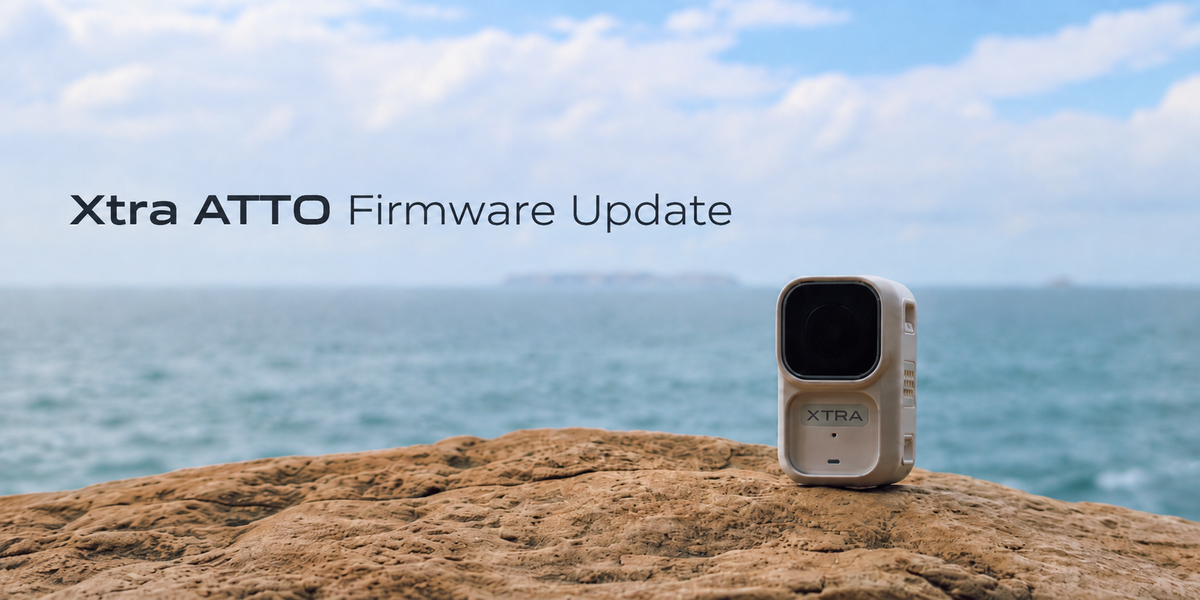
Xtra ATTO continues to evolve through firmware updates.
In August 2026, we introduced a new ATTO firmware update focused on low-light shooting, stabilization, creative tools, vertical video, playback, and more flexible creator workflows.
Rather than changing the camera you already own, the update gives you more ways to use it.
Here are the key additions.
1. New Night View Mode
The update adds Night View Mode, designed for low-light environments such as dusk, nighttime streets, evening walks, and other darker scenes.
When enabled, Night View Mode is designed to deliver clearer and cleaner footage in low-light conditions.
This gives ATTO users another dedicated option for shooting beyond bright daytime environments.
2. Nature Wide FOV and Horizon Correction
Two new tools give creators more control over framing and movement.
Nature wide FOV maintains a wide perspective while reducing visible image distortion, making it useful for travel, outdoor scenes, architecture, and everyday POV footage.
The update also adds Horizon Correction in Video mode.
When enabled, it automatically corrects shakes within approximately ±15°, helping keep footage level with the horizon.
These additions complement ATTO's existing MotionMaster stabilization and give creators more flexibility when shooting on the move.
3. New Video Filters for More Creative Looks
The firmware update also introduces multiple filters in photo and video modes.
Creators can apply filters directly through the image settings and experiment with different looks while shooting.
We have already seen creators start exploring the new feature.
One YouTube creator recently tested the new ATTO filters and shared his experience:
We encourage ATTO users to try the filters across different situations—travel, outdoor footage, city walks, pets, or everyday vlogging— and find the look that fits their own style.
There is no single “best” filter. The point is to give creators more ways to make their footage feel personal.
4. Native 9:16 Video
ATTO now supports setting a 9:16 aspect ratio directly in Video mode.
For creators shooting for TikTok, Instagram Reels, YouTube Shorts, or other vertical platforms, this makes it easier to compose vertically from the beginning rather than relying only on cropping later.
5. More Flexible Playback and Wireless-Mic Workflows
The update also improves how the camera and image transmission module work when used separately.
Users can now:
-
View playback while the camera and image transmission module are separated
-
Continue viewing the live image through the module when a wireless microphone is connected
-
Review Slow-Motion videos during in-camera playback
These changes make it easier to frame, review, and manage footage when ATTO is worn or positioned away from the creator.
Everything Added in the August Update
The full update includes:
-
Night View Mode
-
Playback when camera and image transmission module are used separately
-
Live view while using a wireless microphone
-
Nature wide FOV
-
Horizon Correction
-
New Photo and Video filters
-
Slow-Motion video playback
-
Native 9:16 Video mode
-
Fixes for known issues
ATTO Keeps Evolving
Camera hardware matters, but the experience should not stop improving after purchase.
The August update expands how ATTO can be used for low-light shooting, stabilization, vlogging, vertical content, wireless audio, and creative filming.
If you already own an ATTO, we especially recommend trying Night View, Nature wide FOV, Horizon Correction, the new filters, and 9:16 Video mode.
And if you find a filter or shooting setup that works particularly well, share it—we would love to see how you are using the newest ATTO features.


Leave a comment
This site is protected by hCaptcha and the hCaptcha Privacy Policy and Terms of Service apply.