

For high-resolution video, the real storage question is not simply "internal or card?" It is "what keeps this shoot moving?" Built-in storage removes the risk of a missing card. A fast microSD card adds expandable capacity. The strongest workflow uses the right recording medium for the session, then copies important footage somewhere else.
Here is the current product reality: XTRA 360 has 105GB of built-in storage and supports microSD expansion. XTRA Edge Pro supports microSD cards up to 1TB, with U3, A2, V30 or faster cards recommended. Neither recording medium is a backup by itself.
Choose a Storage Strategy in 30 Seconds
| Shoot | Best fit | Why |
|---|---|---|
| Unplanned or short clip | XTRA 360 built-in storage | Ready to record without first finding a card. |
| Long 4K ride or repeated action clips | XTRA Edge Pro + recommended microSD | Expandable capacity for a card-based action-camera workflow. |
| High-volume 8K 360 session | XTRA 360 internal + microSD expansion | More working space for large spherical masters. |
| Irreplaceable footage | Either camera + two verified copies | Recording media can fail, be lost, or be erased. |
Why High-Resolution Video Needs a Deliberate Plan
Resolution is only one part of file size. Frame rate, codec, bit rate, color mode, stabilization, audio, and scene complexity all change how quickly storage fills. That is why a single "minutes per gigabyte" promise is rarely useful unless the exact mode and test conditions are stated.
The pressure is especially visible with 360 video. The camera keeps a spherical master containing every direction, even though the final 16:9 or 9:16 export shows only part of the scene. That creative freedom is valuable, but it makes the original file worth preserving and offloading carefully.
- Capacity answers how much footage can fit before an offload.
- Sustained write performance determines whether the selected recording mode can keep writing reliably.
- Headroom matters: begin important sessions with free space instead of planning to fill every available gigabyte.
How XTRA 360 and XTRA Edge Pro Fit Different Workflows
XTRA 360: ready-to-record 8K working space
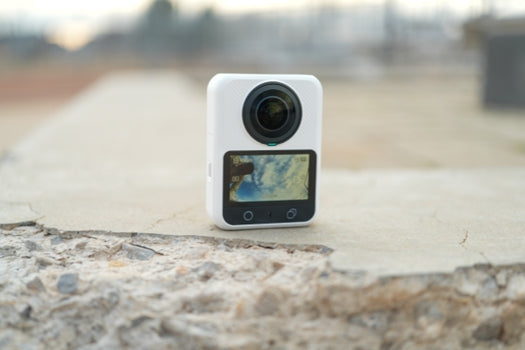
XTRA 360 records 8K/30fps panoramic video and provides 105GB of built-in storage. That combination suits a capture-first workflow: record the full scene, preserve the spherical master, and choose the viewpoint later. Built-in space also means a forgotten card does not have to end a short shoot. For long trips or high-volume production, add compatible microSD capacity and schedule regular offloads.
XTRA Edge Pro: expandable storage for 4K action sessions
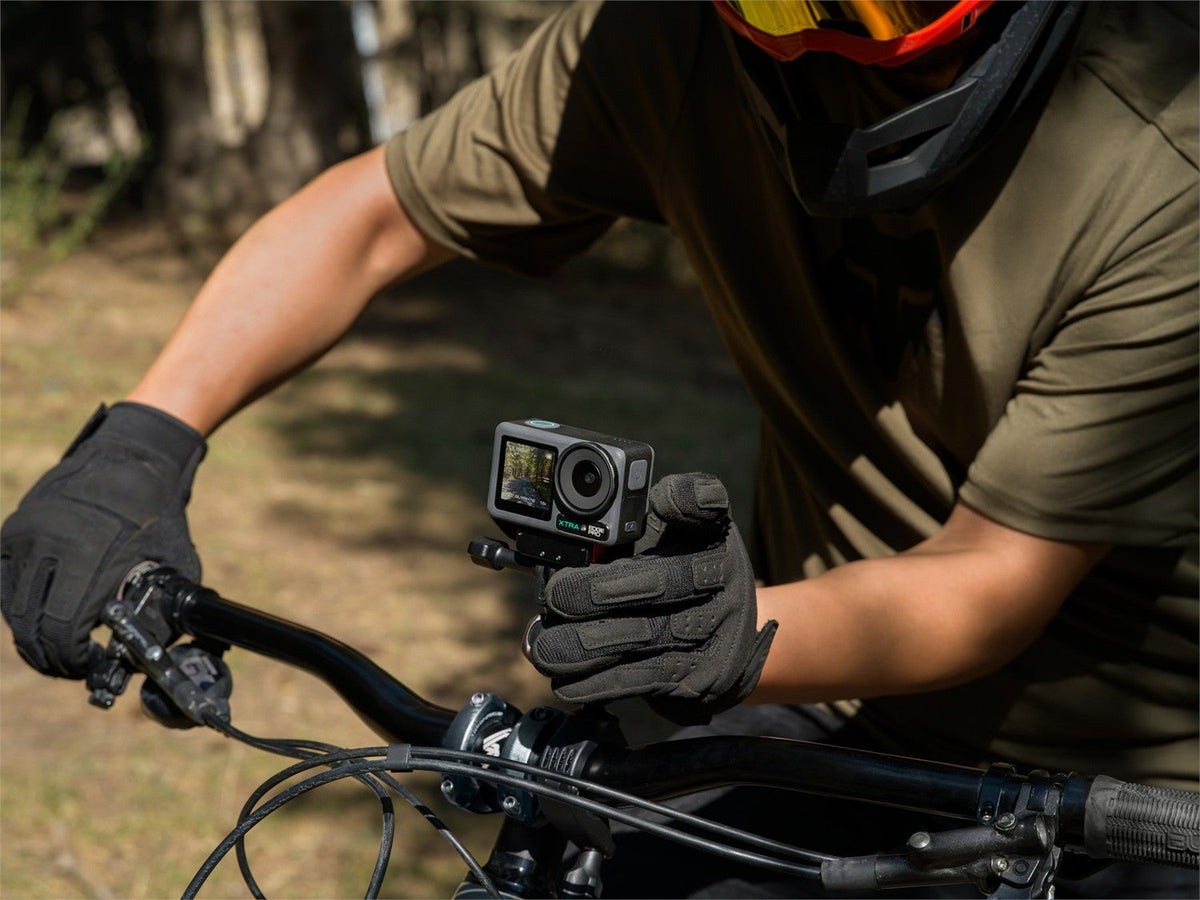
XTRA Edge Pro records 4K action footage and uses an expandable microSD workflow. The current product guidance supports cards up to 1TB and recommends U3, A2, V30 or faster media. That makes the camera well suited to longer rides and repeated high-frame-rate clips, provided the card is recognized, formatted, and fast enough for the chosen mode.

XTRA Edge Pro supports expandable microSD storage for longer 4K action sessions.
A Five-Step Storage Routine
- Check before leaving. Confirm free space, the active storage destination, card recognition, battery level, and the intended recording mode.
- Prepare compatible media. Follow the current manual and product-page guidance, then format the card in the camera when appropriate.
- Match storage to the session. Use XTRA 360 built-in space for immediate readiness; add expansion for long 8K shoots. For Edge Pro, size the microSD card for the planned 4K workload.
- Offload after each meaningful shoot. Copy the original files, open several clips, and organize them by date or project before deleting anything.
- Keep two verified copies. Do not treat a camera or removable card as an archive. For irreplaceable footage, keep copies on separate devices or drives.

Review remaining capacity and the selected recording mode before the camera is mounted out of reach.
Frequently Asked Questions
Can a camera record without an SD card?
XTRA 360 can record to its available built-in storage. XTRA Edge Pro follows a microSD workflow, so install and prepare a compatible card before the shoot.
Is built-in storage always faster than a microSD card?
Not necessarily. Performance depends on the camera design, recording mode, free space, file system, and the card being compared. The clearest advantage of built-in storage is readiness, not a universal speed claim.
How much recording time will 105GB or a 1TB card provide?
There is no accurate universal conversion. Use the camera's remaining-time estimate for the exact mode, then leave space for file closing, retakes, and unexpected moments.
Do I still need a backup?
Yes. A file that exists only in the camera or on one card still has a single point of failure. Copy important footage to a second verified destination before formatting or deleting the original.
The Bottom Line
Built-in storage is best understood as readiness; microSD is best understood as expandable working capacity. XTRA 360 combines 105GB of built-in space with expansion for large 8K masters. XTRA Edge Pro supports a high-capacity microSD workflow for 4K action. Choose for the session, keep headroom, and back up what matters.
Related guide: Xtra Camera Buying Guide: Muse vs ATTO vs Edge Pro
Shop the cameras: XTRA 360 | XTRA Edge Pro


Leave a comment
This site is protected by hCaptcha and the hCaptcha Privacy Policy and Terms of Service apply.