
Quick Answer
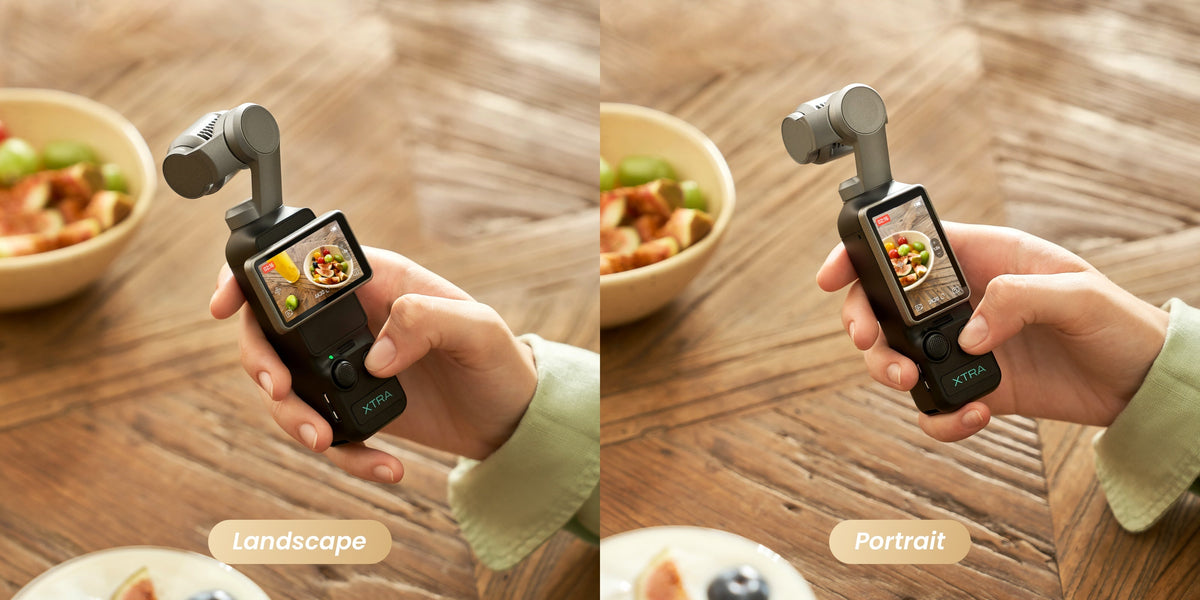
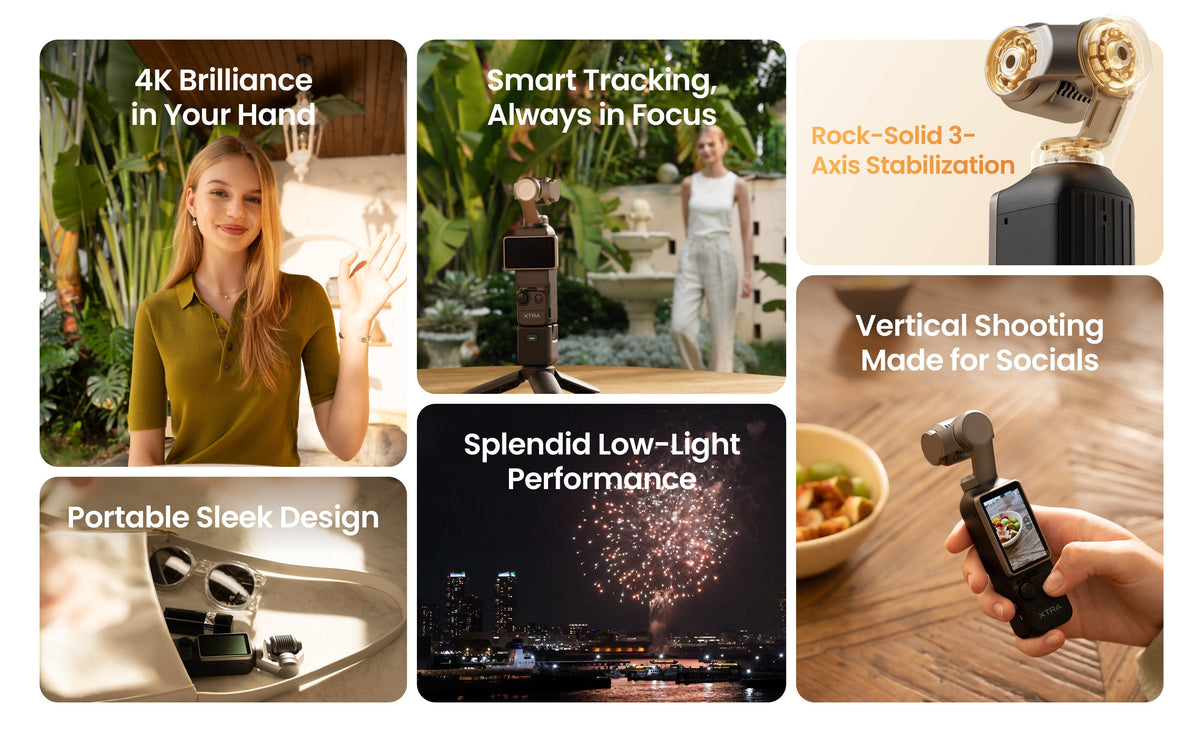
The XTRA MUSE vlogging camera is a useful candidate for food creators who combine handheld location footage, dish shots, and personal reactions. Its integrated stabilization supports controlled movement, while its compact form keeps the setup modest. Restaurant lighting, close focus, and noisy audio still need attention.
Tell the Story Around the Plate
A memorable food video rarely consists of one perfect close-up. It includes the entrance, the room, the menu decision, the first bite, and the reason you would return.
That is where a gimbal video camera becomes useful. You can capture a gentle approach to the restaurant, a slow reveal of the table, and a short reaction without carrying a separate stabilizer.
XTRA MUSE’s pocket-sized format fits creators who want a dedicated camera without making a casual meal feel like a production shoot.
A simple sequence works well: exterior, atmosphere, dish, detail, reaction. Record each deliberately, then put the camera down and enjoy the food.
Keep Food Color Appetizing—and Honest
Restaurants can be difficult places to judge color. Warm pendant lamps, daylight from a window, and colored signage may all hit the same plate.
Choose the most consistent light available. If your camera mode allows white-balance adjustment, keep it stable across the dish and reaction shots. Avoid pushing saturation until vegetables, sauces, or skin look unlike the real scene.
The official 1-inch sensor specification makes MUSE interesting for indoor food content, but it does not justify promising noise-free footage in every restaurant. Dim scenes still require care.
Reserve 4K/120fps slow motion for well-lit moments such as a sauce pour or a visible cooking action. Ordinary dialogue and restaurant atmosphere do not need that mode.
Solve the Two Common Restaurant Problems
First, avoid getting so close that the food becomes soft. Record a test at your intended distance and review it. If a tiny detail needs a true macro view, another camera may be more suitable.
Second, listen to your audio. Built-in microphones can capture ambience, but restaurant music, cutlery, and nearby conversations may overwhelm your voice. Record a short test; if it is difficult to understand, move closer or use a confirmed compatible external microphone setup.
For a seated reaction, tracking may help maintain framing, but it should be tested before the meal. A steady fixed composition can be simpler.
Buying Verdict
XTRA MUSE suits food creators who want atmosphere, movement, and personal storytelling in one small setup. It is less compelling as a specialist tool for extreme macro food detail.
Search “XTRA MUSE vlogging camera” and compare indoor restaurant footage before buying.
FAQ
Is XTRA MUSE good for restaurant videos?
It is worth shortlisting for handheld scenes and reactions. Lighting, focus distance, and background noise will influence the result.
Will slow motion make food videos better?
Only when it highlights meaningful movement. Use it selectively and provide enough light.
Does XTRA MUSE have built-in storage, and which microSD cards are recommended?
No. XTRA MUSE has no built-in storage. You must provide a compatible microSD card to record and save videos. Prepare your card before your first shoot.
Recommended microSD cards include:
- SanDisk Extreme Pro 32GB V30 A1 UHS-I Speed Grade 3
- Kingston Canvas Go! Plus 64GB UHS-I Speed Grade 3
- Kingston Canvas Go! Plus 128GB UHS-I Speed Grade 3
- Kingston Canvas React Plus 64GB UHS-II Speed Grade 3
- Kingston Canvas React Plus 128GB UHS-II Speed Grade 3
- Kingston Canvas React Plus 256GB UHS-II Speed Grade 3
- Lexar Pro 256GB SDXC UHS-I V30 R160/W120 (1066x)
- Lexar Pro 512GB SDXC UHS-I V30 R160/W120 (1066x)
Match the listed model and capacity when buying. Storage capacity alone does not establish compatibility. Back up existing files before formatting your card.
👉 [Get the XTRA MUSE 4K Pocket Gimbal with Limited-Time Creator Bundles]

Leave a comment
This site is protected by hCaptcha and the hCaptcha Privacy Policy and Terms of Service apply.