

Vlogging Cameras

Find your perfect XTRA
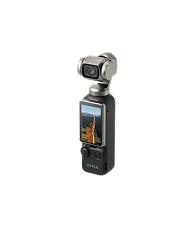
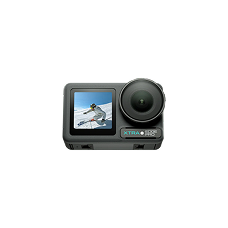


Select Products
Complete your Gear
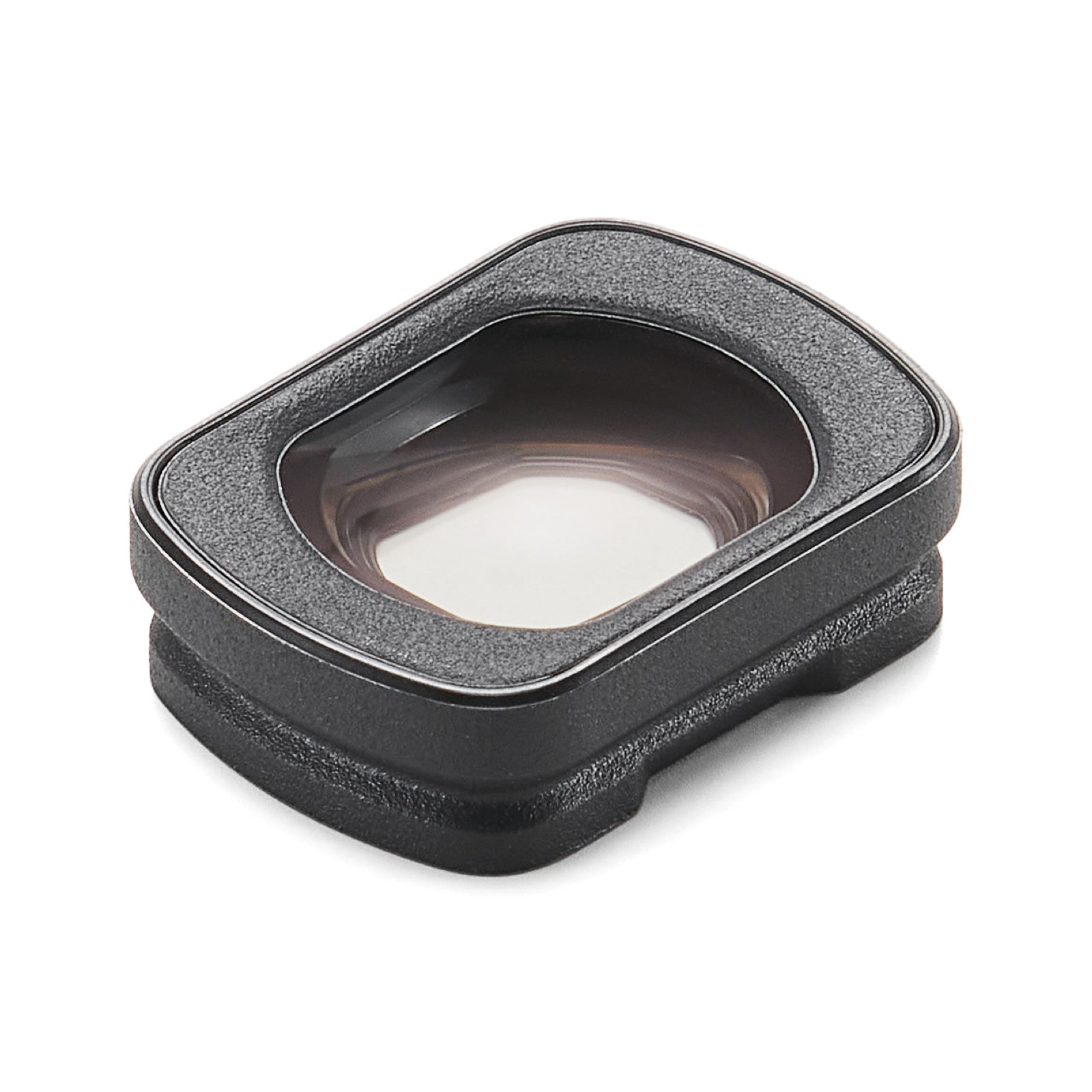
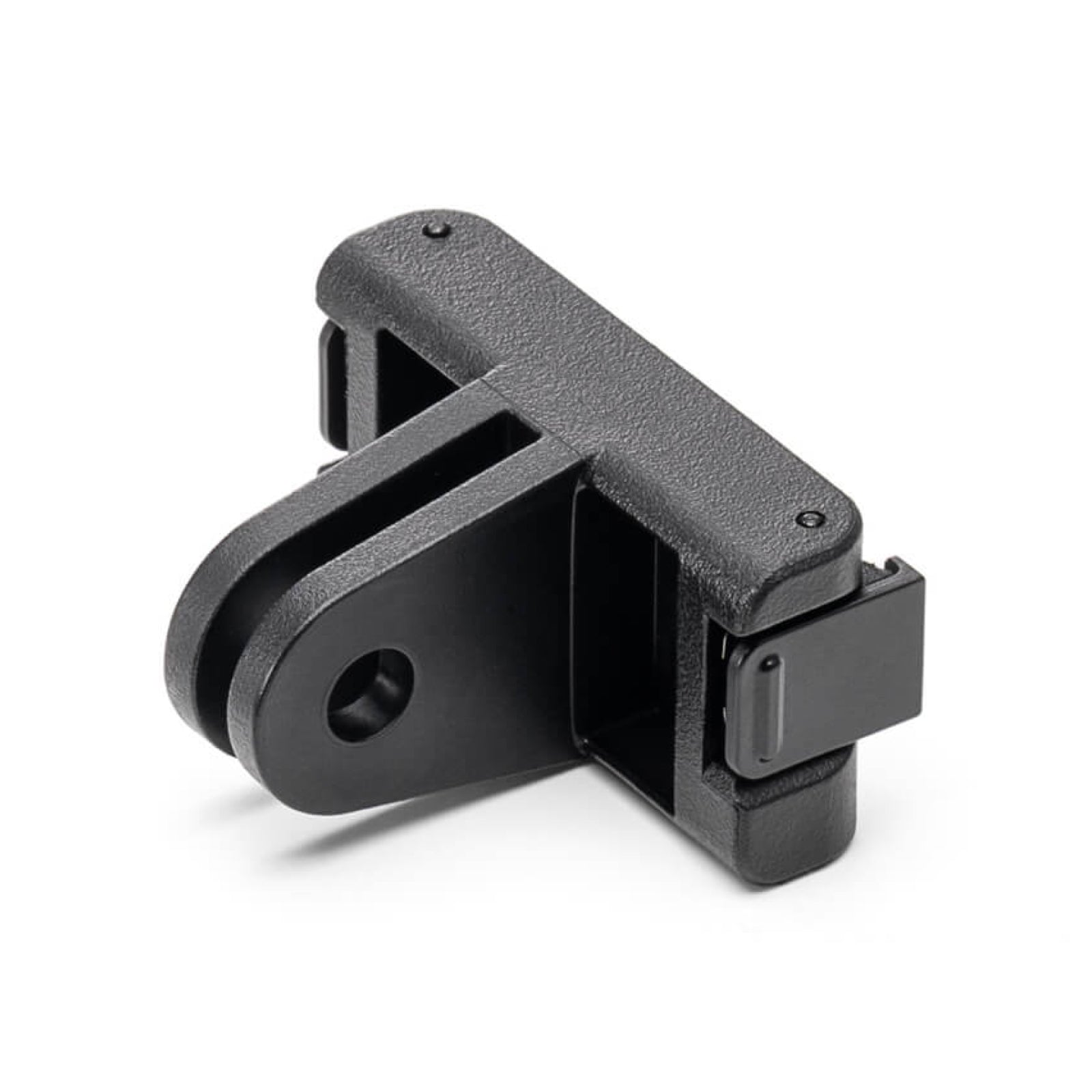
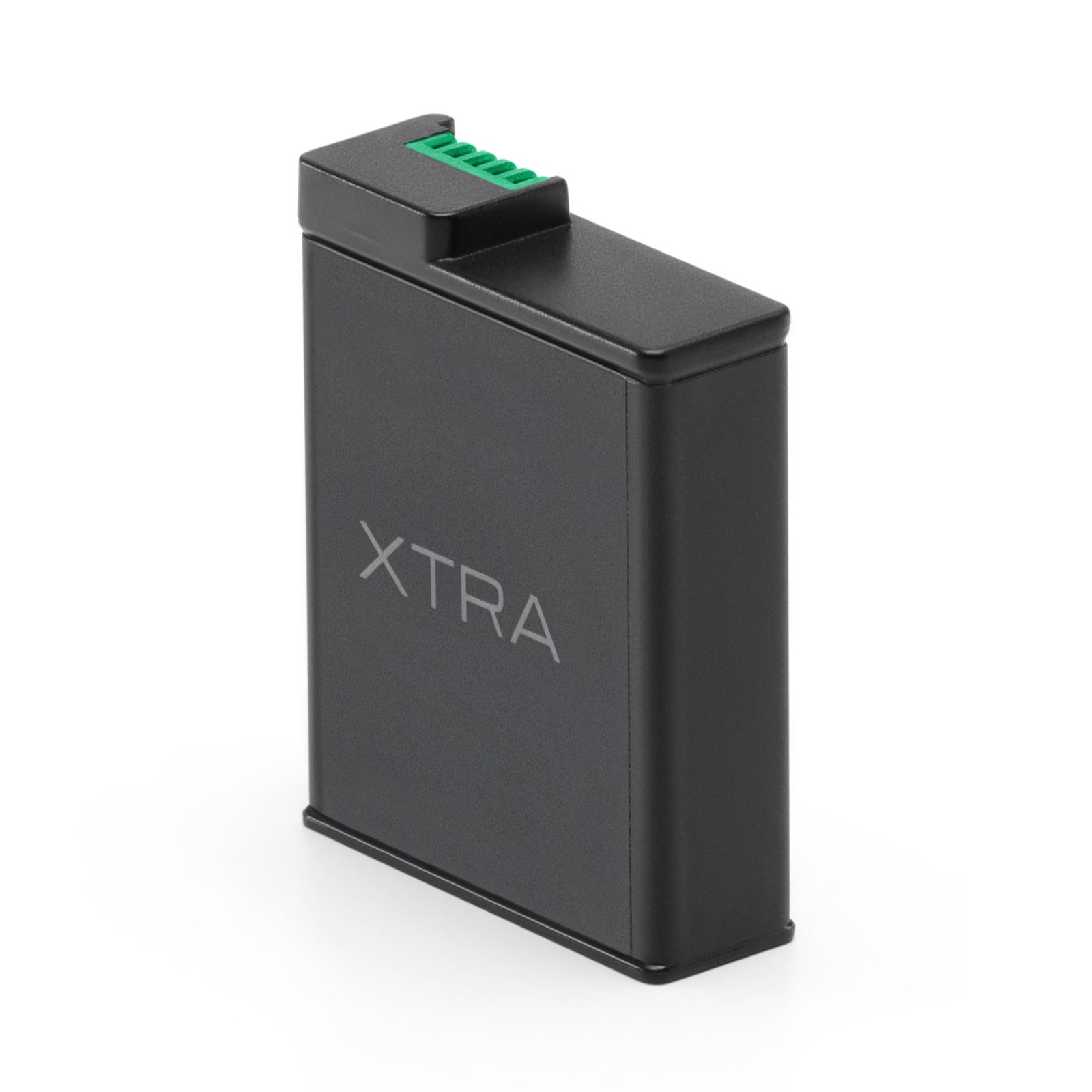
VLOGGING CAMERA GUIDE
Choosing a vlogging camera for real creator workflows
A strong vlogging camera should make filming feel natural: quick to start, easy to carry, stable in the hand, and ready for vertical or horizontal creator content without a large rig.
What this collection is for
This collection is built for creators comparing a vlogging camera, a 4K vlogging camera, or a camera for YouTube videos for everyday content. The main fit is XTRA Muse, a compact camera for walking shots, travel clips, talking-head moments, product demos, family video, and social content.
For many creators, the upgrade from phone-only shooting is not only image quality. It is the shooting workflow. A dedicated vlogging camera keeps filming separate from phone notifications and phone storage. Look for comfortable handling and stabilization suited to walking, turning and framing yourself.
How to choose your Muse setup
- Choose XTRA Muse if you want a compact everyday camera for handheld vlogs and travel footage.
- Choose a tripod bundle if you film desk content, product demos, livestream-style clips, or self-recorded videos.
- Choose a storage bundle if you shoot longer sessions and want fewer setup decisions before filming.
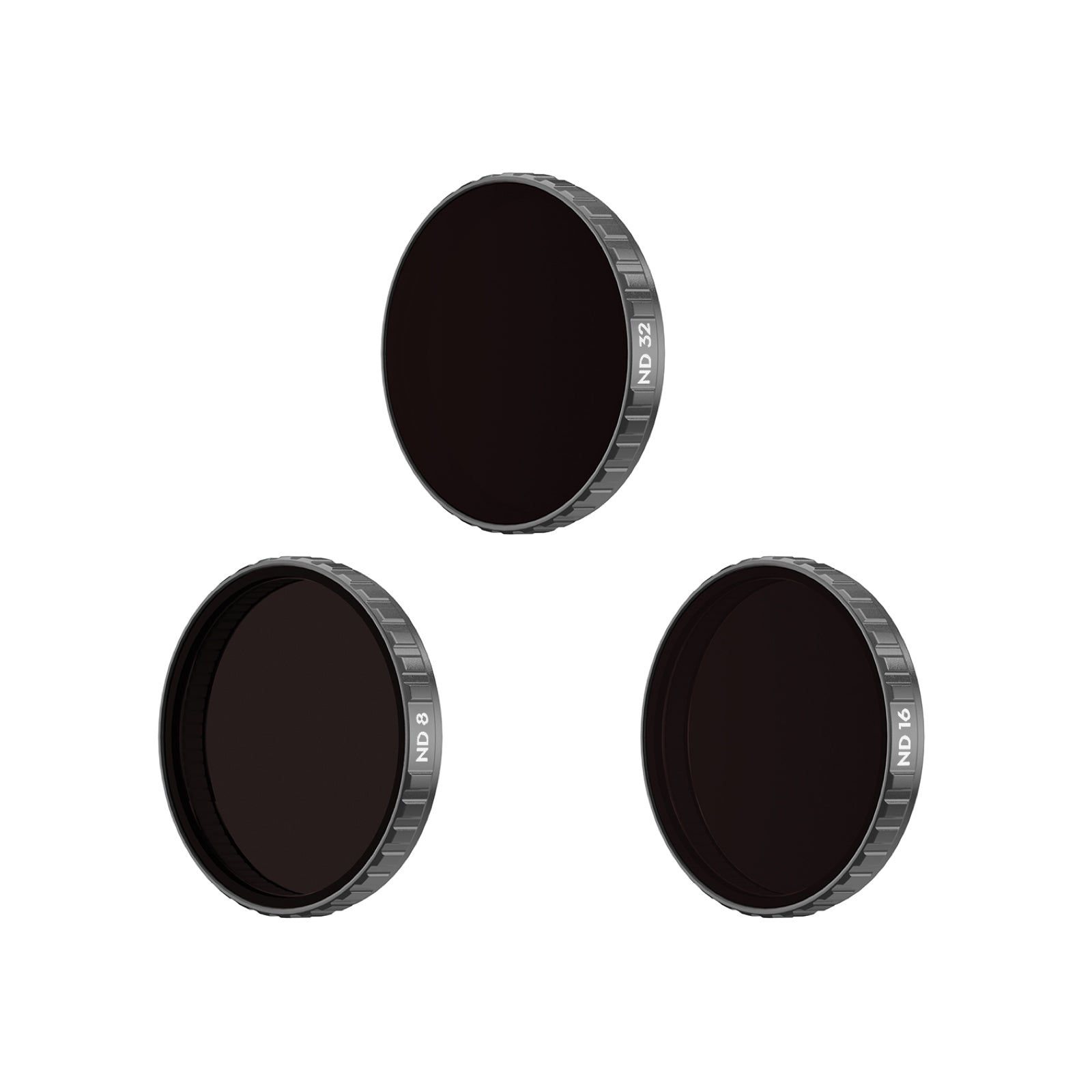
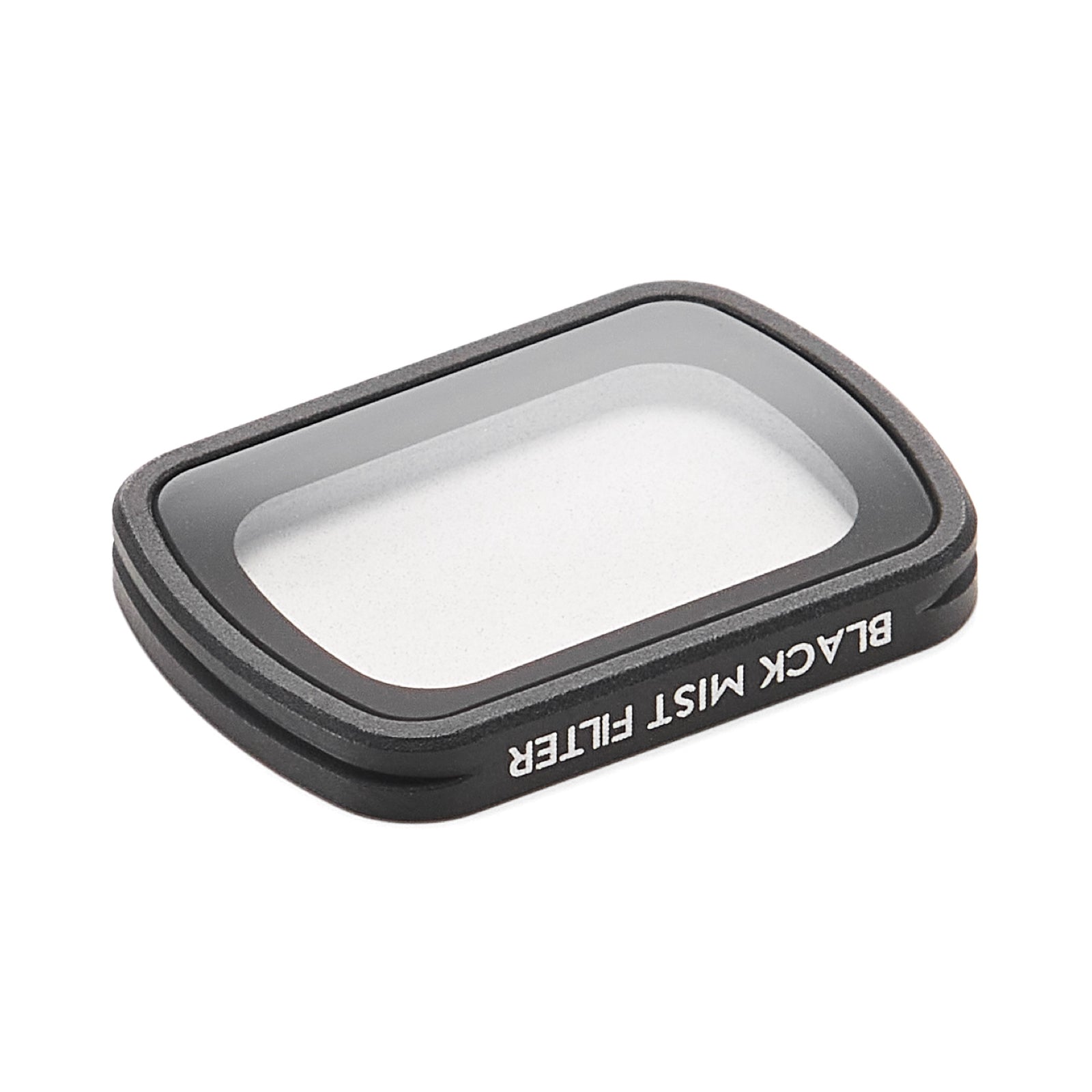
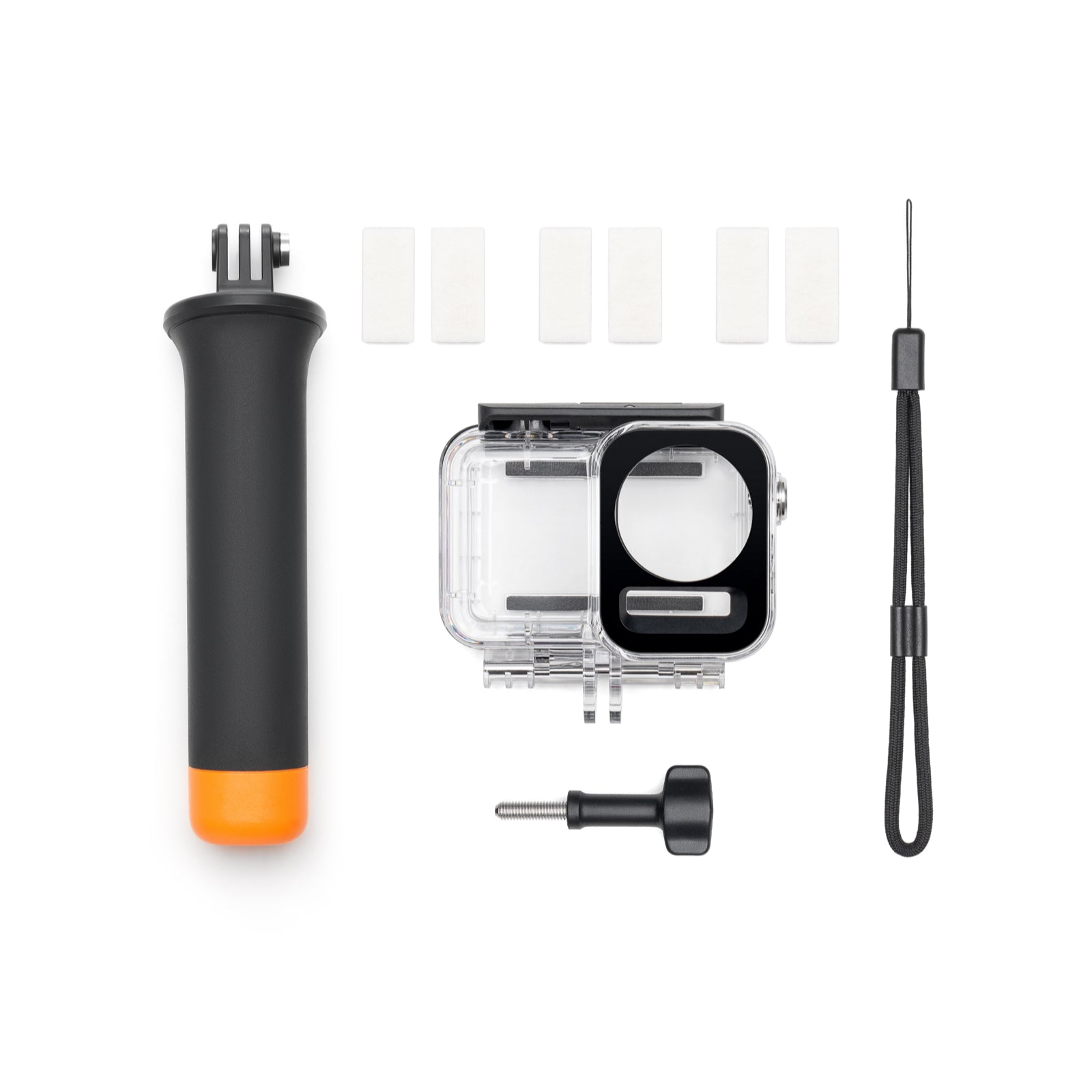
- Choose accessories when your workflow includes creator kits, mounts, charging needs, or travel organization.
For a closer look at three-axis stabilization and available MUSE kits, explore our pocket gimbal camera collection.
What to check before buying
Before choosing a vlogging camera, think about where the footage will be used. A creator posting mostly short vertical clips may care most about fast setup, stable walking shots, and repeatable framing. A YouTube creator may care more about longer sessions, desk setup, storage, and a camera that can move between handheld and tripod shooting without slowing the workflow down.
The strongest Muse fit is a creator who films frequently but does not want a heavy mirrorless setup. That includes travelers, solo creators, small business owners, product reviewers, parents, and everyday vloggers who want a dedicated camera that is easier to carry than a full rig and more stable than casual handheld phone footage.
- Look for a camera that can move from hand-held shots to tabletop shots without changing your whole setup.
- Prioritize stabilization if you film while walking, turning, showing places, or talking to camera.
- Choose a kit with storage or tripod support if you want fewer accessories to source later.
How bundles support the creator workflow
A vlogging setup is easier to use when the accessories match the content format. A tripod helps with desk videos, self-recorded product shots, tutorials, and livestream-style framing. Extra storage helps when a creator shoots multiple clips in one day and does not want to stop the session to manage files. The right bundle should remove friction before filming starts.
- For short-form creators, prioritize fast setup and stable handheld movement.
- For YouTube-style creators, prioritize tripod use, storage, and repeatable framing.
- For travel creators, prioritize compact carry and fewer loose accessories.
Recommended XTRA path
Start with XTRA Muse for handheld YouTube videos, travel stories and everyday vlogs. If you are choosing a vlogging camera for beginners, compare the kit cost, screen, stabilization and audio options with the way you plan to film. MUSE suits creators who value smooth handheld movement, quick framing and compact carry.
If your shooting style changes between vlogs, outdoor action, 360 capture, and hands-free POV, compare the full XTRA camera collection before choosing one kit.
Frequently Asked Questions
What is the best XTRA camera for vlogging?
XTRA Muse is the best XTRA fit for vlogging because it combines compact carry, stabilized handheld shooting, and creator-friendly 4K video for travel, YouTube, TikTok, Instagram, and everyday content.
Is a dedicated vlogging camera better than a phone for vlogs?
A dedicated vlogging camera can be a better fit when you want a separate filming workflow, reliable framing and stabilization suited to walking footage. A phone remains a practical choice for casual clips. Compare the specific camera, phone and recording modes rather than assuming every dedicated camera is better.
What should a vlogging camera for beginners include?
Start with a complete-kit budget, comfortable portability, stabilization for your shooting style and compatible audio options. In the $300-400 camera budget, XTRA MUSE is $329 and the Mini Tripod Combo is $339 as of September 28, 2026. Allow separately for storage, any audio accessories and applicable checkout charges. See our beginner vlogging camera buying guide for the full budget breakdown.

The Best Place to Buy XTRA


