
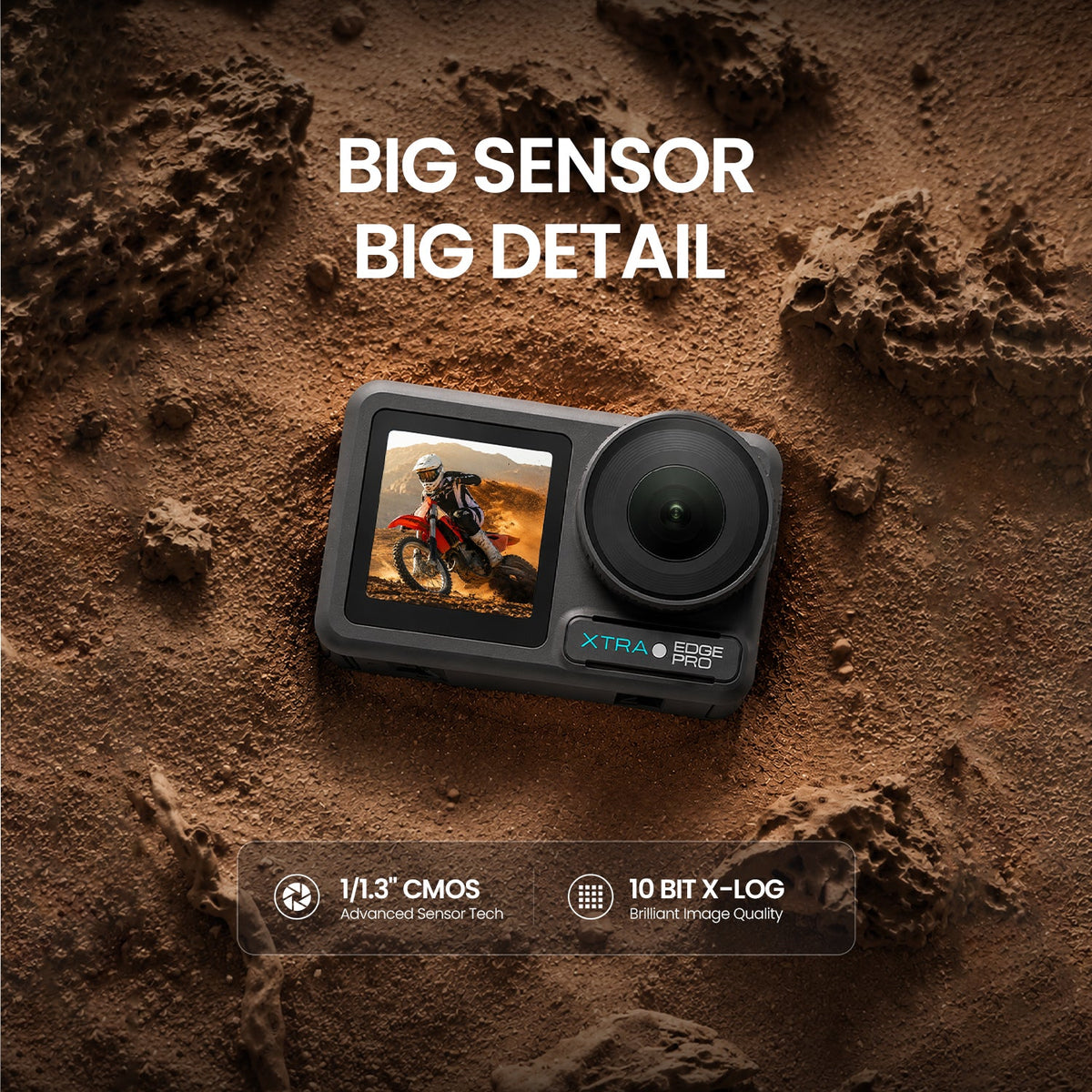
The best action camera for motorcycle riding is the one that works as part of your complete recording setup. A sharp image is useful only if the mount holds its position, the camera captures the intended view, and wind does not overwhelm the sound you wanted to record.
Start with the kind of video you plan to make: a rider's-eye journey, a view of the bike and road, or a narrated trip with stops. This guide uses XTRA Edge Pro to explain the camera features that matter, then walks through mounting, audio, power, and a short practice recording before a longer ride.
Choose the viewpoint before the camera mount
A motorcycle helmet camera follows your head movements. A chest-mounted camera follows your torso. A camera attached to the motorcycle follows the bike. Those are three different stories, and each needs a different check before you commit to the position.
| Viewpoint | What it can show | What to check in a practice clip |
|---|---|---|
| Helmet | The direction the rider looks | Visor and sightline clearance, head movement, wind exposure, and manufacturer-approved attachment |
| Chest | Hands, controls, and the view ahead | Obstruction from the tank, clothing, straps, or your normal riding posture |
| Motorcycle mounted | A repeatable view tied to the bike | Engine vibration, steering clearance, cable routing, and movement of the mounting surface |
Sit on the motorcycle wearing your normal equipment when checking framing. A camera that points correctly while you stand beside the bike may record mostly the tank once you are riding. If you use more than one riding position, check each one while stationary.
Follow the helmet and mount manufacturers' instructions and applicable local requirements. Do not drill or modify a helmet to fit a camera. The attachment must not obstruct the visor, vents, controls, or your view. Choose a different mounting location if you cannot meet those conditions.
Make the mechanical connection reliable
A mount is part of the imaging system. Long extensions, a flexible attachment point, or an incompletely engaged adapter can change the image before any stabilization setting gets involved.
Use components designed for the load and activity, assembled as their manufacturer specifies. Check that a quick-release connection is fully engaged rather than assuming magnetic attraction alone establishes a secure attachment. Where approved, use suitable secondary retention without creating an entanglement risk.
For a bike-mounted setup, check steering and control clearance through the full intended range while stationary. Keep the camera and attachments away from hot or moving parts. Recheck after the first short recording, especially if the view changed or vibration appeared in the clip.
Match stabilization to the recording format
Edge Pro provides MotionMaster electronic stabilization and supported horizon-control modes. These options are worth considering for riders, but their compatibility matters more than their names.
XTRA Edge Pro is an XTRA product. This article uses manufacturer specifications and current store listings and does not present an independent laboratory test.
For a 4K setup with horizon leveling, investigate TiltGuard in its supported 16:9 settings up to 60fps. If you specifically want 360 Lock, it is restricted to supported 1080p and 2.7K settings up to 60fps, also in 16:9. Night View does not support either of those horizon modes.
Record a corner as well as a straight section during your practice session. Decide how you want the bike's lean to appear. A consistently level horizon may suit one style of video, while preserving more of the natural roll may suit another. Compare the results instead of assuming the strongest correction is always the right creative choice.
The action camera stabilization guide covers the mode restrictions in more detail. A stabilizer cannot make an insecure mount acceptable, so resolve attachment problems before changing recording settings.
Test the mode on the route you expect to ride
For daylight, begin with standard video at 4K/30fps and a supported stabilization choice. Try 60fps when there is sufficient light and faster motion or a planned slow-motion edit makes it worthwhile. Keep the first comparison short and use the same viewpoint.
Choose a familiar, safe practice route with a few representative conditions: smooth pavement, a rougher section, a turn, and a stop. Ride normally. Do not create abrupt movements or distractions to test the camera. Change settings only after stopping somewhere appropriate.
Watch the exported clip rather than only the small camera preview. Look for vibration, changing framing, distracting horizon behavior, and whether the subject you care about stays visible. A camera mounted for scenery should not be judged only by how much of the dashboard it records.
If the trip extends after sunset, make a separate low-light trial. Night View and horizon control involve a choice on Edge Pro. The low-light camera guide explains why a bright image can still contain blurred movement. Do not treat a daytime setup as proven for night riding.
Plan the audio around the finished video
Decide whether the soundtrack should contain speech, engine and road ambience, or narration added later. Trying to capture everything with an exposed microphone can produce a noisy result that serves none of those goals well.
Edge Pro has a three-microphone array and wind-noise reduction. That is a feature to evaluate in your own setup, not a promise of clear conversation at every speed. Listen to a short clip with headphones before recording a full route.
For spoken commentary, a compatible external microphone may be useful. Confirm the exact microphone and adapter combination, then check that the camera recognizes it. Keep equipment away from helmet fit and release mechanisms, and route any cable so it cannot catch on the rider or motorcycle.
Using a wired USB-C connection changes how the port is covered. Do not assume the bare camera retains its sealed water protection with the cover open for a cable. If conditions require a sealed camera, use a setup that meets those requirements or record narration separately afterward.
A simple alternative is to capture short spoken notes while parked in a safe, quieter place. This also gives the finished video natural breaks between riding sections. You can explain the route without asking the riding footage to carry the entire conversation.
Estimate power and storage from a practice recording
Edge Pro includes 45GB of internal storage and supports compatible microSD expansion. Check the remaining time in the chosen mode, and make sure you know which storage location is active. Internal capacity is useful, but it is not unlimited space or an automatic backup.
Measure a short recording in your actual setup. For example, if a ten-minute sample occupies 2GB, one hour at a similar average bitrate would be approximately 12GB. This is an illustration of the calculation, not a measured Edge Pro file size. Variable bitrate and changes in the scene can alter the result, so leave room beyond the estimate.
Treat battery maximums similarly. They do not establish runtime at every resolution, screen brightness, temperature, or wireless setting. Use a rehearsal to judge whether you need another battery or a charging stop. Do not open compartments or connect power while riding.
Finish the check before starting a longer ride
Confirm the mounting connection, required covers, storage location, remaining capacity, and battery level. Record a short clip, play it back, and listen to it. Make sure the camera does not interfere with any safety equipment or motorcycle control.
After the ride, copy important footage and verify the copies before deleting originals. Review whether the camera helped tell the story you intended. A better viewpoint or a short parked explanation may improve the next video more than a higher-resolution setting.
Choose Edge Pro when its supported recording modes, storage, and mounting format fit that workflow. Check the current XTRA Edge Pro camera and kit options, and complete one short ride with the finished setup before relying on it for a trip.

Leave a comment
This site is protected by hCaptcha and the hCaptcha Privacy Policy and Terms of Service apply.