

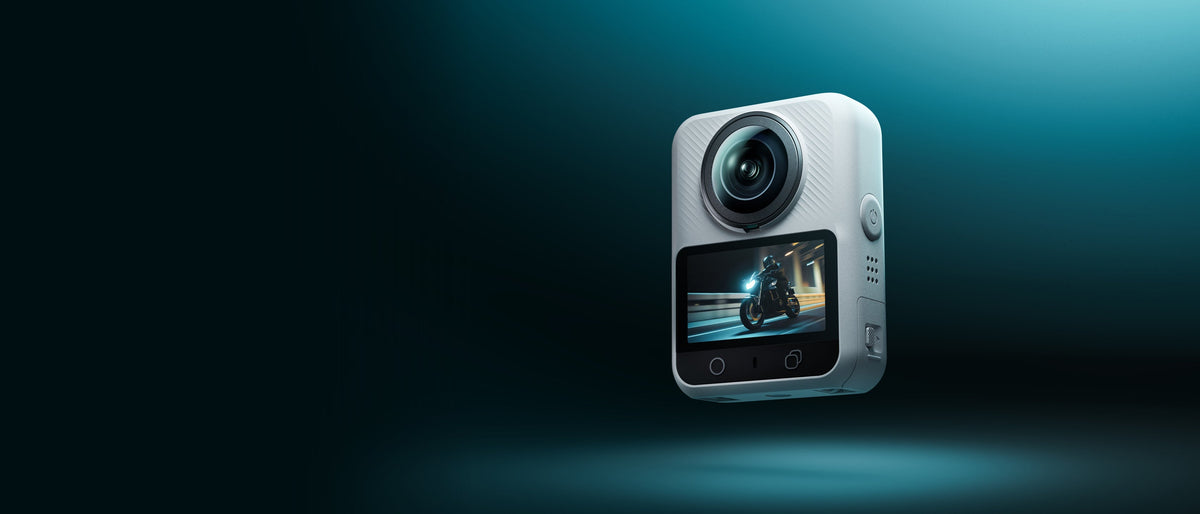
A waterproof 360 video camera can survive conditions that would stop an ordinary camera, but the depth rating does not predict how the footage will look. Waterproofing, underwater stitching, water droplets, color, visibility, and lens protection are separate parts of the result.
This guide explains what to check before using a 360 camera around rain, pools, shorelines, or shallow underwater scenes. It also shows why a camera can remain watertight while the recorded image still needs careful planning.
What the Depth Rating Tells You
A depth rating describes water resistance under defined test conditions. It does not mean the camera is suitable for every liquid, temperature, current, impact, or length of use.
Before entering water, confirm the following information from the current manufacturer instructions.
- Maximum depth without a case
- Time limit or test condition attached to that rating
- Required position of battery doors, port covers, and seals
- Restrictions for saltwater, hot water, steam, chemicals, or high-pressure jets
- Whether the rating applies after an impact, repair, or seal damage
Do not use a generic IP rating as a substitute for the product instructions. A loose cover, trapped debris, worn seal, or previous drop can change the real protection.
What the Depth Rating Does Not Tell You
The rating does not guarantee clean underwater stitching or clear footage. A 360 camera must combine images from two curved lenses, and water changes the optical path around those lenses.
Refraction Changes the View
Light bends when it passes between air, water, and a lens or housing. The camera's field of view and the apparent position of objects can change underwater. Because stitching depends on overlapping views, that change can make the seam more noticeable even when the camera remains completely dry inside.
An accessory housing can add another optical surface. It may protect the camera at greater depth, but it can also alter field of view, focus, glare, or stitching. Use only a compatible housing whose underwater behavior has been verified for the camera. Do not assume that a case made for a similarly shaped model will work.
Water Droplets Affect Every Reframed View
Above water, one droplet on either fisheye lens can soften or distort a large area of the spherical image. The mark may follow every reframed angle because it is recorded in the master.
When moving between water and air, inspect both lenses. A quick shake or wipe may be needed before the next above-water clip. Use only cleaning methods and coatings approved for the lens or protector.
Water Reduces Contrast and Color
Suspended particles scatter light. Color also changes with depth and distance. Even in shallow water, a subject farther from the camera may look less detailed and less colorful than it did at the surface.
Move closer only within the camera's safe stitching range. Avoid placing a face, hand, fin, or board directly across the seam. Clear water, good light, and a controlled subject distance usually matter more than a headline resolution number.
Plan the Shot Before Entering the Water
Underwater controls can be harder to use, and touchscreens may respond differently when wet. Set the mode before entering whenever possible. Record a short test in shallow water, review it, and adjust before committing to a longer session.
Plan simple shots.
- A slow pass beside the camera with the subject away from the stitch line
- A static scene with the camera on a stable approved support
- A surface transition in which the lenses are checked after emerging
- A wide swimming or paddling shot with clear separation between subject and camera
Avoid rapid spinning, striking the water, dragging the camera through sand, or mounting it where a collision could damage a lens or seal.
Complete a Pre Water Check
Use this sequence before every wet session.
- Inspect both lenses, protectors, covers, hinges, and seals in bright light.
- Remove hair, sand, lint, or other debris from sealing surfaces.
- Close every battery and port cover completely.
- Confirm the manufacturer depth and environment limits for the exact setup.
- Secure the camera with an approved mount or tether that does not block either lens.
- Check battery and storage because opening a compartment near water adds risk.
- Record and review a shallow test before going deeper or farther from shore.
If the camera has been dropped or a cover does not close normally, stop and inspect it before submersion.
Shoot for Better Underwater Stitching
Keep the main subject comfortably away from the camera. For XTRA 360, the official guidance recommends at least 0.7 meters when possible for more natural stitching. Underwater optics can still change the result, so treat that distance as a starting point rather than a guarantee.
Position important faces and details toward the center of one lens instead of directly between the lenses. Move slowly and maintain a steady distance. Review the seam after any change to a protector, housing, mount, or water condition.
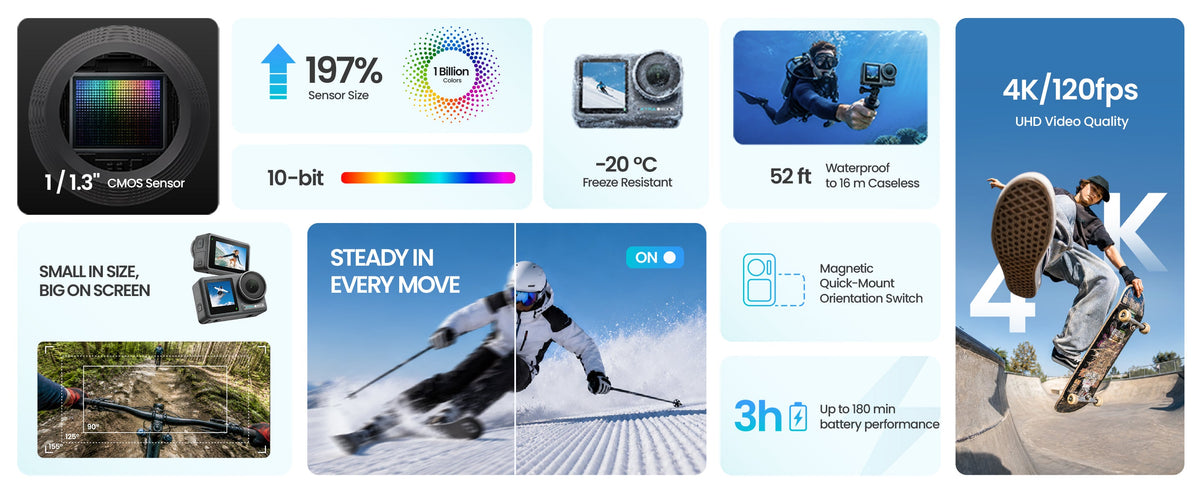
Do not describe an underwater result as proven until original footage has been recorded under stated conditions. A dry-land product graphic cannot demonstrate color, detail, or stitching performance below the surface.
Rinse and Dry the Camera Correctly
After saltwater, chlorinated water, or dirty freshwater use, follow the official cleaning instructions. Keep covers closed during the initial rinse when the manufacturer requires it. Use clean fresh water, avoid high-pressure spray, and remove grit without rubbing it across a lens.
Dry the exterior completely before opening a battery or port cover. Check recessed areas for trapped water. Store the camera with clean lenses and approved protection so that moisture, salt, or sand does not remain against the surfaces.
Where XTRA 360 Fits
XTRA 360 is rated IP68 and can be used underwater to 10 meters without a case according to the current official product page. Before underwater use, every cover and port must be fully sealed. The official guidance also says to avoid hot springs, corrosive liquids, and extreme underwater environments.
Xtra 360 is an XTRA product. This article uses manufacturer specifications and current store listings and does not present an independent laboratory test.
The camera records 8K 360 video and uses dual fisheye lenses. Its official stitching guidance recommends keeping the subject at least 0.7 meters away when possible. These specifications support shallow-water planning, but they do not prove underwater image quality. Publish original test footage with the depth, visibility, lighting, subject distance, and accessory setup stated.
Choose the Camera for the Water You Actually Use
A case-free 10-meter rating may fit rain, splashes, pool use, kayaking, and some shallow underwater scenes when all manufacturer conditions are followed. It does not make the camera suitable for deeper diving, high-pressure water, hot springs, or any environment outside the stated limits.
If the project requires greater depth or a specialized housing, confirm compatibility before purchase. The housing must protect the camera and preserve the field of view needed for usable stitching. If that evidence is unavailable, treat it as a required test rather than an assumed feature.
Frequently Asked Questions
Can XTRA 360 go underwater without a case?
The current official product page rates XTRA 360 IP68 for underwater use to 10 meters without a case. All covers and ports must be fully sealed, and the product instructions and environmental restrictions still apply.
Why can a waterproof 360 camera show a bad stitch underwater?
Water changes how light travels into the lenses. The altered field of view can reduce the overlap used for stitching. Very close subjects, a housing, and objects crossing the stitch line can make the seam more visible.
How do I prevent water spots on 360 footage?
Inspect both lenses whenever the camera moves between water and air. Remove droplets using an approved lens cloth or manufacturer-approved method. Do not apply an unapproved coating that could damage the lens or protector.
What should I do after using the camera in saltwater?
Follow the official cleaning instructions, rinse the closed camera with clean fresh water when directed, avoid high-pressure spray, and dry the exterior completely before opening any cover.
Treat Waterproofing and Image Quality as Separate Checks
The safest purchase decision confirms two things. First, the camera and accessories meet the required water conditions. Second, original footage from similar conditions shows acceptable stitching, clarity, and color.
For the latest XTRA 360 waterproof guidance, available kits, and product specifications, visit the official XTRA 360 product page.


Leave a comment
This site is protected by hCaptcha and the hCaptcha Privacy Policy and Terms of Service apply.