
XTRA MUSE 2 Pocket Gimbal Camera - 4K Vlogging Camera with a 1-Inch Sensor
Shop with Confidence:
 No Sales Tax Collected Outside California
Sales tax is calculated by shipping address. XTRA currently collects sales tax at checkout only where required.
 Fast Shipping
 Easy Returns
 Fast Customer Support
 24/7 Support
Secure Checkout with:
Overview:
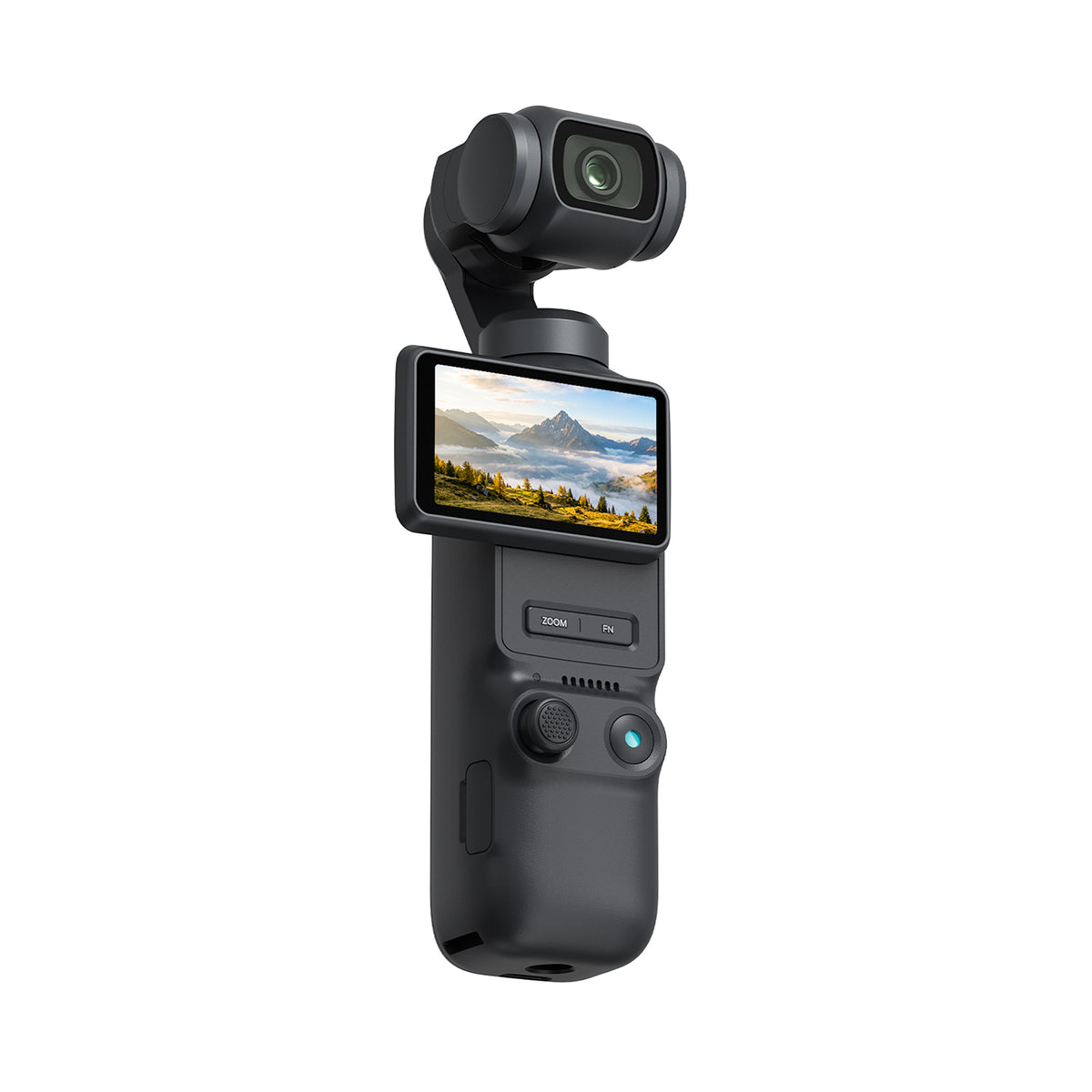
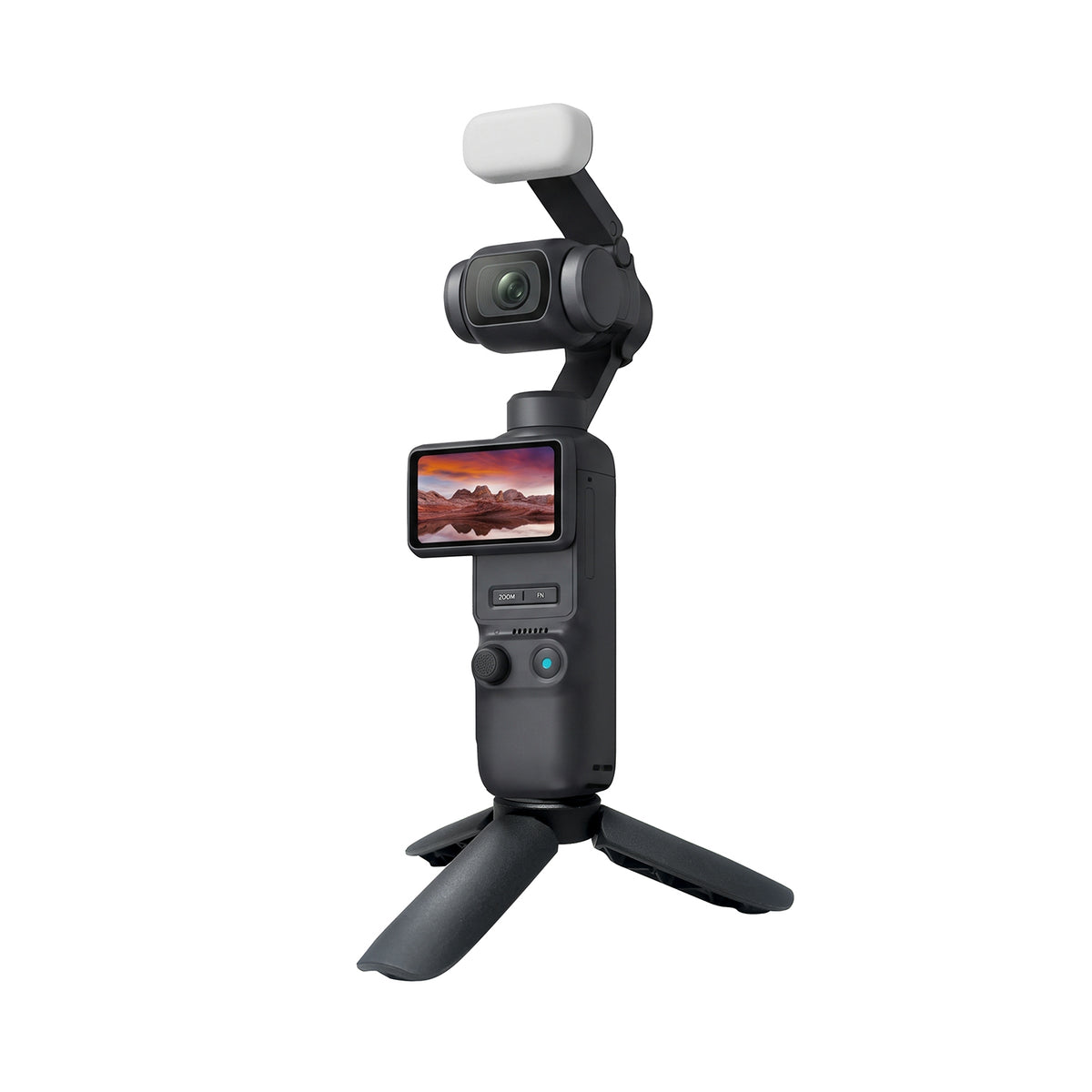
A single 1-inch CMOS sensor and 20 mm f/2.0 lens capture everyday stories, travel vlogs and portraits. A built-in 3-axis mechanical gimbal helps keep handheld footage steady.
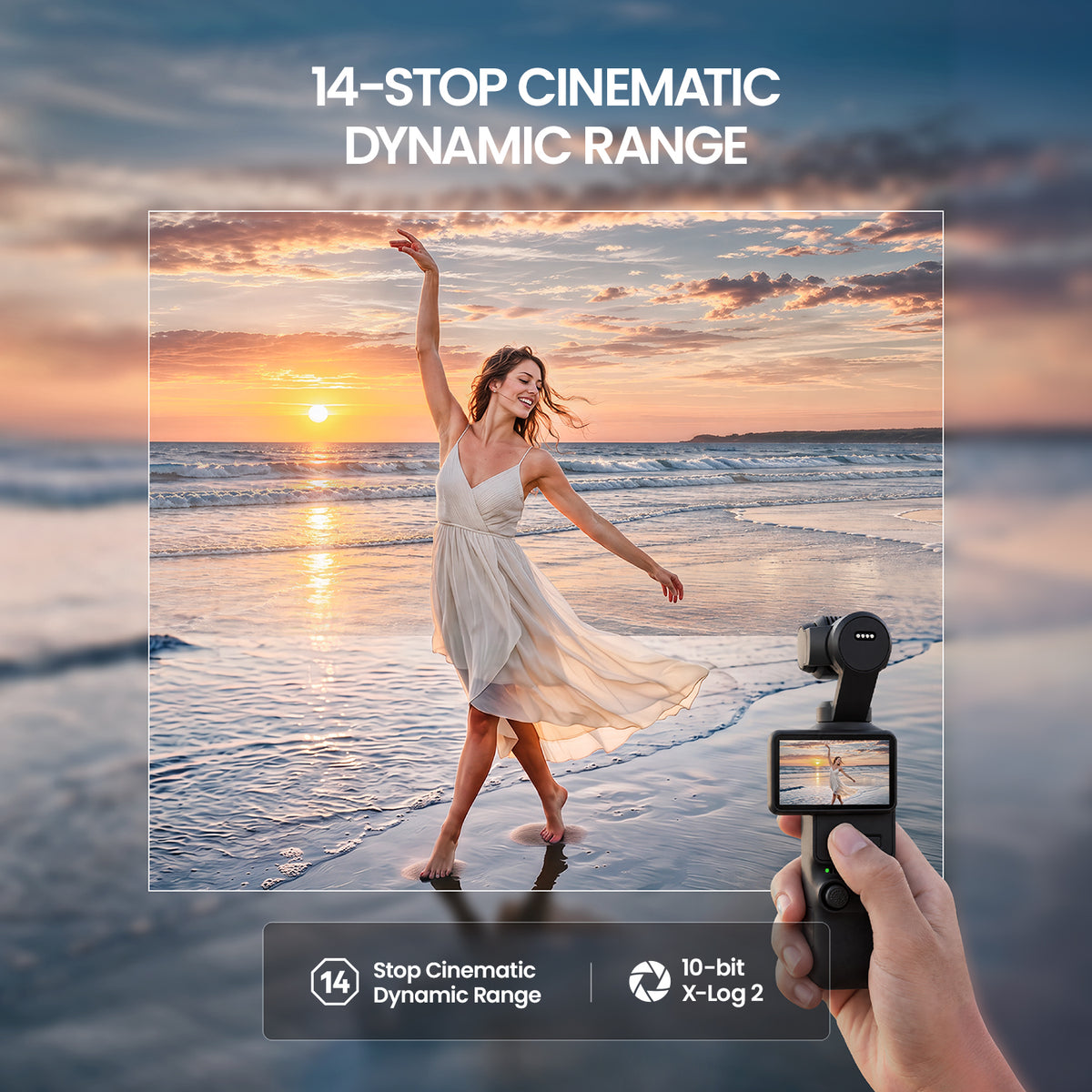
Normal Color and X-Log 2 modes support up to 14 stops of dynamic range, retaining highlight and shadow detail. Dynamic range may be lower in Slow Motion mode.
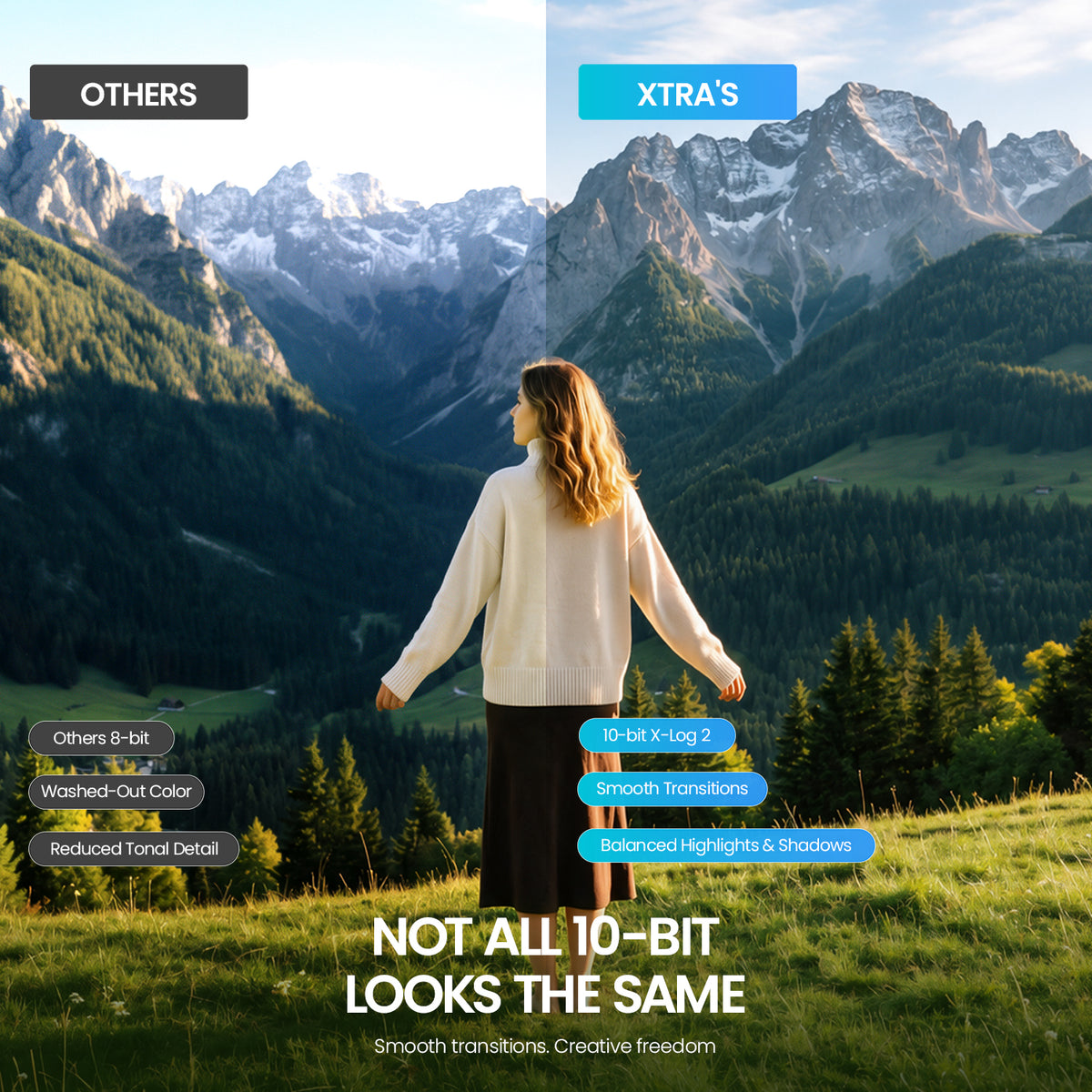
Record 10-bit X-Log 2 in standard video mode for more flexible color grading. Log footage appears lower in contrast and saturation before grading.
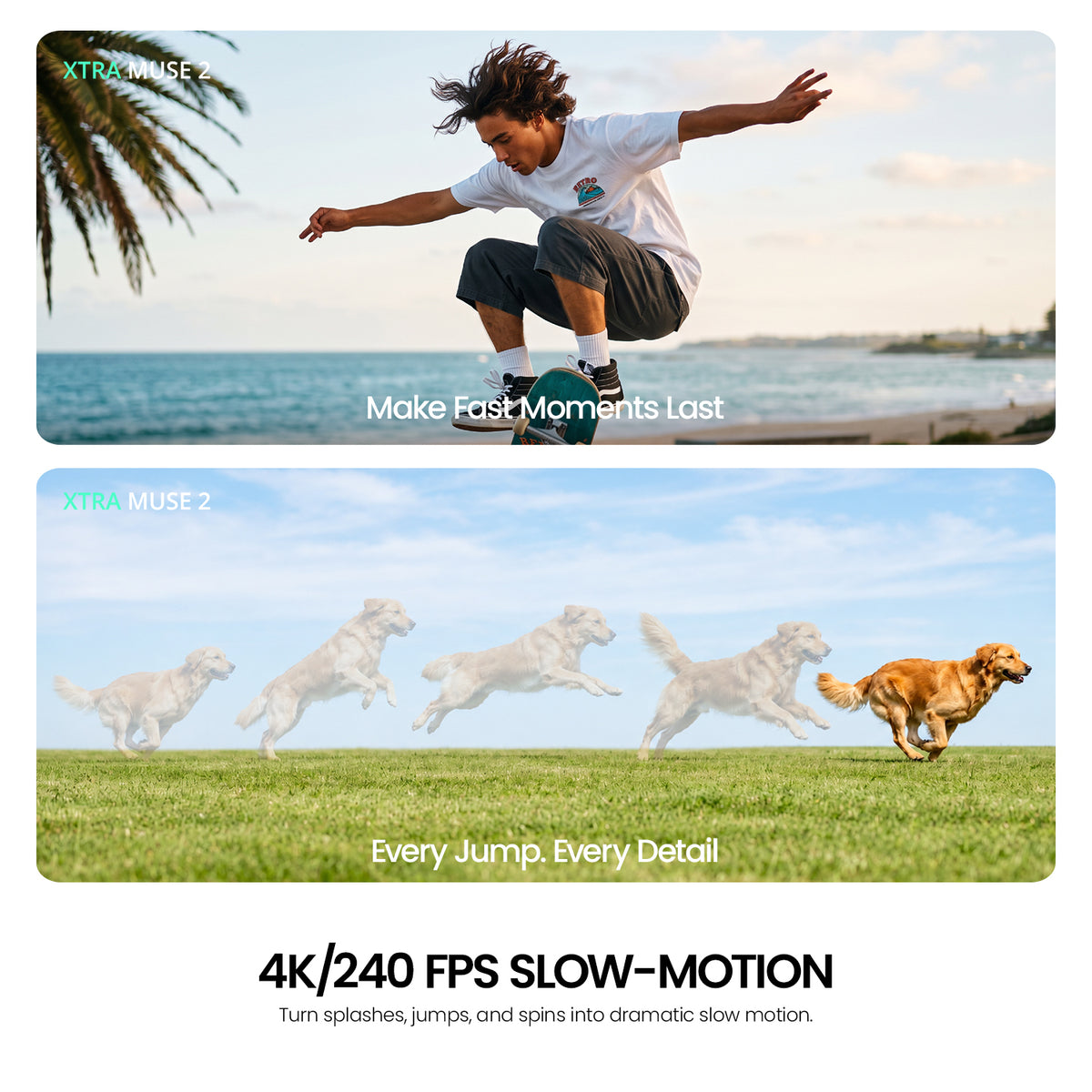
Standard video supports up to 4K/60fps. Switch to Slow Motion mode for up to 4K/240fps or 1080p/240fps; the slow-motion frame rate does not apply to standard recording or live streaming.
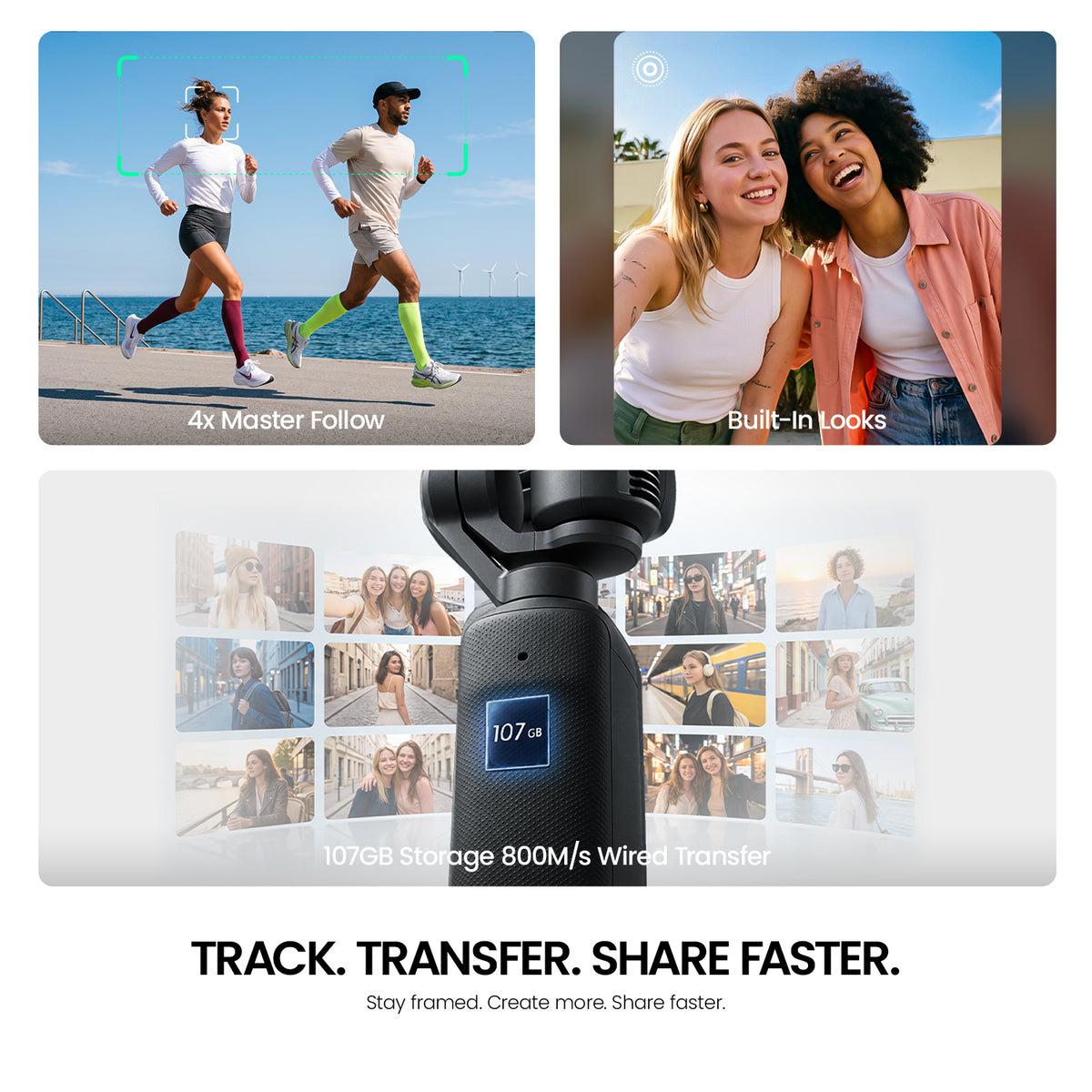
The mechanical gimbal steadies handheld movement, while Master Follow tracks supported subjects at up to 4x zoom in supported modes. Tracking is not available in every shooting mode.
Why Choose XTRA MUSE 2?

Imaging & Slow Motion
Big Sensor. Small Camera.
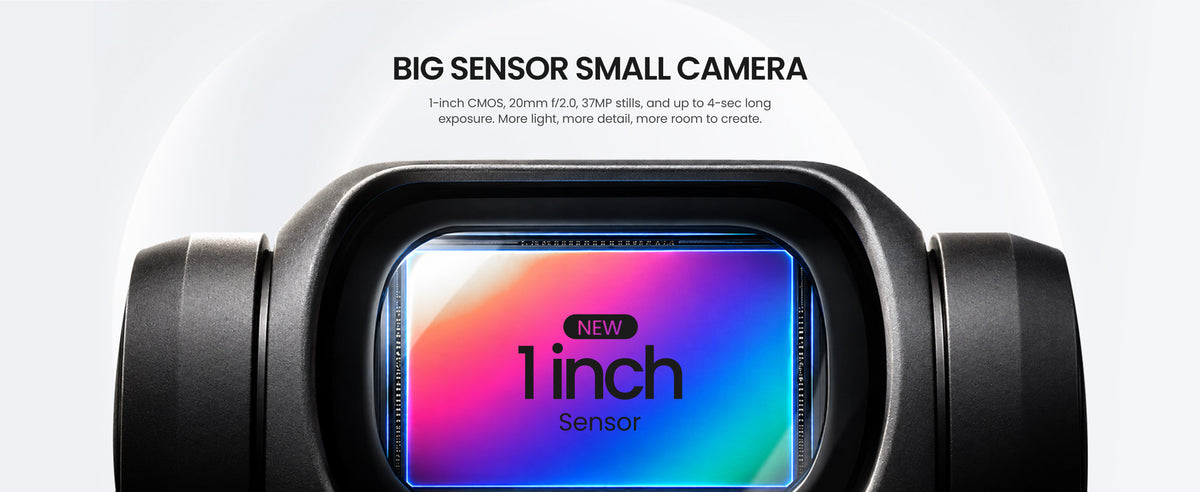
A 1-inch CMOS sensor and 20 mm f/2.0 lens give this pocket gimbal camera room to capture light, detail and natural depth. Shoot approximately 37 MP stills for travel, portraits and everyday stories.
Light and Shadow, Both in Frame.
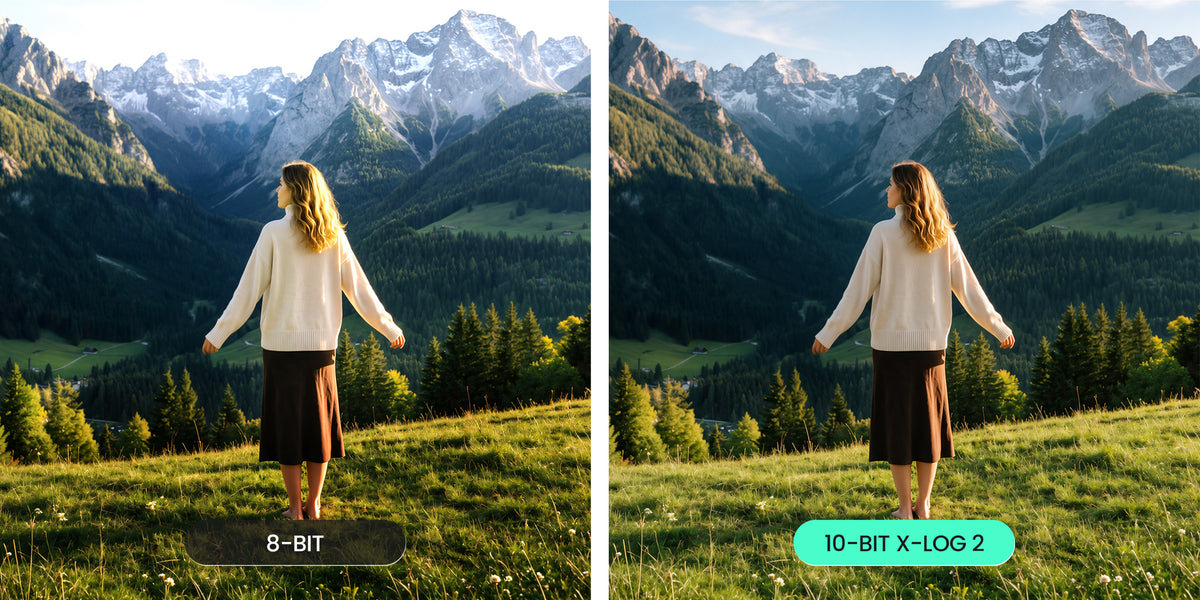
Keep highlight and shadow detail with up to 14 stops of dynamic range in Normal Color and X-Log 2 modes. 10-bit X-Log 2 in standard video gives you more flexibility when grading your footage.
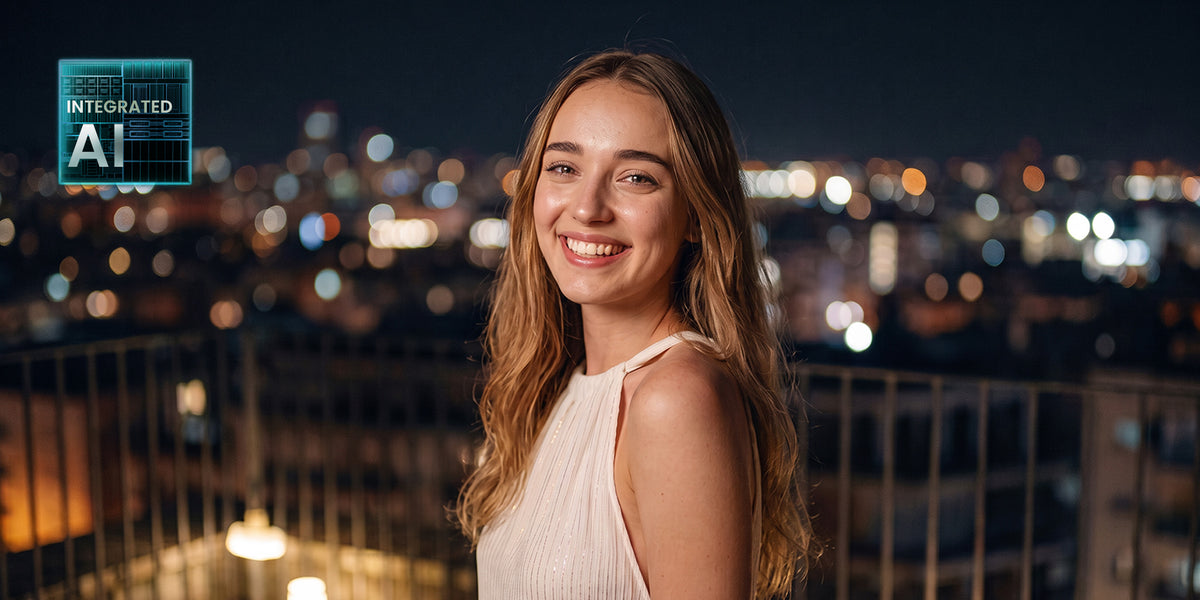
Night Looks Cleaner.
Use Low-Light Video at up to 4K/30fps for evening walks, city scenes and indoor moments. Dedicated processing helps balance brightness and noise; results vary with the light and movement in your scene.
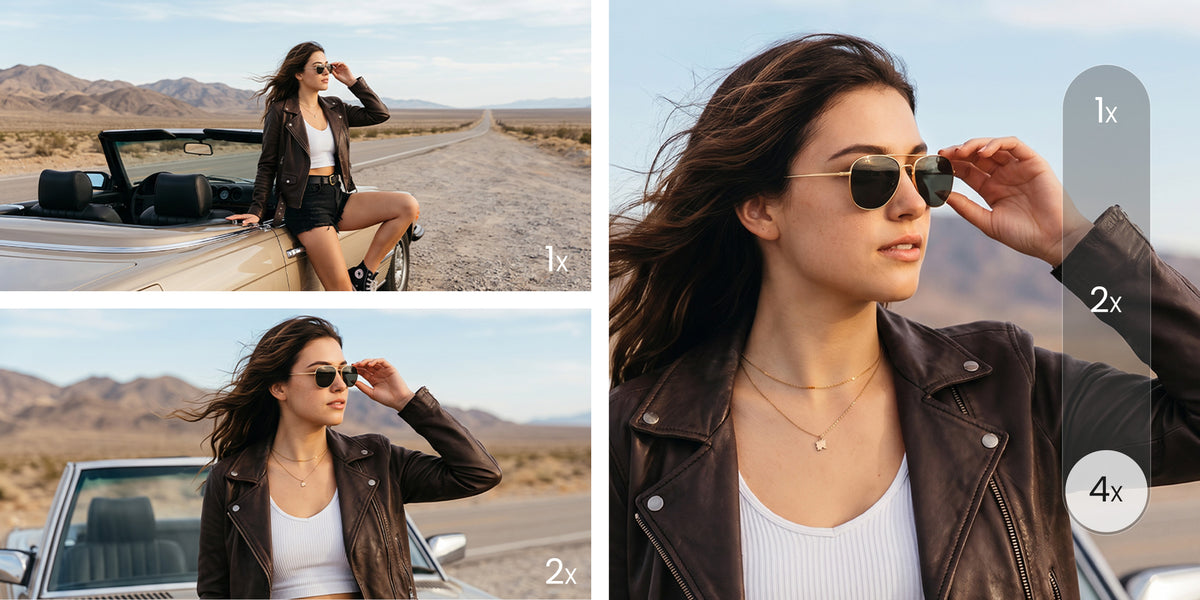
One Tap. Two Ways to Frame.
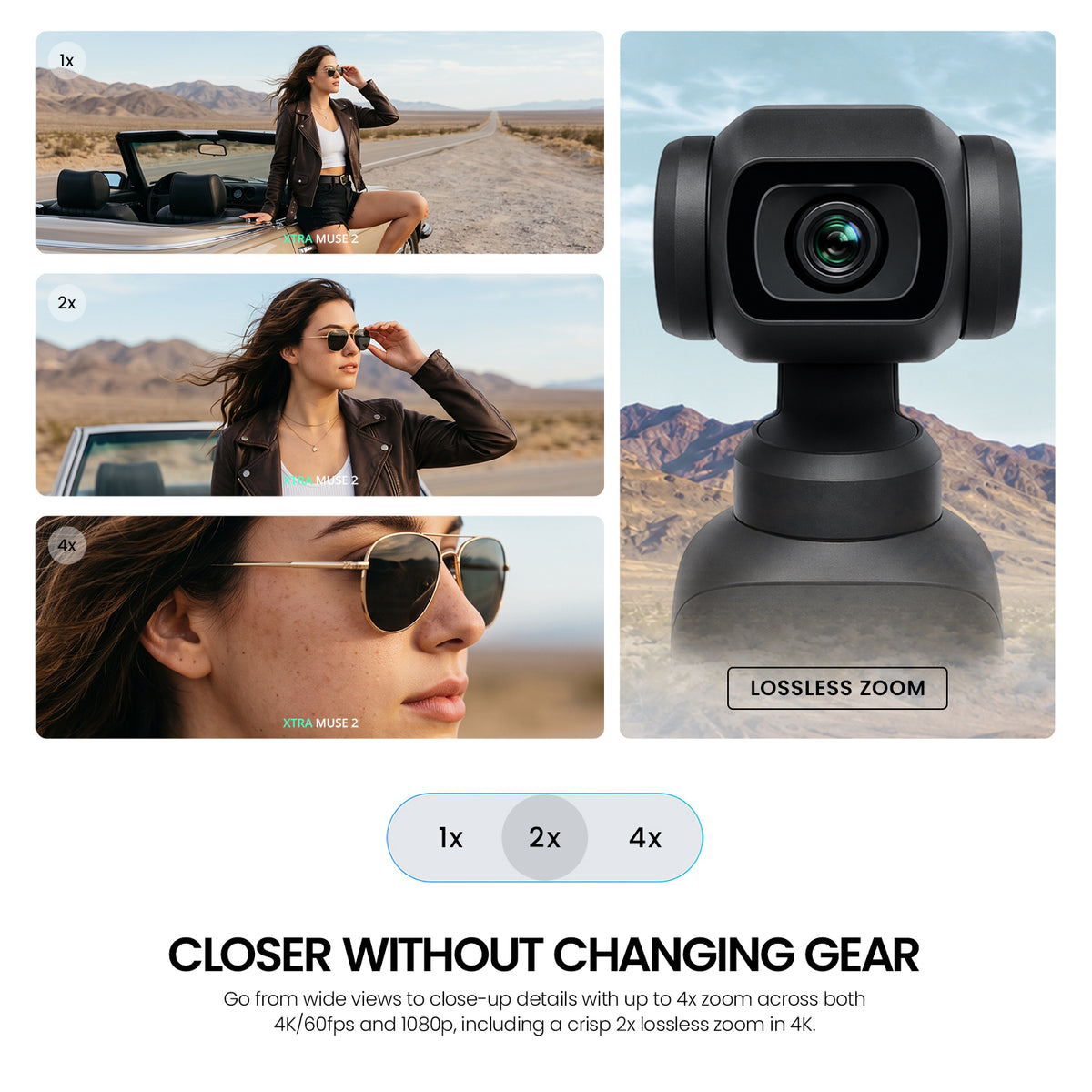
Move from a wide view to a closer composition with 2x lossless zoom in 4K, or up to 4x zoom in supported 1080p modes. MUSE 2 uses a single lens; zoom is not available in Low-Light Video, Slow Motion or Timelapse.
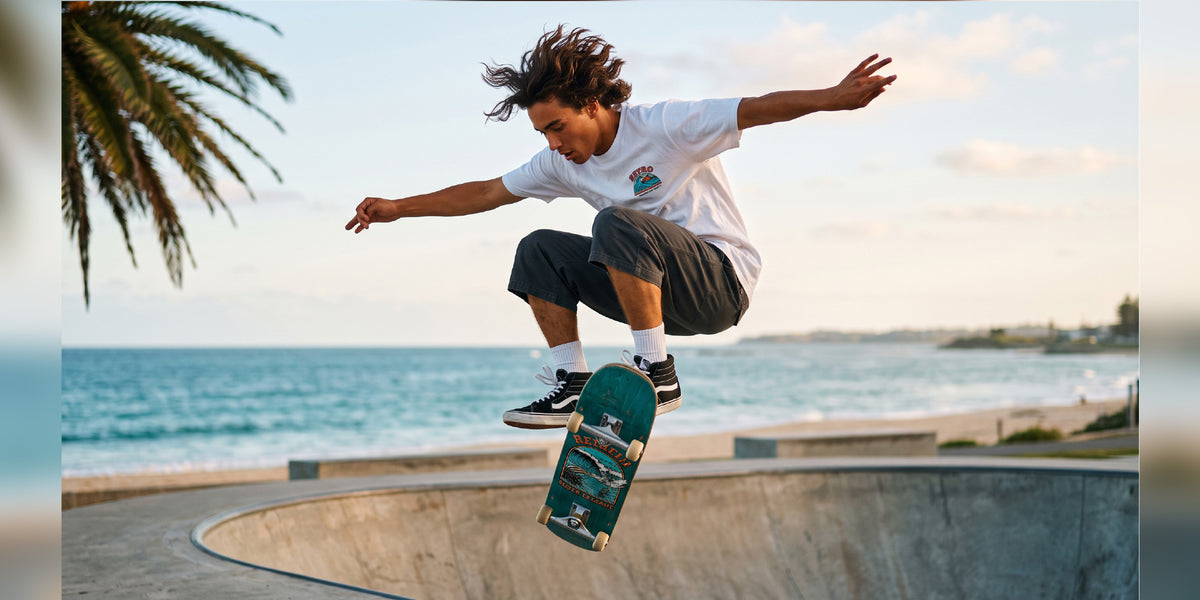
Every Trick, Every Detail
Break down flips, spins and fast movement with up to 4K/240fps in Slow Motion mode. Standard video recording supports up to 4K/60fps, so choose the recording mode that matches your shot.

Every Leap Comes to Life
Slow down playful sprints, jumps and fleeting expressions with 4K/240fps slow motion. Reveal the movement between the moments, with 1080p slow motion also available at up to 240fps.
Every Splash, Every Spin, Every Detail

Stabilization & Smart Tracking
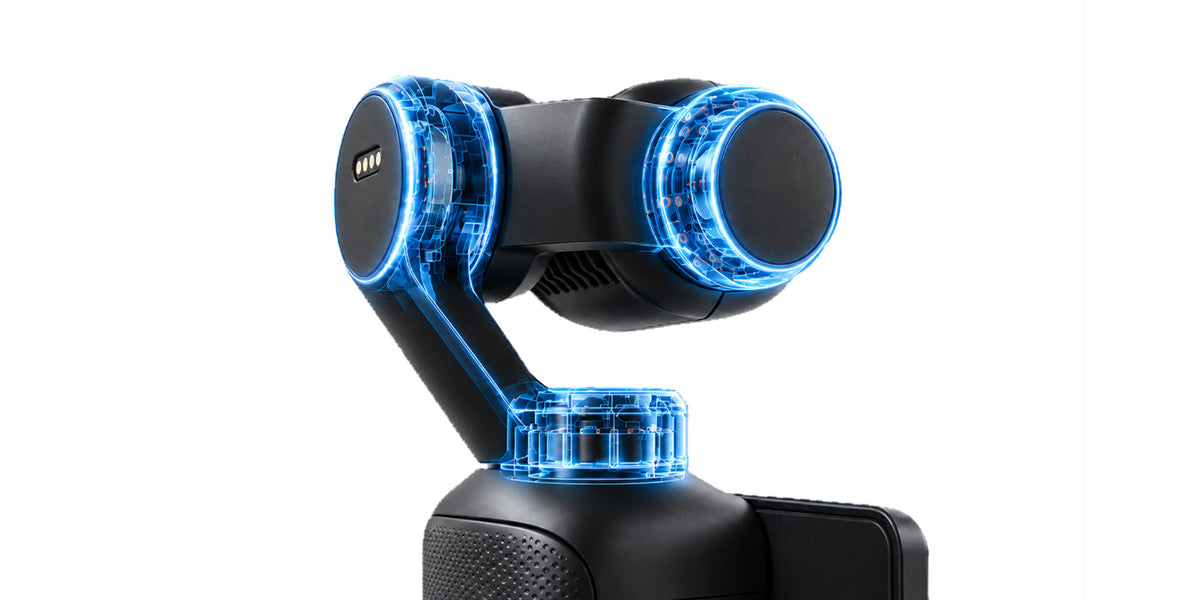
3-Axis Gimbal Stabilization
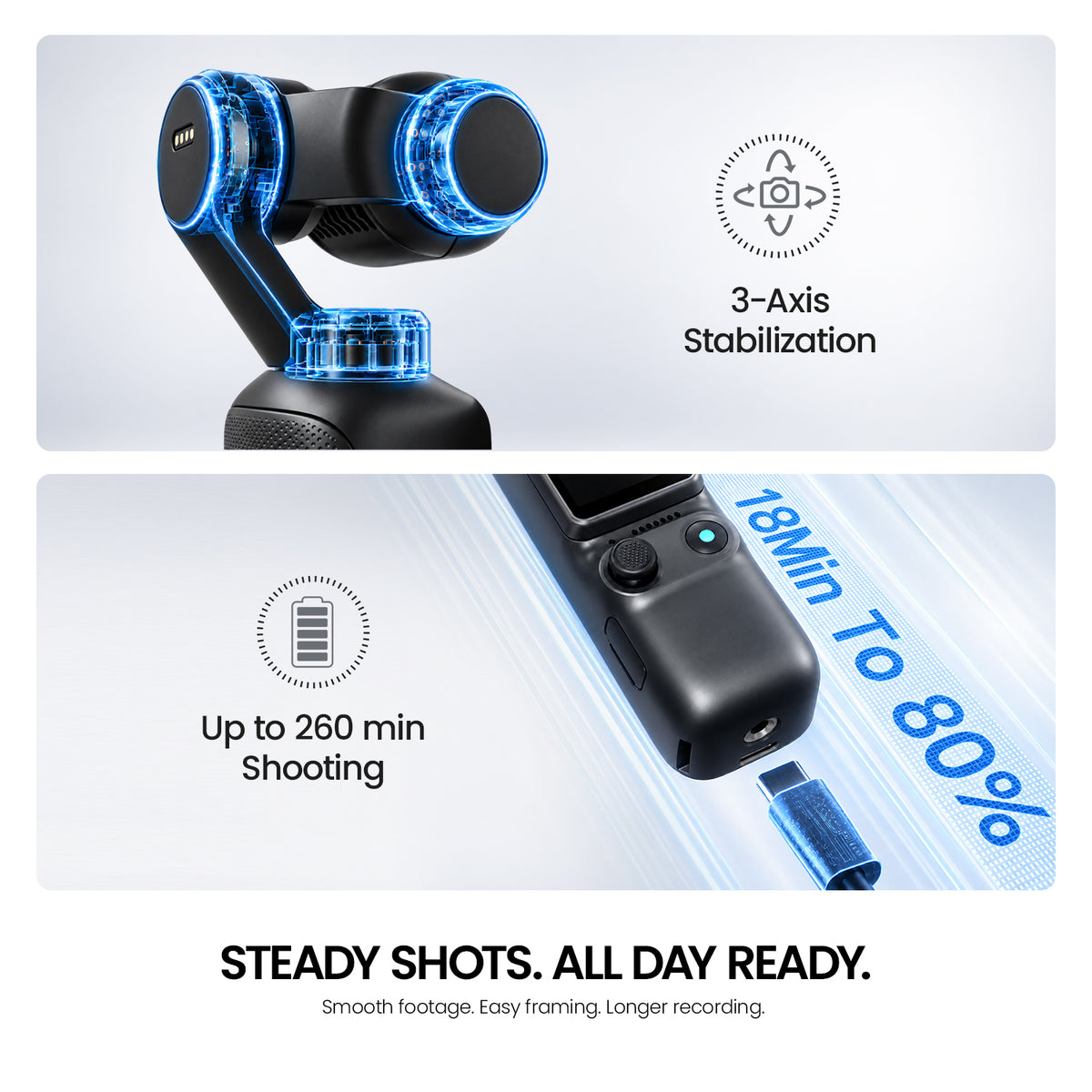
A 3-axis mechanical gimbal helps steady handheld footage as you walk, pan and follow the action. Choose a gimbal mode to suit your movement without carrying a separate stabilizer.
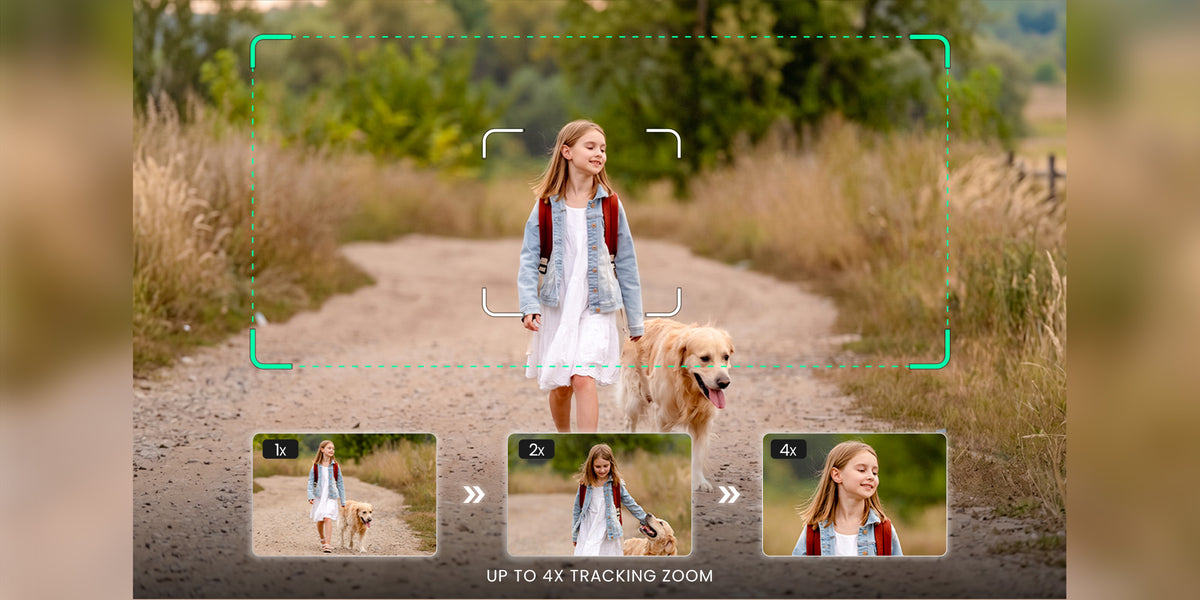
Lock On. Keep Moving.
Master Follow tracks people, vehicles, pets and other supported subjects at up to 4x zoom in supported modes. Double-tap a subject to begin; tracking availability depends on the shooting mode.
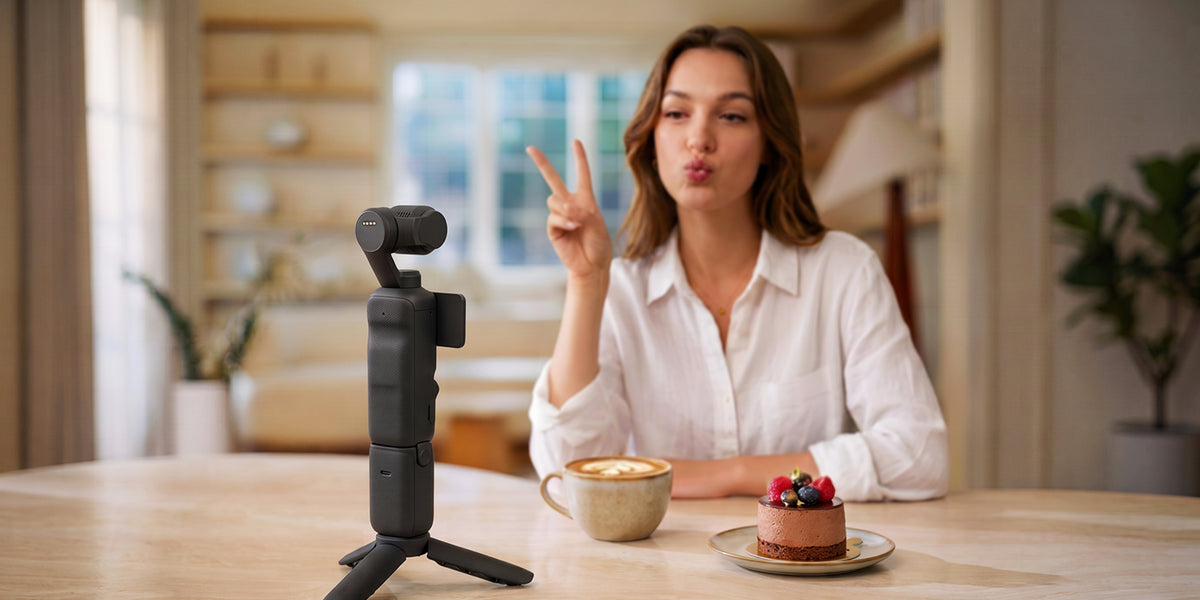
Hands-free Control
With gesture control enabled for a registered subject, use an open palm to start or stop tracking, or a V gesture to trigger a photo or start and stop video. Subject First supports up to three registered subjects.
Screen, Controls & Design
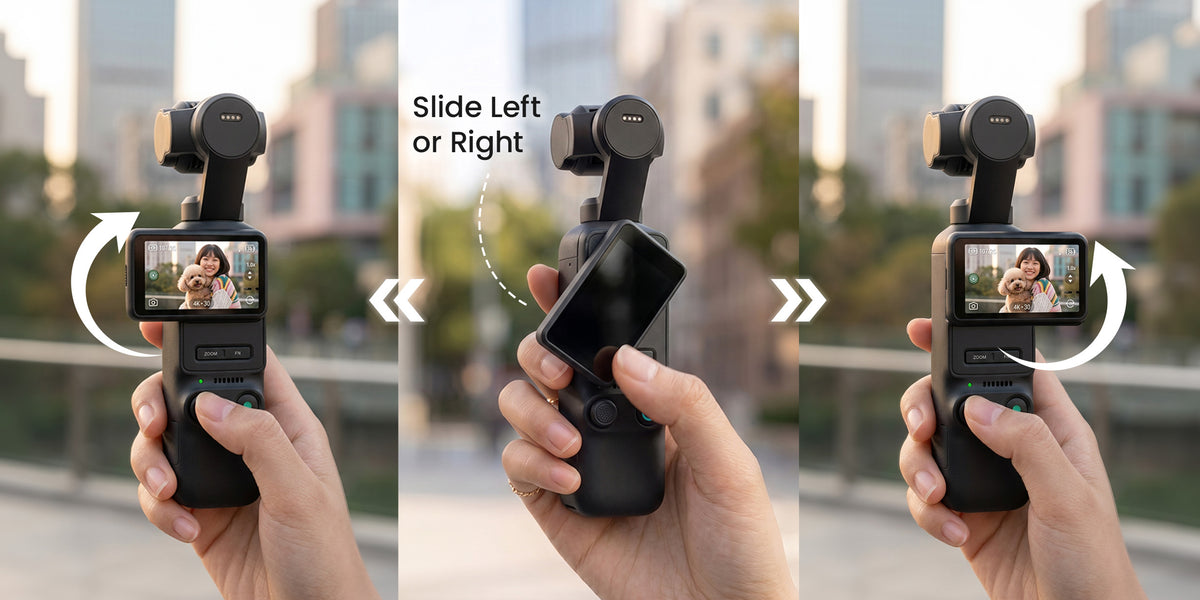
2" Swivel Touchscreen
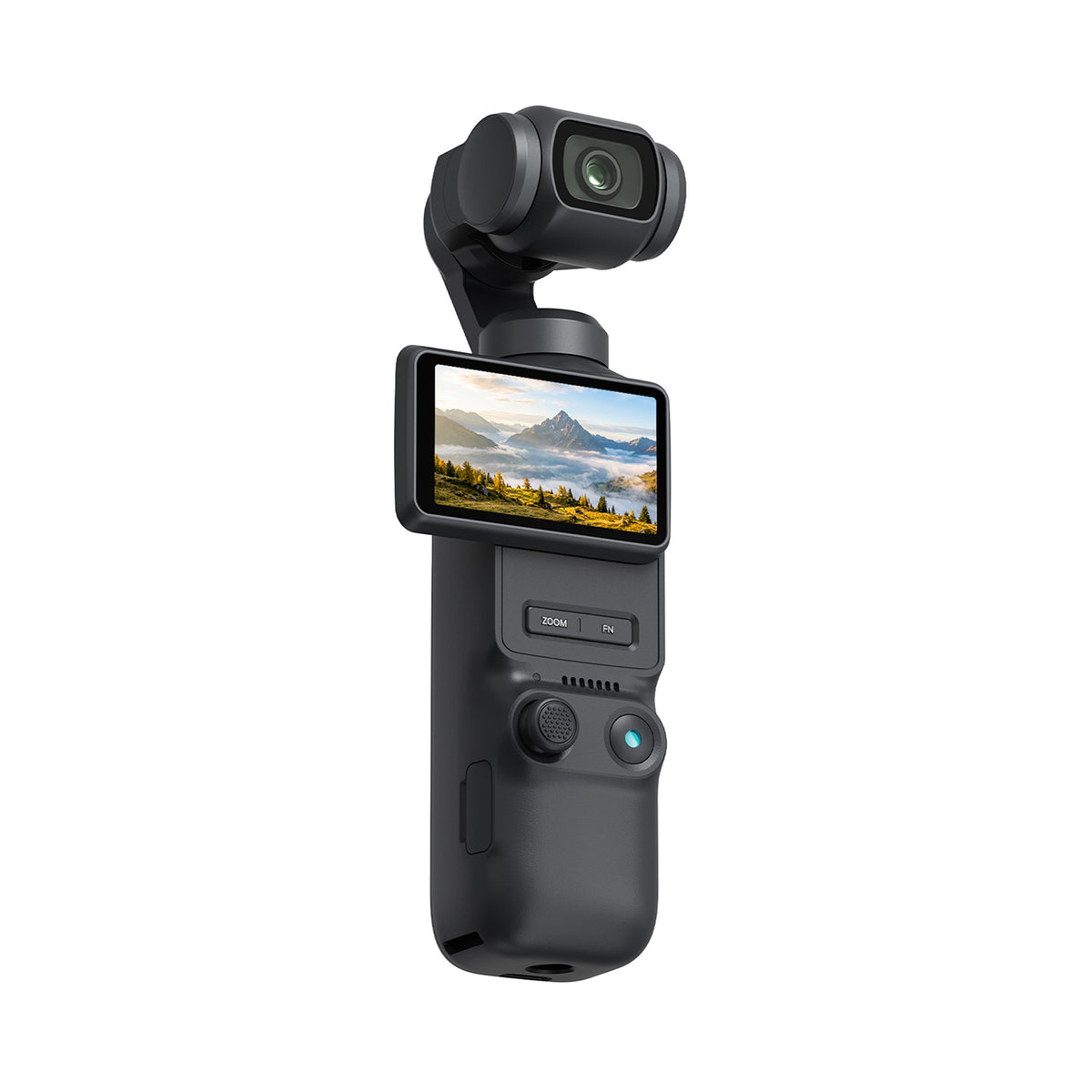
Flip the 2-inch OLED touchscreen to frame your shot and switch between horizontal and vertical video. Up to 1,000 nits of brightness helps you check composition and settings outdoors.
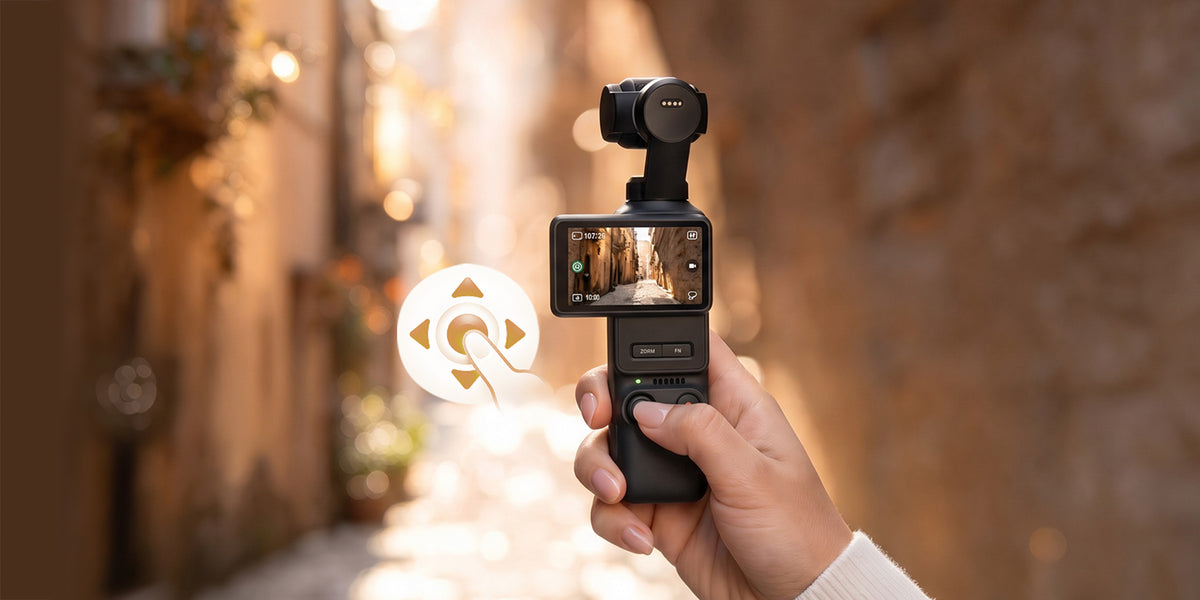
Control at Your Thumb
The 5-way analog joystick gives you proportional control: small movements for fine framing and larger movements for faster gimbal motion. Dedicated zoom and function buttons keep common adjustments within reach.
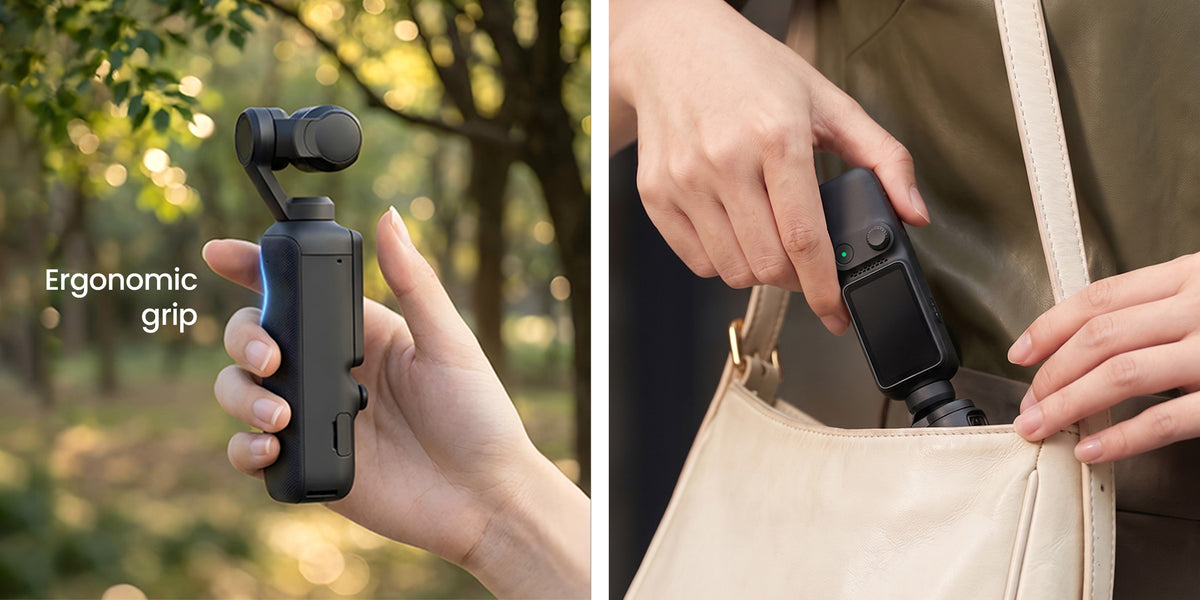
Built to Hold. Built to Shoot.
An ergonomic grip and compact body make MUSE 2 easy to carry for daily vlogs and travel. The camera weighs approximately 203.3 g and measures 152.4 x 37.3 x 44.5 mm.
Pick a Look. Or Make Your Own.

Storage, Power & Transfer
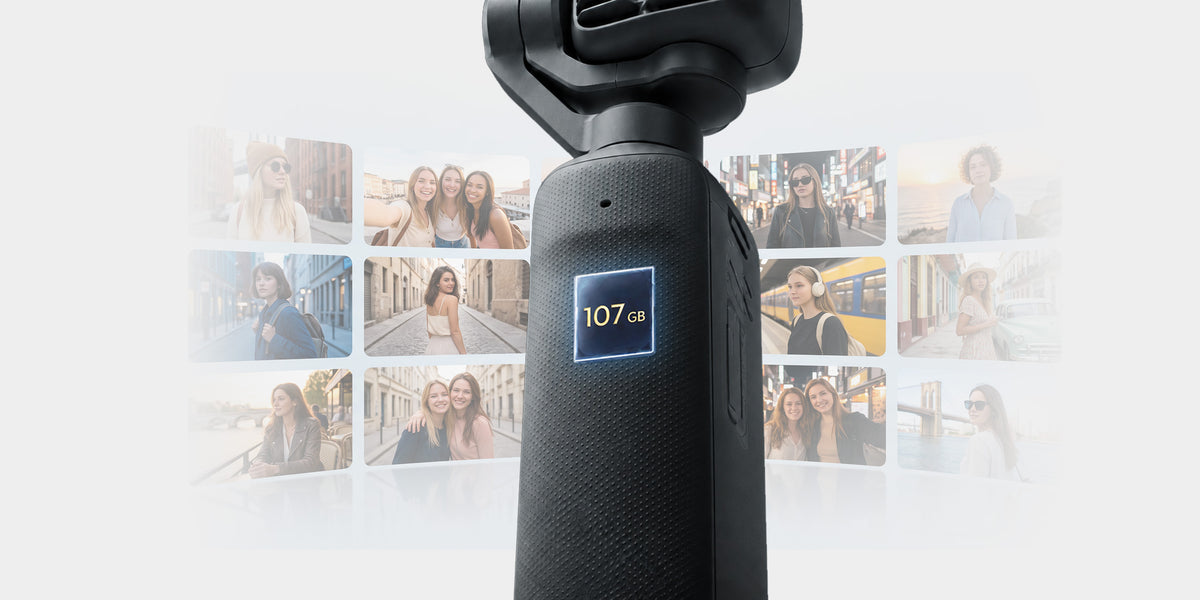
Massive Built-In Storage
Start recording without a memory card using 107 GB of built-in storage. For longer trips or a separate media workflow, add a compatible microSD card with a capacity of up to 1 TB.
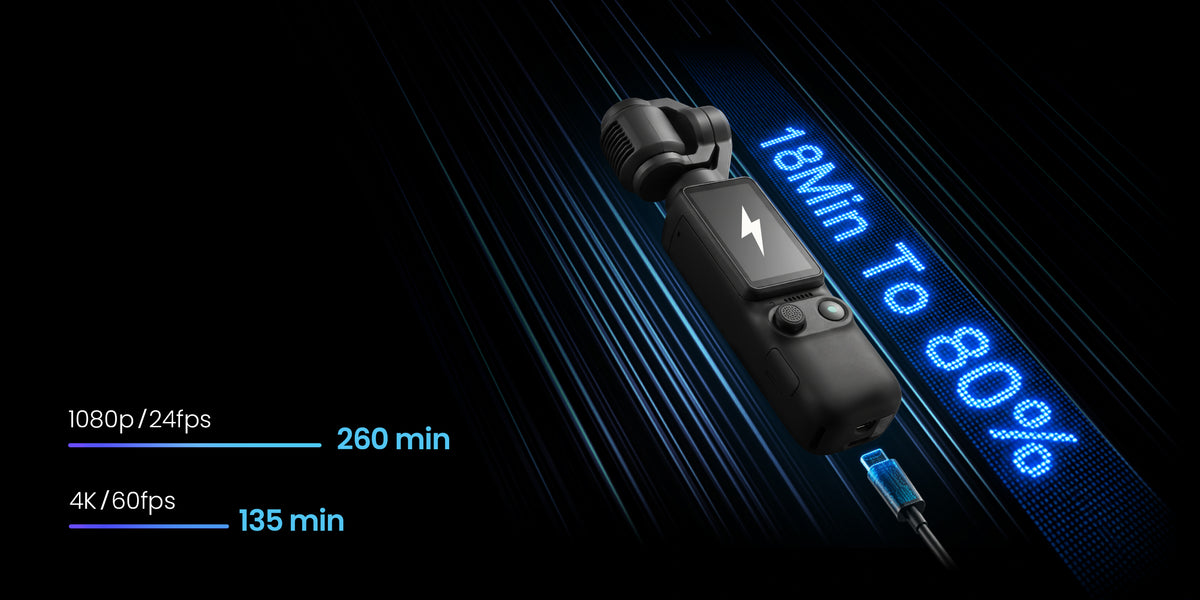
Shoot Longer. Charge Faster.
Record for up to 260 minutes at 1080p/24fps, 16:9, tested at 25 C with Wi-Fi and the screen off. A compatible 65W PD charger reaches approximately 80% in 18 minutes under lab conditions. Actual results vary.
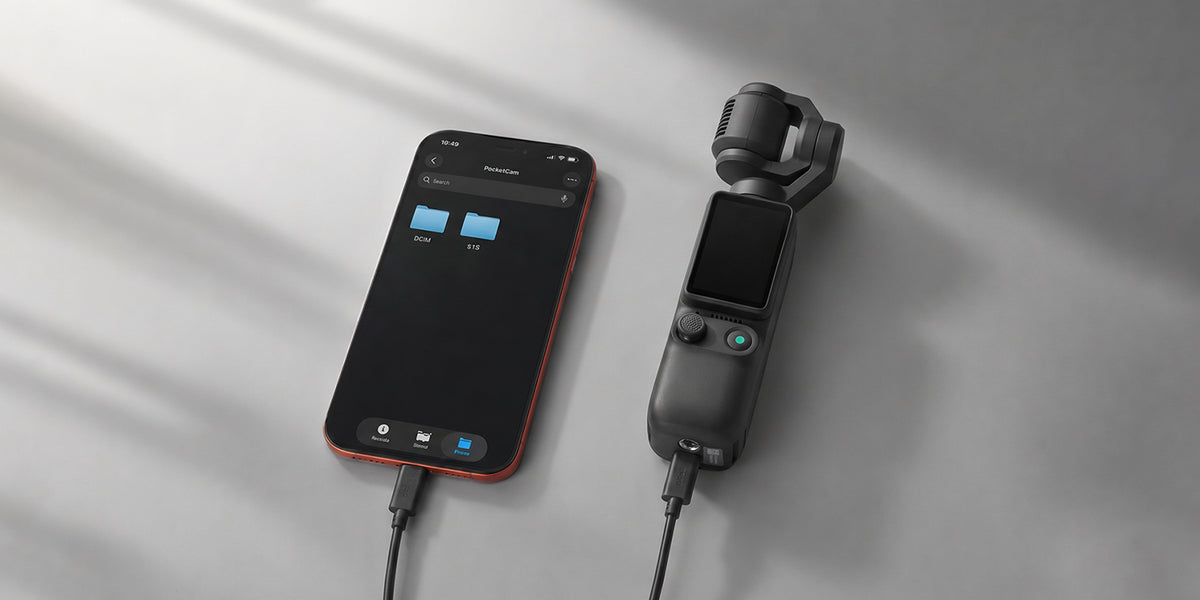
Blazing-fast File Transfer
Connect to a computer with a suitable USB-C data cable to transfer your photos and videos. Actual transfer speeds vary with the cable, device and files.
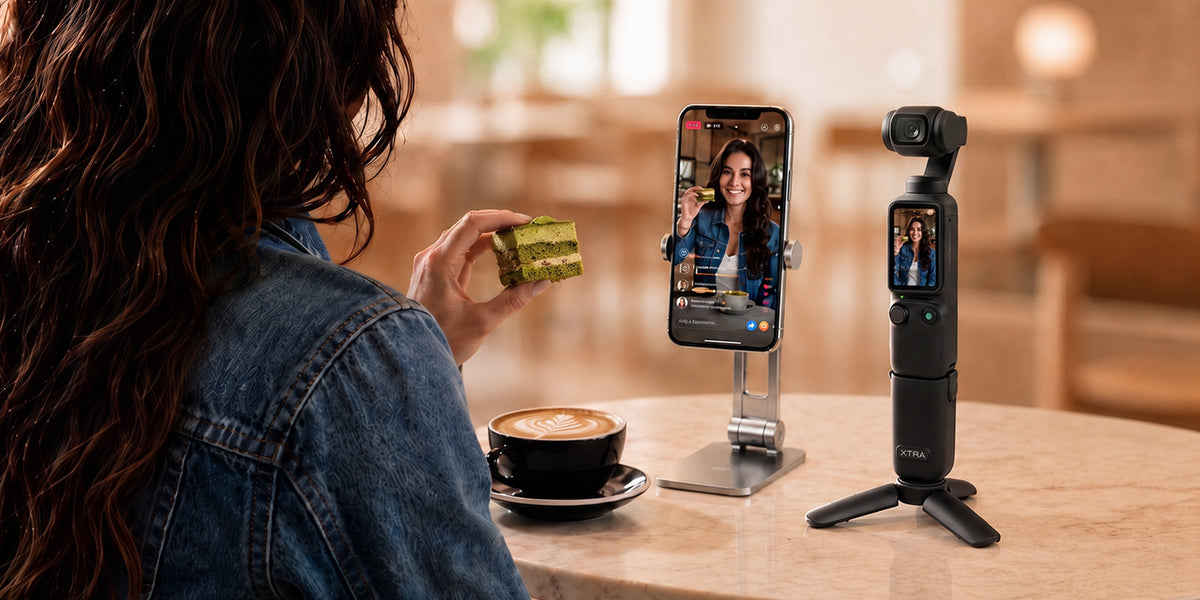
Connect with the XTRA App
Use the XTRA App for camera control, firmware updates, media syncing, editing and sharing. A compatible phone connects over Wi-Fi and Bluetooth to support your shooting workflow.
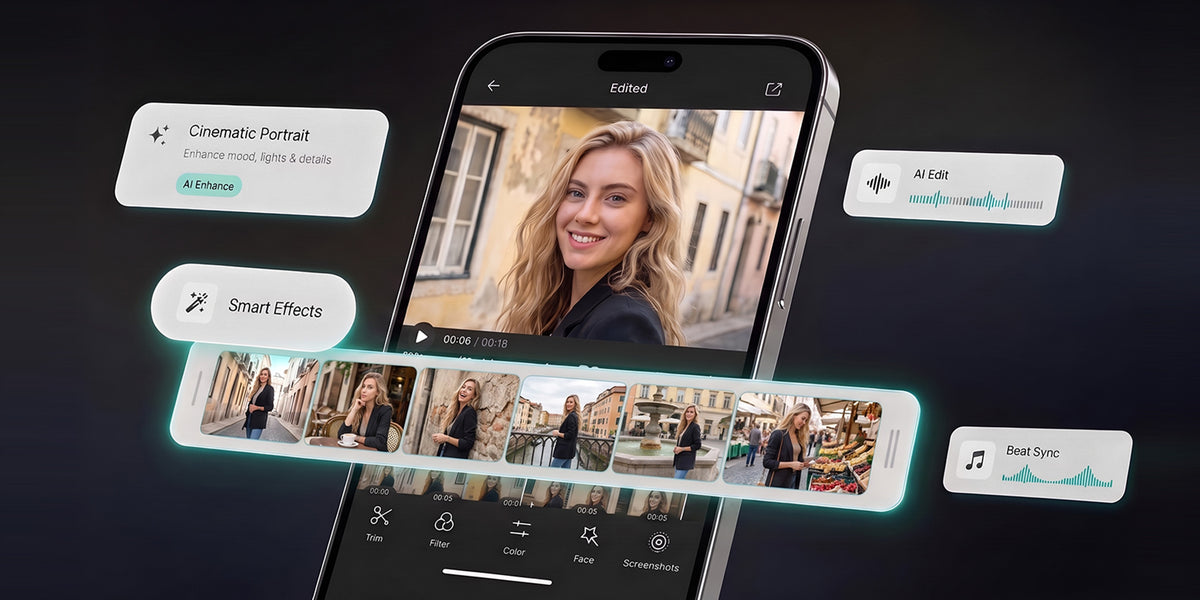
Ready Before You Post.
Transfer footage to your phone over Wi-Fi, then edit, export and share through the XTRA App. Keep the workflow simple, with available tools and performance depending on your phone and app version.
Audio & Live Streaming
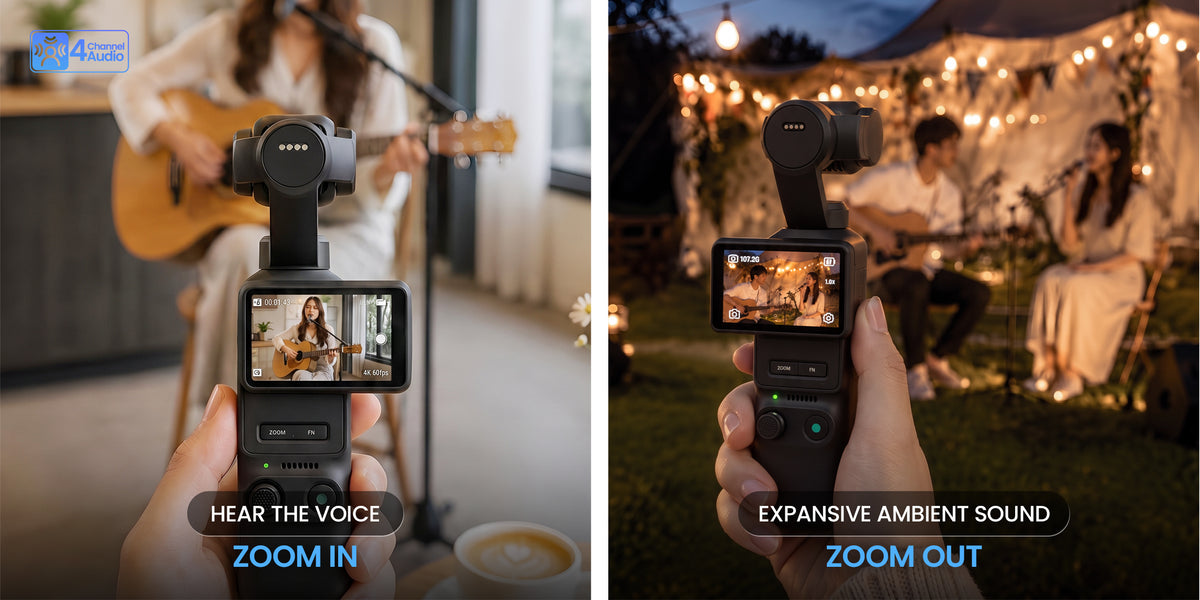
Sound That Follows the Shot.
Three built-in microphones capture your surroundings. Spatial Audio adds a sense of presence on headphone playback, while Zoom Audio adjusts pickup as you change your framing.
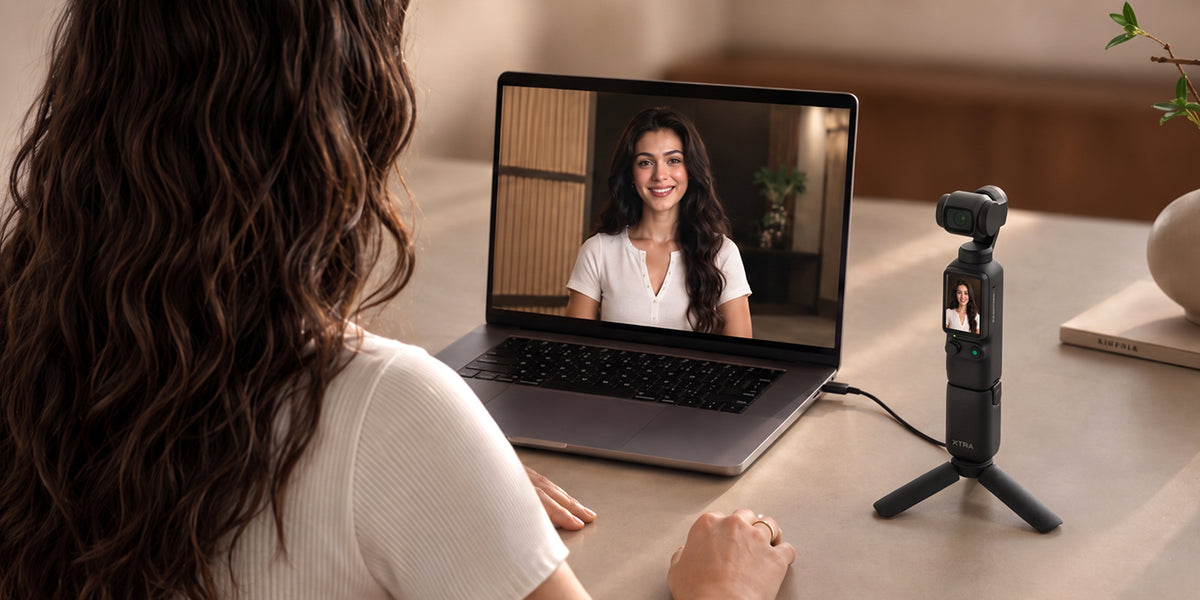
Go Live at Pro Quality - DisplayPort
Bring MUSE 2 into a compatible streaming setup with DisplayPort output at 4K or 1080p, 25/30fps. Use a suitable capture and streaming connection; these output specifications do not describe Wi-Fi streaming.
Complete Your Muse Kit
MUSE 2 FAQs
What kind of camera is XTRA MUSE 2?
MUSE 2 is a pocket gimbal camera for vlogging, travel and everyday content. It uses a single 1-inch CMOS sensor, a 20 mm equivalent f/2.0 lens and a built-in 3-axis mechanical gimbal. It does not use the dual-camera system of MUSE 2 Pro.
Does 4K/240fps apply to standard video recording?
No. Standard video supports up to 4K/60fps. The 4K/240fps specification applies to Slow Motion mode, which also supports 1080p at up to 240fps. It should not be taken as a standard-recording or livestreaming specification.
How does zoom work on MUSE 2?
MUSE 2 has one 20 mm equivalent lens, not a separate telephoto camera. It supports 2x lossless zoom in 4K, with up to 4x digital zoom in supported video, UVC and livestream modes. Photo zoom is up to 2x at 7680 x 4320. Zoom is unavailable in Low-Light Video, Slow Motion and Timelapse.
Does MUSE 2 support 10-bit X-Log 2?
Yes. Standard video mode supports 10-bit X-Log 2 for color grading. Normal Color and X-Log 2 modes offer up to 14 stops of dynamic range; Slow Motion mode may have lower dynamic range. Log footage normally looks flatter before color grading.
Can I shoot vertical video?
Yes. MUSE 2 supports 16:9 horizontal and 9:16 vertical video. Horizontal recording offers 4K or 1080p at up to 60fps, while vertical recording offers 3K or 1080p at up to 60fps. Use the rotating touchscreen and orientation settings to suit your platform.
Do I need a microSD card to start recording?
No. MUSE 2 includes 107 GB of built-in storage and supports microSD expansion up to 1 TB. Recommended cards include Lexar Silver Plus and Kingston CANVAS GO! Plus U3 A2 V30 microSDXC models in capacities from 64 GB to 1 TB.
How much footage can the 107 GB storage hold?
At standard bitrate, the built-in storage holds approximately 600 minutes of 1080p/24fps video or 220 minutes of 4K/60fps video. These are storage-capacity estimates, not battery-runtime claims. Actual recording time varies with resolution, frame rate, bitrate and shooting mode.
How long does the battery last, and how fast does it charge?
Battery life is up to 260 minutes, measured at 25 C while recording 1080p/24fps in 16:9 with Wi-Fi and the screen off. Lab charging tests measured approximately 18 minutes to 80% and 32 minutes to full charge using a compatible 65W PD charger. Actual runtime and charging time vary with settings, temperature, charger and cable.
How do tracking, Subject First and gestures work?
Master Follow supports people, vehicles, pets and other supported subjects at up to 4x zoom in supported modes. Subject First supports up to three registered subjects, and gesture control is available for registered subjects when enabled. An open palm starts or stops tracking; a V gesture triggers a photo or starts and stops video. Tracking is unavailable in Panorama, Timelapse, Tracklapse, SpinShot and horizontally held FPV mode.
Can I use beauty effects and color styles together?
No. In-camera beauty effects are available in video mode and cannot be combined with Film Tone styles or built-in filters. App-based beauty processing supports video and low-light video, with exports up to 4K/60fps depending on phone performance. Beauty effects are not available for still photos.
How do I transfer footage and use the XTRA App?
Transfer files to a computer with a suitable USB-C data cable, or connect a compatible phone over Wi-Fi and Bluetooth. The XTRA App supports camera control, firmware updates, media syncing, editing, sharing and export. Compatible OTG devices and USB 3.1 cables support USB-C export. Actual transfer speed depends on your devices, cable and files.
What audio features does MUSE 2 offer?
MUSE 2 has three built-in microphones. Spatial Audio adds a sense of presence on headphone playback, and Zoom Audio adjusts sound pickup as you zoom. PRO mode offers wind noise reduction, directional audio, voice enhancement and channel settings. Built-in microphone gain adjusts automatically; custom gain adjustment is available for external microphones.
Can MUSE 2 be used for live streaming or as a webcam?
Yes. DisplayPort output supports 4K or 1080p at 25/30fps with a compatible streaming setup. Wi-Fi streaming through the XTRA App depends on your phone, platform and connection; do not assume the DisplayPort output specifications also apply to Wi-Fi. UVC webcam mode has a default resolution of 1080p.
Is MUSE 2 waterproof?
No. MUSE 2 is not waterproof and should not be used underwater or in heavy rain without suitable protection. It is designed for lightweight handheld filming rather than unprotected underwater or high-impact action-camera use.
What is the difference between the Standard, Vlog and Creator Combos?
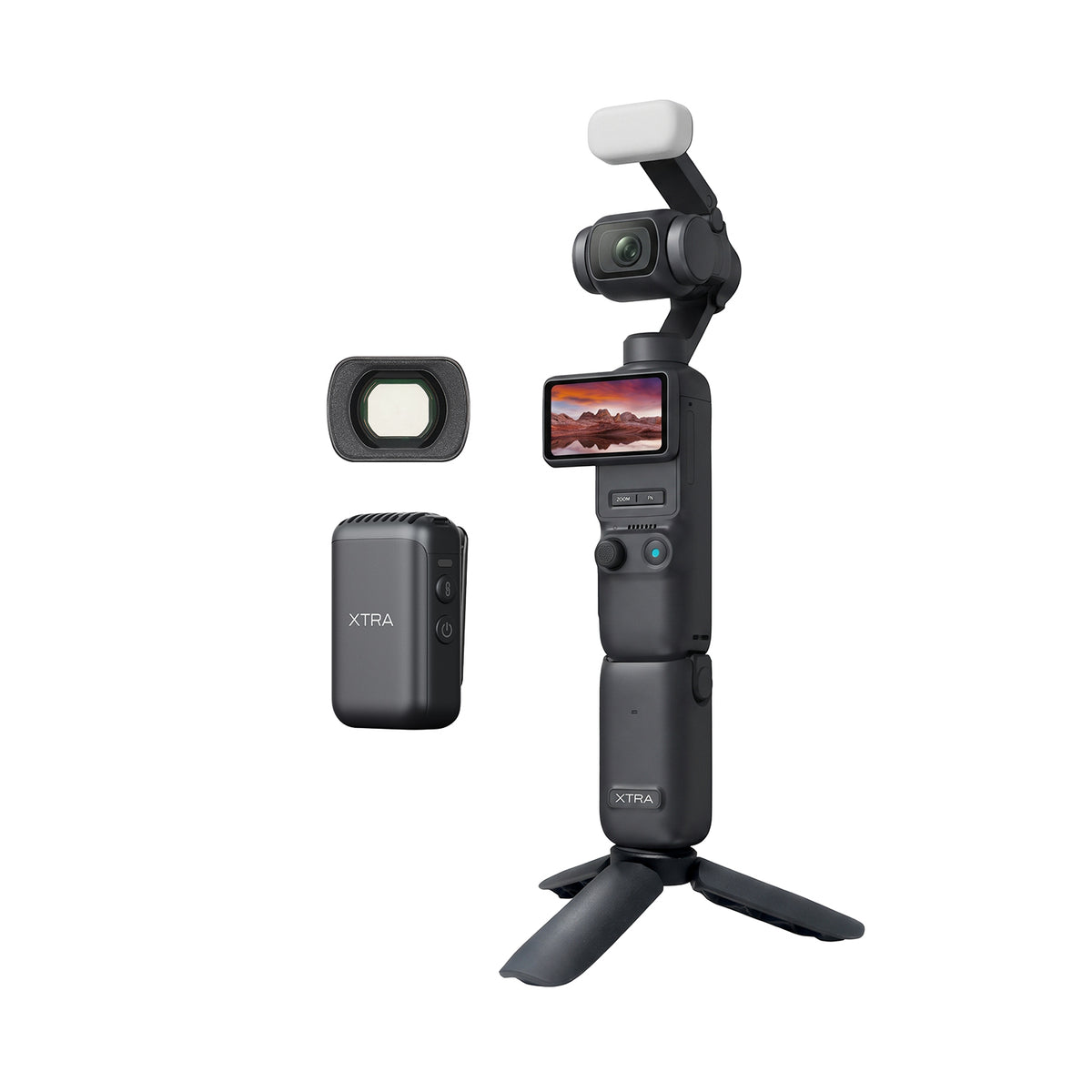
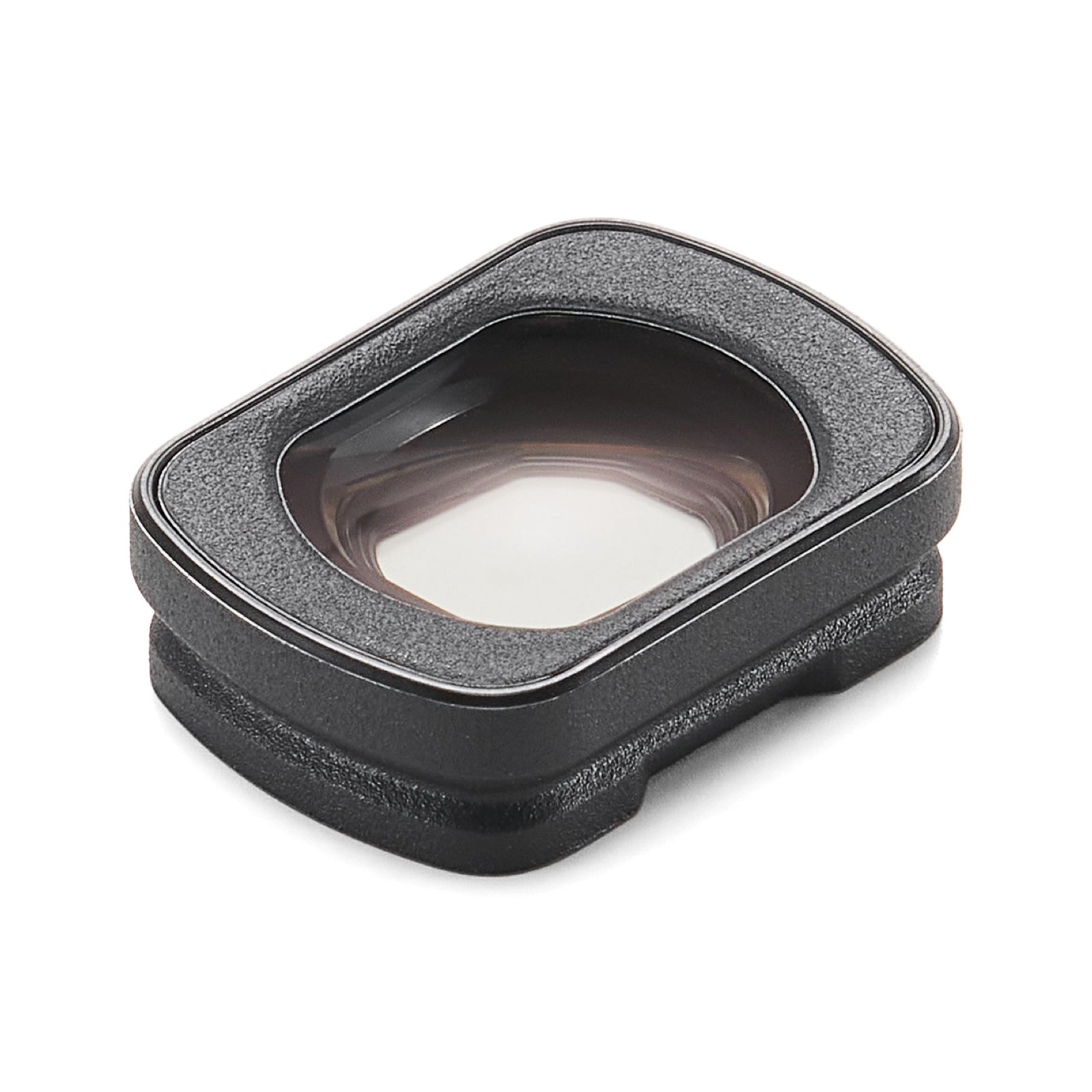
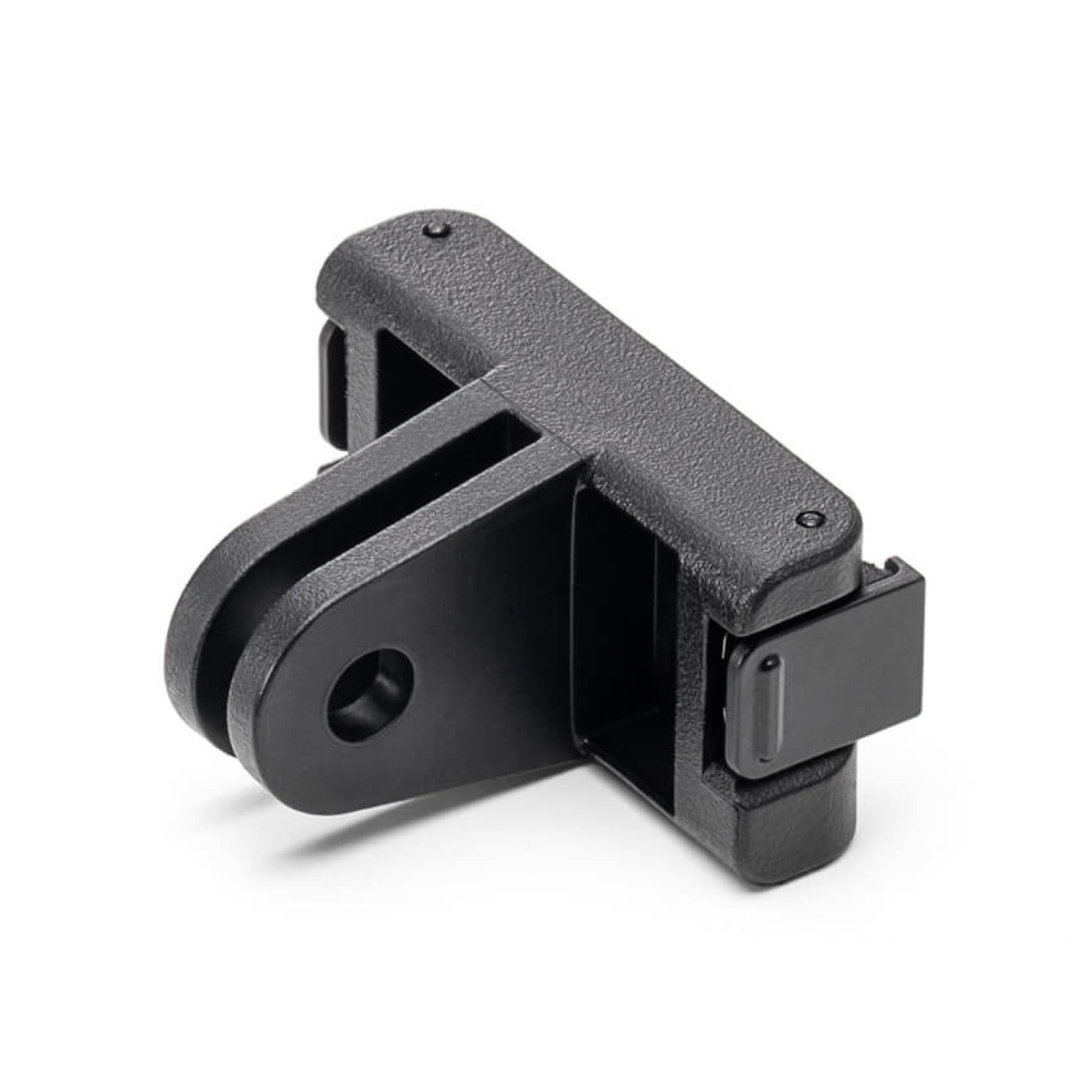
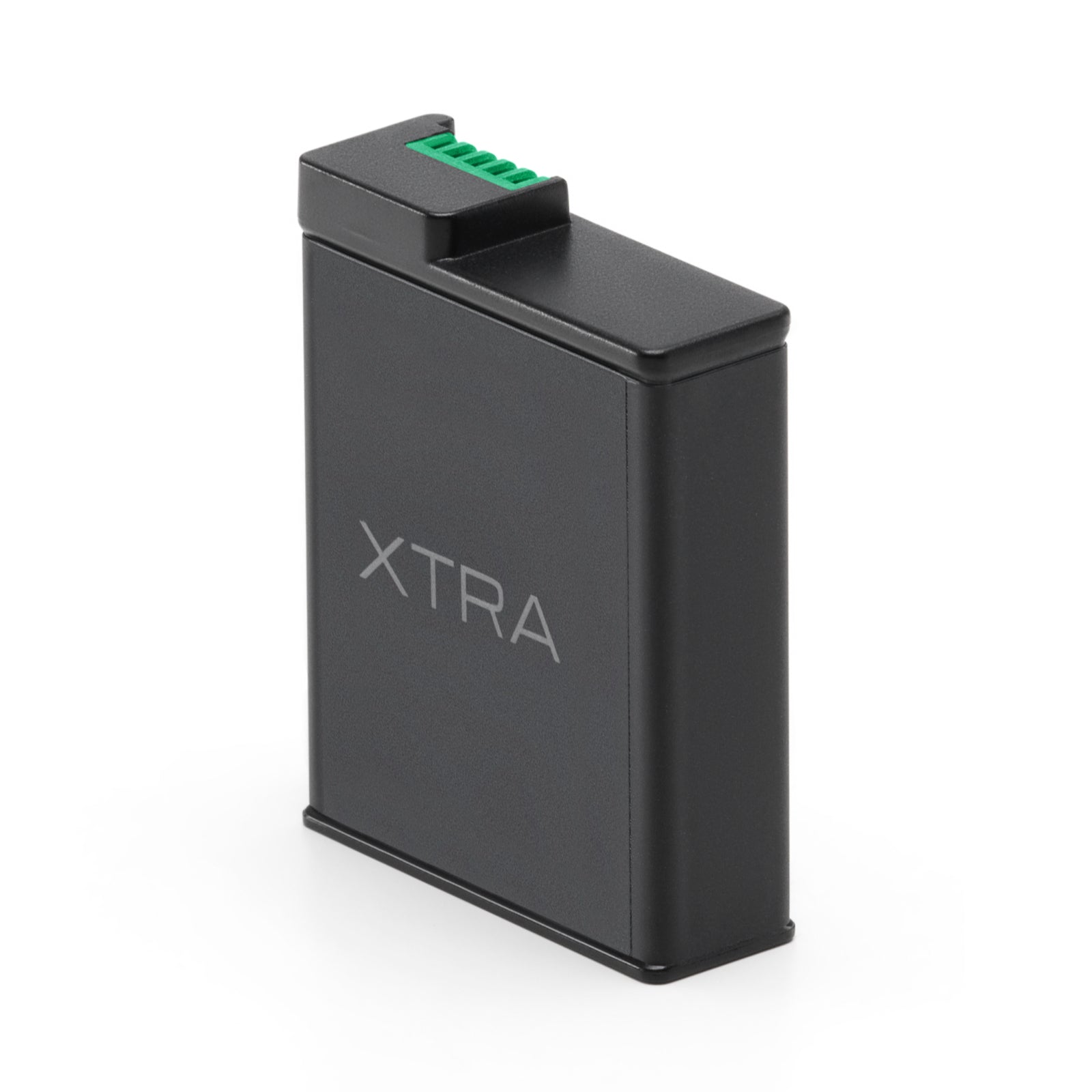
The Standard Combo includes MUSE 2, a USB-C to USB-C PD cable, wrist strap, carrying bag and quick-start and safety guides. The Vlog Combo adds the MUSE 2 fill light and mini tripod. The Creator Combo uses a larger carrying bag and adds the fill light, mini tripod, wide-angle lens, Voko transmitter with its magnetic charging cable, furry windscreen, magnetic back clip and magnet, plus a MUSE 2 battery grip.
Related guides
Compare pocket gimbal camera kits. Choose your first vlogging camera.
MUSE vs DJI Pocket 3
Compare published specifications, microphone support and camera-only prices.
Your first day with MUSE
Plan your first recording, check storage and transfer your footage.
Filming motorcycle rides?
For mounted riding footage, explore a different setup with a 360 camera.