
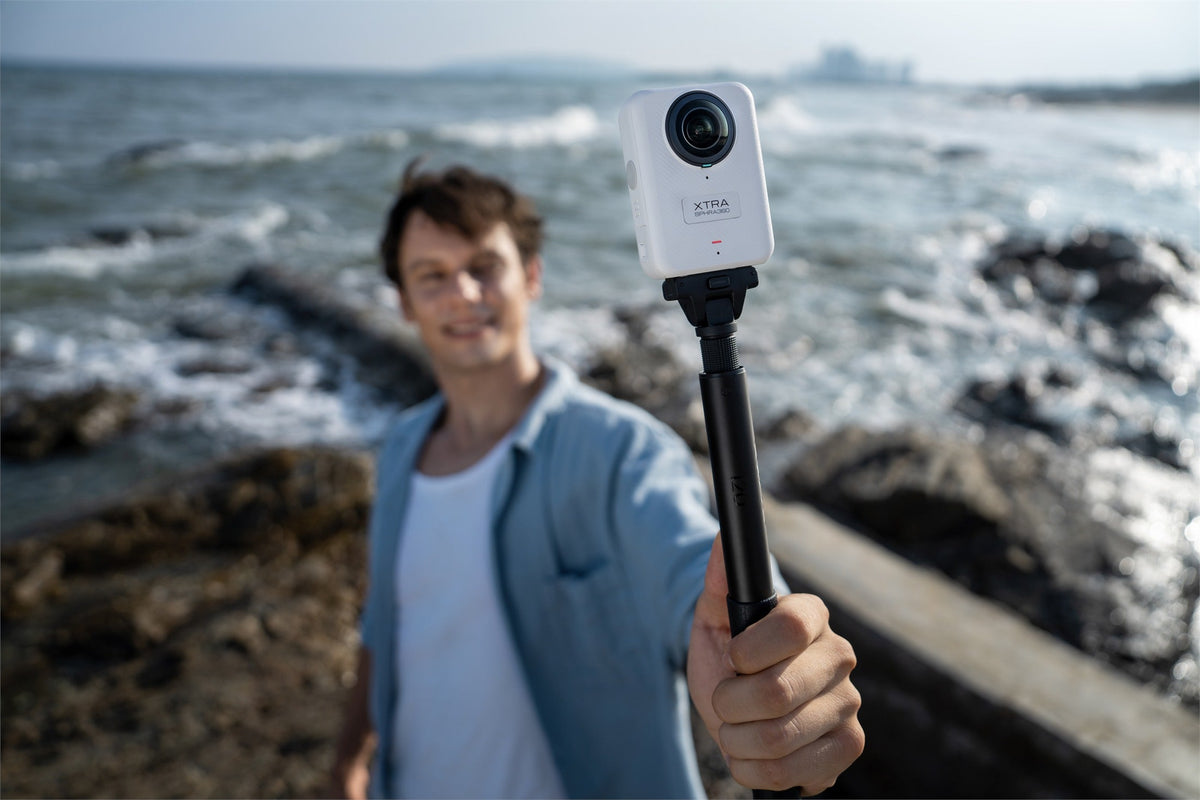
A 360 degree camera captures the complete scene around it, letting you choose the viewing angle after filming. That flexibility can turn one ride, trip, or activity into several useful shots, but only when the camera also fits your lighting, mounting, editing, storage, and budget needs.
In 2026, resolution alone is not enough to identify the right model. This guide explains the practical decisions to make before buying, so you can choose a camera that supports the way you actually record and finish videos.
What a 360 Degree Camera Changes
A traditional action camera records the direction in which its lens is pointed. A 360 camera uses two wide-angle lenses to record almost everything around the camera and stitch those views into a spherical file. The main advantage is the ability to shoot first and frame later.
After recording, you can direct the final view toward the road, rider, landscape, or person speaking. The same source clip can support a horizontal YouTube video, a vertical Reel, or a third-person action shot. The trade-off is a larger original file and an additional reframing step, so the camera and its software should be evaluated together.
What to Check Before You Buy
| Decision factor | Why it matters | What to verify |
|---|---|---|
| Resolution | A reframed view uses only part of the spherical image. | 360 mode, frame rate, and export quality |
| Image quality | Resolution cannot replace good low-light and color performance. | Sensor, processing, dynamic range, and sample footage |
| Stability | Movement reveals vibration, horizon drift, and stitching errors. | Stabilization, horizon leveling, and working distance |
| Workflow | Large spherical files require storage and processing power. | App, desktop tools, device support, and media capacity |
| Durability | Exposed lenses and outdoor use create practical risks. | Lens protection, waterproofing, and repair path |
| Mounting | The complete rig affects safety, comfort, and usable angles. | Weight, attachment, controls, and accessory compatibility |
Use this checklist to compare the complete shooting workflow, not only headline specifications.
Understand Resolution Through Reframing
An 8K 360 video camera does not use all of its pixels for one flat view. The recorded resolution is spread across the entire sphere, while a normal 16:9 or 9:16 export shows only one section. A higher-resolution source gives the editor more room to crop, zoom, and follow a moving subject while preserving detail.
Check whether an advertised resolution applies to panoramic or single-lens recording, which frame rates are available, and what the final reframed output looks like. Also confirm that your phone or computer can process the original files smoothly. The right resolution is one your complete workflow can record, store, edit, and export reliably.
Judge Image Quality Beyond 8K
Sensor design, lens quality, exposure, image processing, dynamic range, and color depth all affect the result. A larger effective imaging area can generally collect more light, but a specification should still be considered alongside processing and real footage from the intended recording mode.
When possible, review original clips recorded in bright daylight, backlit scenes, mixed indoor lighting, and after sunset. Look for retained highlights, usable shadow detail, motion blur, noise, and consistent color. A polished highlight reel does not reveal how a camera handles difficult conditions.
Check Stabilization, Horizon Leveling, and Stitching
Stabilization helps reduce unwanted movement, while horizon leveling keeps the final view upright as the camera turns. Both are especially important for cycling, motorcycling, skiing, hiking, and handheld selfie-stick shots.
Stitching also deserves attention. Objects placed very close to the camera or directly between the two lenses can appear distorted. Learn the recommended working distance, keep important subjects away from the stitch line, clean both lenses, and review a short test clip before recording a full activity. Software cannot fully correct an unstable mount, dirty lens, or poorly positioned subject.
Plan the Editing and Storage Workflow
Every 360 camera depends on software. Check whether its mobile app or desktop editor supports the tools you need, including keyframing, subject tracking, horizon control, color adjustment, and horizontal or vertical export. High-resolution spherical files can also require more processing power than ordinary action-camera footage.
Built-in storage can make a camera ready when a memory card is missing, while microSD expansion adds capacity for longer sessions. For a deeper workflow, read why built-in camera storage matters for high-resolution video. Neither the camera nor one card should be treated as the only backup for important footage.
Match Power, Protection, and Mounting to the Activity
Maximum battery claims are usually measured under specific conditions. Resolution, frame rate, screen use, wireless connections, temperature, and recording pattern can all change runtime. Plan around the chapters you expect to record and confirm whether compatible spare batteries or charging options suit longer sessions.
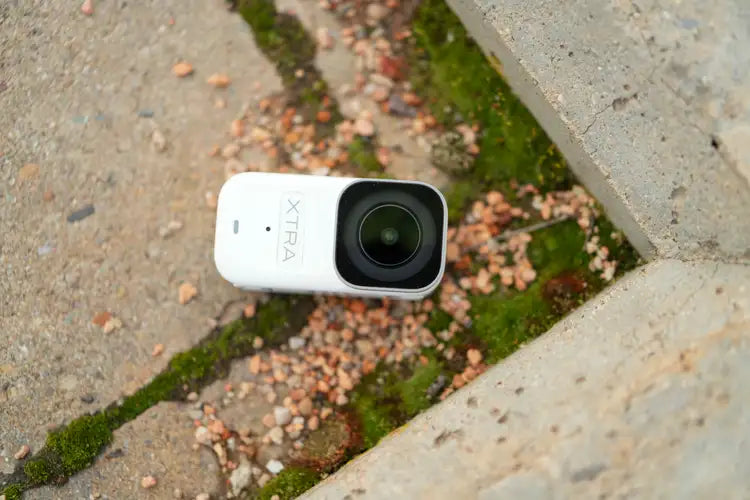
Because 360 lenses extend outward, fingerprints, dust, water spots, and scratches are easy to see. Check for a lens cap, protectors, a carrying case, cleaning guidance, and a repair path. Waterproof depth should also match the activity; rain, shallow water, and diving are different use cases, and underwater refraction can affect stitching even when the camera body is sealed.
Finally, evaluate the complete mount. Camera weight, extension length, attachment method, wind load, and access to controls all affect usability. A quick-release interface can make position changes faster, while a standard threaded connection can improve compatibility. Use the shortest secure setup that creates the intended shot, then perform a stationary test before moving at speed.
Choose for Your Main Use Case
- Travel: prioritize compact size, lens protection, simple editing, working storage, and a realistic power plan.
- Cycling and motorcycling: prioritize stabilization, secure mounting, simple controls, weather protection, and post-shoot reframing.
- Social content: prioritize fast subject selection, vertical export, manageable transfer, and a repeatable editing workflow.
- Advanced editing: prioritize high-resolution originals, 10-bit color, a Log profile, and desktop software support.
The best 360 degree camera is not automatically the model with the longest specification list. It is the one that removes the biggest limitations from the way you shoot and finish content.
Where Xtra 360 Fits
Xtra 360 is designed for creators who want the central benefits of high-resolution 360 capture without beginning at a premium flagship price. Its 8K panoramic recording supports post-shoot reframing, while 10-bit X-Log provides more flexibility for deliberate color grading.
About 105GB of usable built-in storage, plus microSD expansion, supports a capture-first workflow with room for large spherical masters. A magnetic quick-release base makes it easier to move the camera between compatible positions during outdoor sessions.
Xtra 360 is an XTRA product. This article uses manufacturer specifications and current store listings and does not present an independent laboratory test. Buyers should validate image quality, runtime, device compatibility, mounting, and environmental performance in the conditions that matter to them.

Secure mounting helps make an outdoor capture workflow practical.
If you are comparing current premium and value-focused options, see our Insta360 X6 alternative under $400 guide.
Frequently Asked Questions
What should I look for in a 360 degree camera?
Start with your intended use, then compare panoramic resolution, low-light image quality, stabilization, stitching, editing software, storage, lens protection, mounting, and total system cost.
Is 8K worth it on a 360 camera?
8K can be valuable because a reframed video uses only part of the spherical image. The extra source detail provides more cropping flexibility, but it also creates larger files and requires a capable editing device.
The Bottom Line
Choose a 360 camera for the entire workflow: capture, mount, protect, store, reframe, and export. Resolution matters, but practical image quality, reliable software, secure mounting, and a realistic power plan determine whether the footage becomes a finished video.


Leave a comment
This site is protected by hCaptcha and the hCaptcha Privacy Policy and Terms of Service apply.