
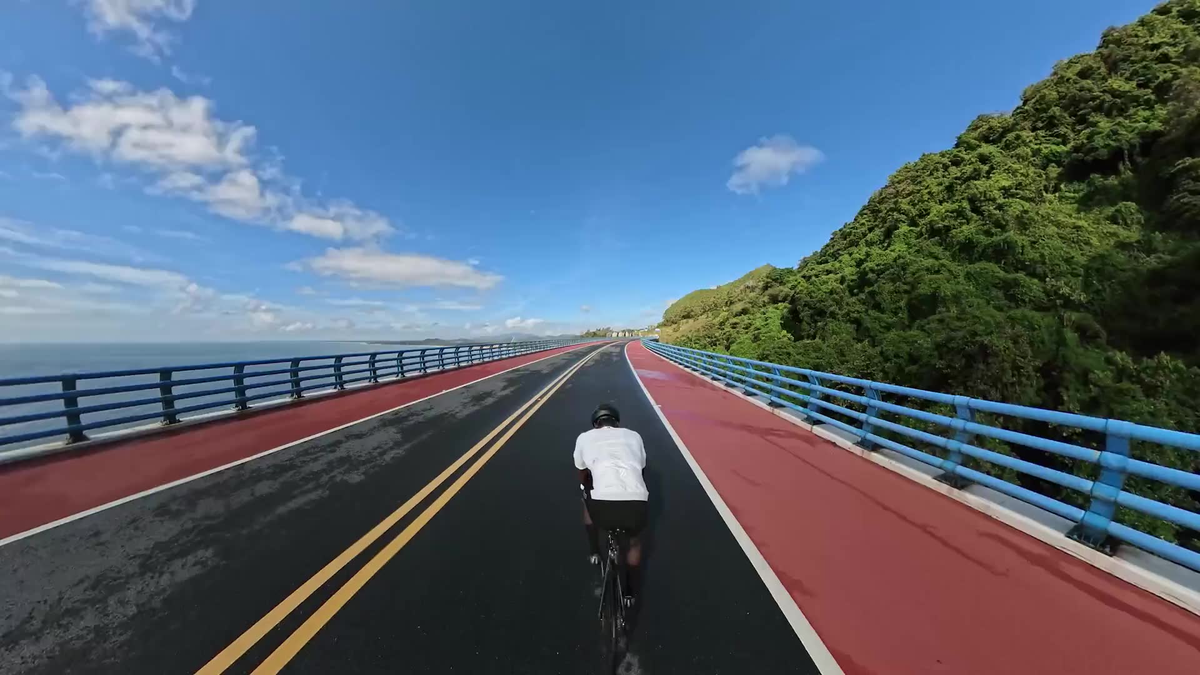
The launch of Insta360 X6 has put 8K/50fps back at the center of the 360-camera conversation. XTRA 360 also lists panoramic recording up to 8K/50fps. But the same headline number does not promise identical image quality, and it does not mean that every reframed clip becomes a flat 8K video.
For riders, travelers and outdoor creators, the useful question is simpler: how much detail and motion flexibility does 8K/50fps give you after you choose a normal 16:9 or vertical view?
Quick Answer
An 8K 360 camera records an 8K-wide image covering the entire sphere around the camera. Reframing selects only one window from that sphere, so the final view uses only part of the original pixels. The exact retained resolution depends on the selected field of view, crop, projection and export settings. Meanwhile, 50fps captures more moments per second than 30fps, which can make fast outdoor movement look smoother and provide more flexibility for slow motion.
What “8K” Means on a 360 Camera
A conventional camera points in one direction. If it records a flat 8K frame, nearly all of those pixels describe the view in front of the lens. A dual-lens 360 camera works differently: it records the front, back, sides, sky and ground, then stitches those views into a spherical master file. The full master may be 7680×3840, but those pixels describe every direction rather than one finished shot.
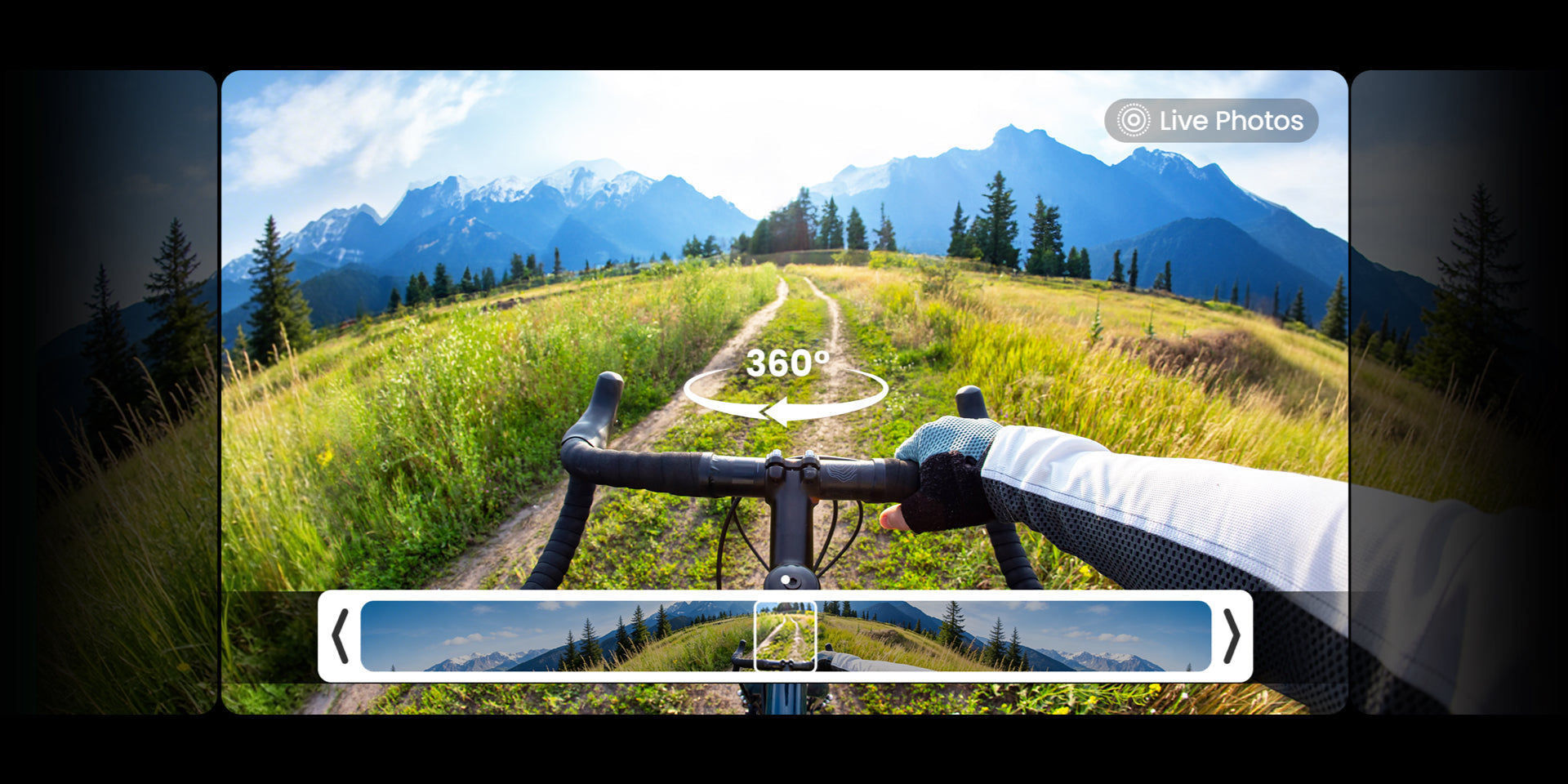
That design is the reason 360 cameras are so useful for motorcycles, bicycles, hiking and travel. You do not need to aim perfectly while the action is happening. You can record once, then direct the viewer toward the road, rider, landscape or a third-person angle later.
What Happens When You Reframe the Footage?
Reframing is a digital crop from the spherical master. A wide view uses a larger portion of the sphere; a tight view uses a smaller portion and magnifies it more. As the crop becomes tighter, visible detail falls. There is no honest universal rule saying that every 8K 360 file becomes exactly 4K or exactly 1080p after reframing, because the result changes with field of view, direction, stabilization crop and export format.
The practical approach is to preserve the original 360 master, choose the final canvas and test a short export before committing to a long edit. A YouTube landscape edit and a vertical Reel can use different angles from the same recording, but each version should be framed for its own audience rather than treated as an automatic resize.
Why 50fps Matters for Outdoor Action
Frame rate describes motion, not spatial detail. At 50fps, the camera records 50 moments each second. That gives cycling, motorsports and other fast movement more temporal information than 30fps. It can reduce the jumpy look of rapid motion and supports half-speed playback on a 25fps timeline.
For a U.S. workflow built around 30fps or 60fps delivery, 50fps footage may require frame resampling or a deliberate timeline choice. Test the complete path from camera to editor to platform. Use 8K/50fps when motion and reframing flexibility justify the larger files; for slower scenes or longer recording, another mode may be more efficient.
Why the Same 8K/50fps Number Does Not Mean the Same Image Quality
Resolution and frame rate are only two parts of the result. Sensor area, lens quality, exposure, bit rate, codec, dynamic range, stabilization, stitching and image processing all affect the finished clip. Low light is especially demanding because a faster frame rate gives each frame less time to collect light.
Insta360 X6 is the more advanced flagship, with custom Sony sensors, a newer processing system, I-Log, Dolby Vision and a more automated AI workflow. XTRA 360 approaches the same core 8K/50fps capture concept from a value position, adding 100MP photos, 10-bit X-Log and about 105GB of usable built-in storage at a current U.S. price of $299.
XTRA 360 and Insta360 X6: Relevant 8K Buying Differences
| Decision factor | XTRA 360 | Insta360 X6 |
|---|---|---|
| Checked U.S. price | $299 sale price | $699.99 Standard Bundle |
| 360 capture | Up to 8K/50fps | Up to 8K/50fps |
| Professional color | 10-bit X-Log | 10-bit I-Log; native Dolby Vision |
| 360 photos | 100MP | 120MP |
| Usable built-in storage | About 105GB, plus microSD | About 47GB, plus microSD |
| Workflow emphasis | Capture, reframe and grade at a lower entry price | Premium imaging and more automated AI editing |
Specifications and U.S. prices checked August 21, 2026. Prices, modes and software features can change. Disclosure: XTRA 360 is an XTRA product. This article uses manufacturer specifications and current listings; it is not an independent head-to-head laboratory test.

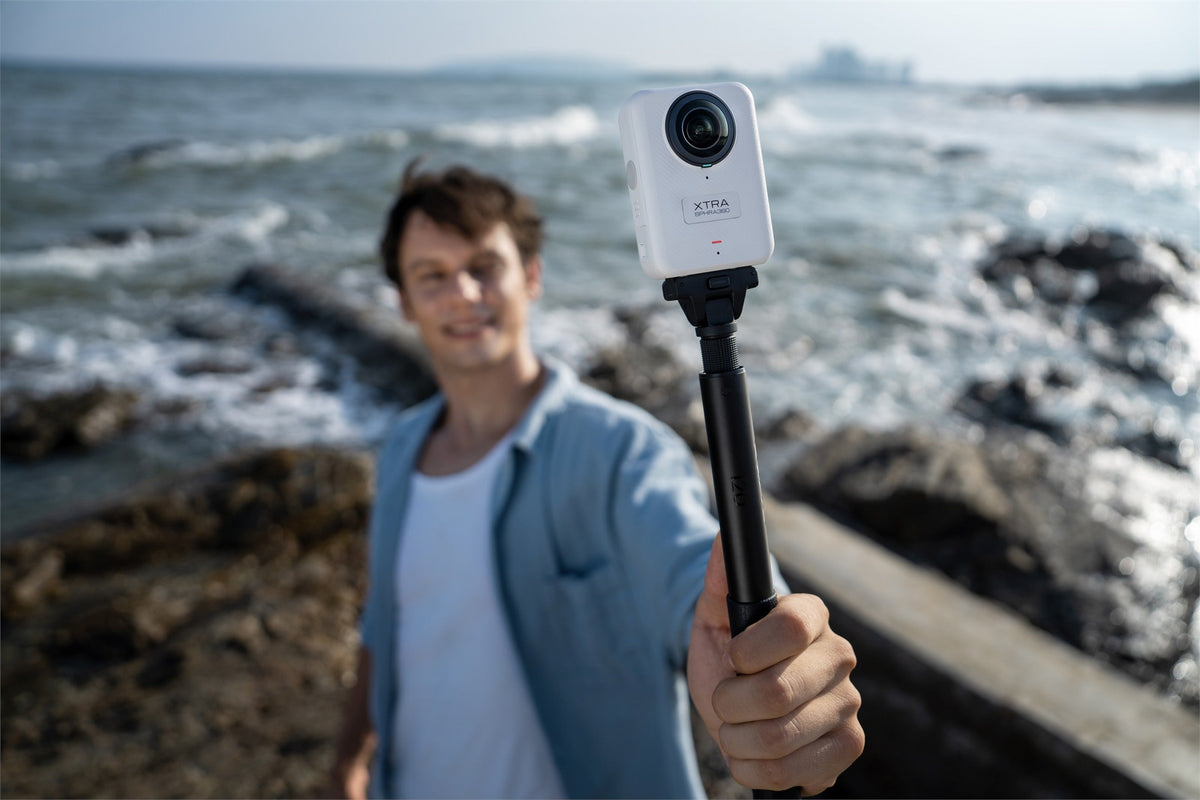
XTRA 360 combines up to 8K/50fps 360 capture, 100MP photos and 10-bit X-Log at a current $299 price. Source: XTRA official store.
Who Benefits Most From 8K/50fps?
The mode is most useful when the subject moves quickly, the camera cannot be aimed during the activity, or one recording needs to supply several viewpoints. A rider can move from a road-ahead view to a side profile and then a third-person angle. A traveler can create both a wide landscape edit and a vertical social cut from the same master.
It is less important when the camera is locked to one direction, the scene moves slowly, editing hardware is limited or the final clip will never be reframed. In those cases, a lighter recording mode may reduce storage, heat and processing demands without changing the story.
Where XTRA 360 Fits
XTRA 360 is designed for creators who want the central 360 benefit—capture first and choose the view later—without starting at a flagship price. Its 10-bit X-Log option supports deliberate color grading, while 100MP panoramic photos can supply landscape crops, thumbnails and social stills. The roughly 105GB of usable built-in storage also provides immediate working space for large 8K masters.
For recording preparation, see why built-in camera storage matters for high-resolution video. For delivery, use our guide to turning one 360 video into YouTube, Reels and Shorts. Riders planning a mounted outdoor workflow can also read our 360 camera guide for motorcycle riding.

Large 8K 360 master files make storage planning part of the recording workflow. Source: XTRA official product media.
A Practical 8K/50fps Checklist
- Clean both lenses before recording; one mark can affect every later angle.
- Use 8K/50fps when fast motion or reframing flexibility justifies the larger file.
- Check remaining storage, battery level and camera temperature before a long take.
- Keep important subjects away from the stitch line at close range.
- Export a short sample in the final aspect ratio before editing the full session.
The Bottom Line
8K/50fps is valuable because it gives a 360 editor more spatial and motion information to work with. It does not turn every crop into a flat 8K video, and it does not erase differences in sensors, processing or software. For outdoor creators who understand that trade-off, XTRA 360 offers the core 8K50 capture-and-reframe workflow, 10-bit X-Log and generous built-in storage at $299.
Explore XTRA 360 and check the current offer
Frequently Asked Questions
Does XTRA 360 record 8K/50fps?
Yes. The current XTRA 360 product specification lists panoramic recording up to 7680×3840 at 50fps. Available settings and real performance can vary with mode, temperature and use conditions.
Will an XTRA 360 reframed video still be 8K?
Not as a normal forward-facing crop. The 8K master covers the full sphere, while a reframed view uses only part of it. Final resolution depends on field of view, crop and export settings.
Is 50fps always better than 30fps?
No. Fifty frames per second is useful for faster motion and slow-motion flexibility, but it creates larger files and may need timeline resampling for 30fps delivery. Choose the mode for the intended output.
Can XTRA 360 record without a microSD card?
Yes. It includes 128GB of internal storage with about 105GB available for recording, plus microSD expansion for longer sessions.
Do I need a powerful computer to edit 8K 360 video?
A capable device, sufficient free storage and proxy or optimized-media support can make editing easier. Test a short original file in your planned editor before recording an important long session.

Leave a comment
This site is protected by hCaptcha and the hCaptcha Privacy Policy and Terms of Service apply.